How-To Document
Updated on:
11/13/2008
By:Christopher Ware
Page 6 of 13
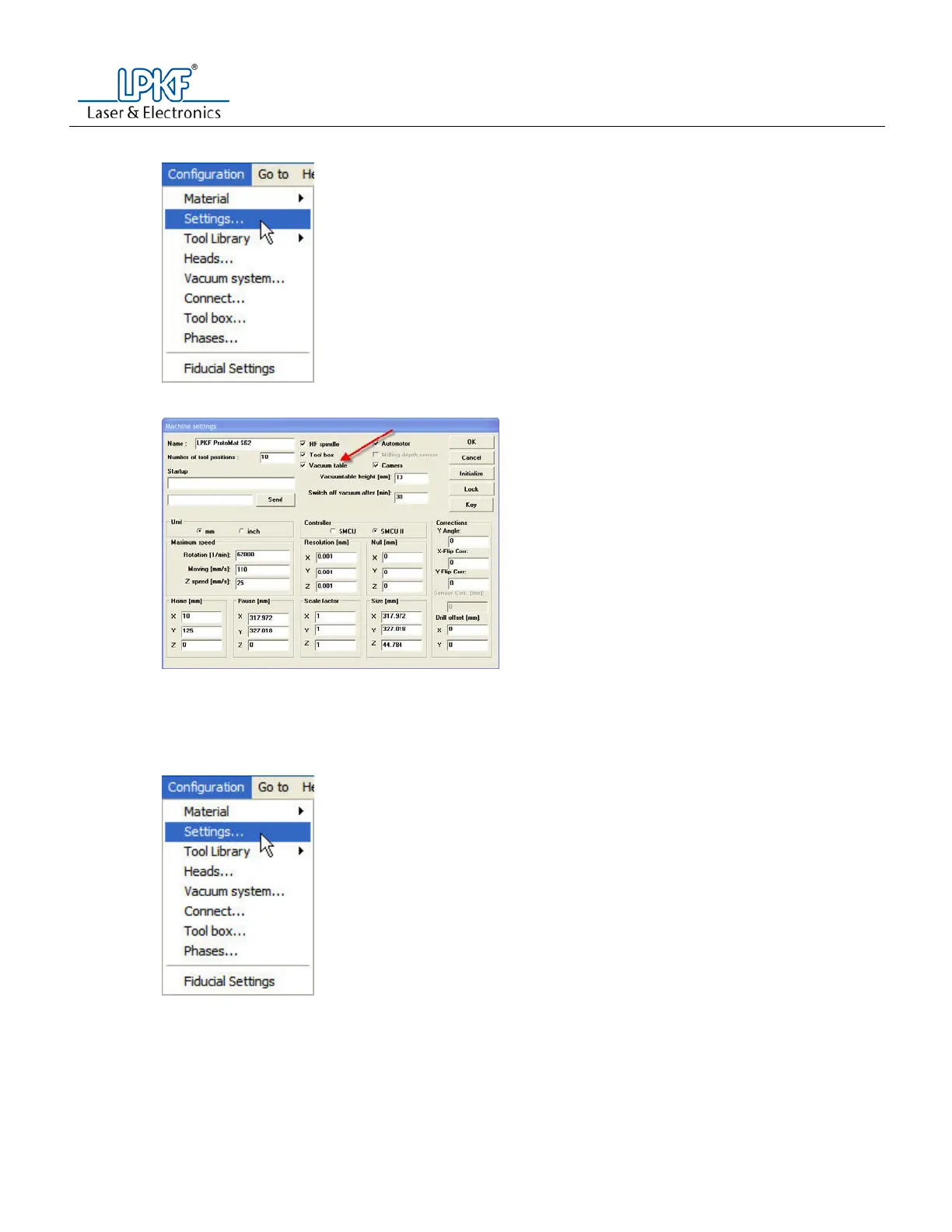
g. Go to the configuration menu and select settings.
h. Press the unlock button.
i. Uncheck the vacuum table check box in the upper portion of the window.
j. Press the OK button
Note: The machine will move to the exchange position.
k. When prompted, enter the tool status.
6. Initialize the machine.
a. Go to the configuration menu and select settings.
b. Press the unlock button



 To Next Page