Digital Video Recorder User Manual
21
3.1.2 Power off
User can power off the device by using remote controller、keyboard and mouse.
By remote controller:
Step1: press Power button, the Shut down window will appear, click OK, the unit will power off after a while.
Step2: disconnect the power
By keyboard and mouse:
Step1: enter into Menu, then select “System Shut Down” icon, the Shut down window will appear
Step2: click OK, the unit will power off after a while.
Step3: disconnect the power
3.2 Login
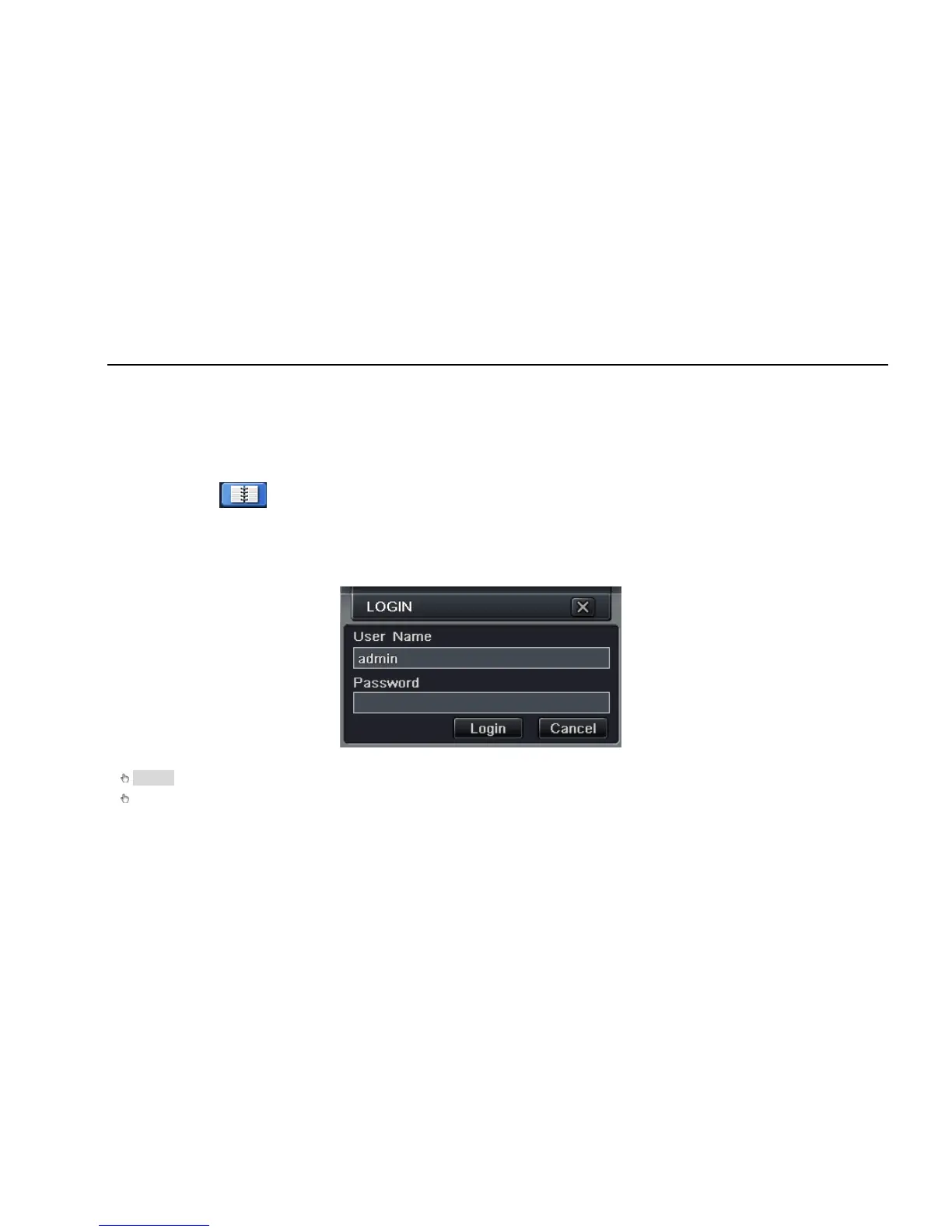
User can login and logout the DVR system. User cannot do any other operations except changing the multi-screen display once logout.
Fig 3-1 Login
Notice: the default user name and password is “admin” and 123456
”
The concrete operation steps for change password, add or delete user please refer to Fig 3.7 User management configuration for more
details.



 To Next Page