Digital Video Recorder User Manual
45
4.5.2 Motion
Motion includes two sub menus: motion and schedule.
① Motion
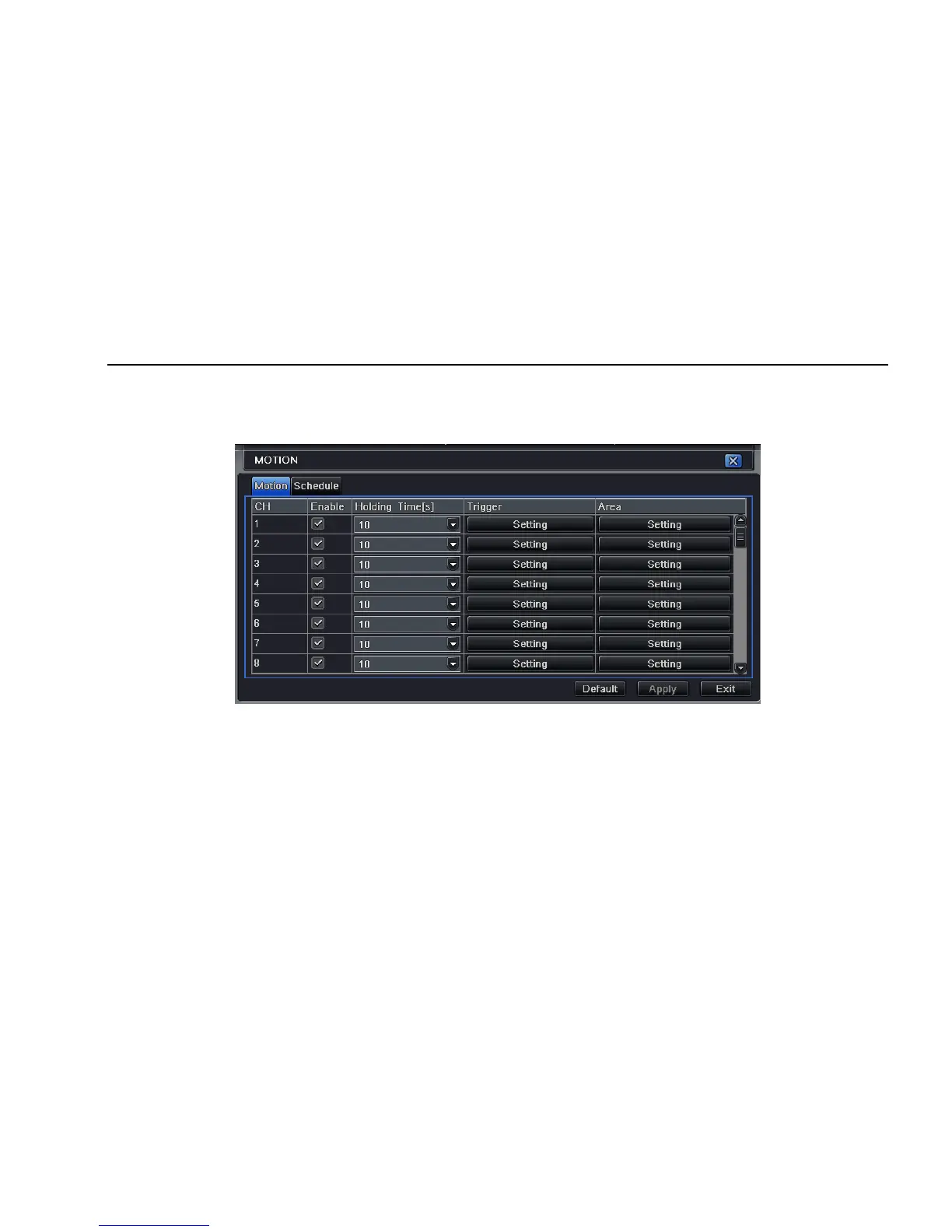
Step1: enter into system configurationÆalarm configurationÆmotion; refer to Fig 4-23:
Fig 4-23 alarm configuration-motion
Step2: enable motion alarm, set alarm hold time which means time interval between two adjacent detective motions. If there is other motion
detected during the interval period which is considered continuous movement; otherwise, it will be considered that those two adjacent detective
motions are two different motion events. Click Trigger button, a dialog box will pop-up:
Step3: the setup steps of motion trigger are familiar with alarm handling; user can refer to Chapter 4.5.1 Sensor Æalarm handling for more
details.
Step4: click Area button, a dialog box will pop-up as Fig 4-24:



 To Next Page