Digital Video Recorder User Manual
56
options: lowest, lower, low, medium, higher and highest.
Encode VBR and CBR
Max bit rate
Range from: 64 Kbps、128 Kbps、256 Kbps、512 Kbps、768 Kbps、1Mbps、2 Mbps
4.7 User management configuration
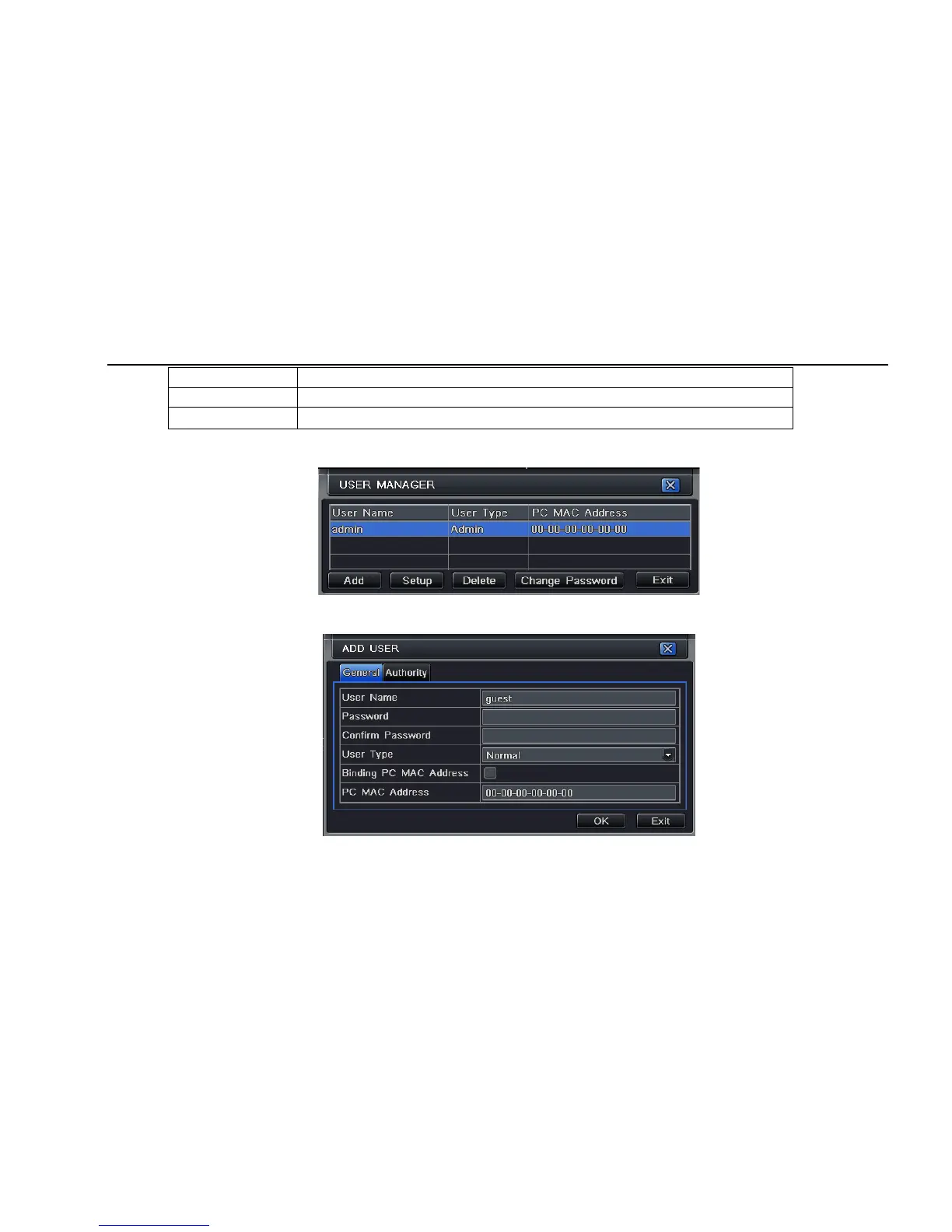
Step1: enter into system configurationÆuser management configuration; refer to Fig 4-34:
Fig 4-34 user management configuration
Step2: click Add button, a dialog box will pop-up as Fig 4-35:
Fig 4-35 add-general



 To Next Page