Digital Video Recorder User Manual
35
4.3.2 Record stream
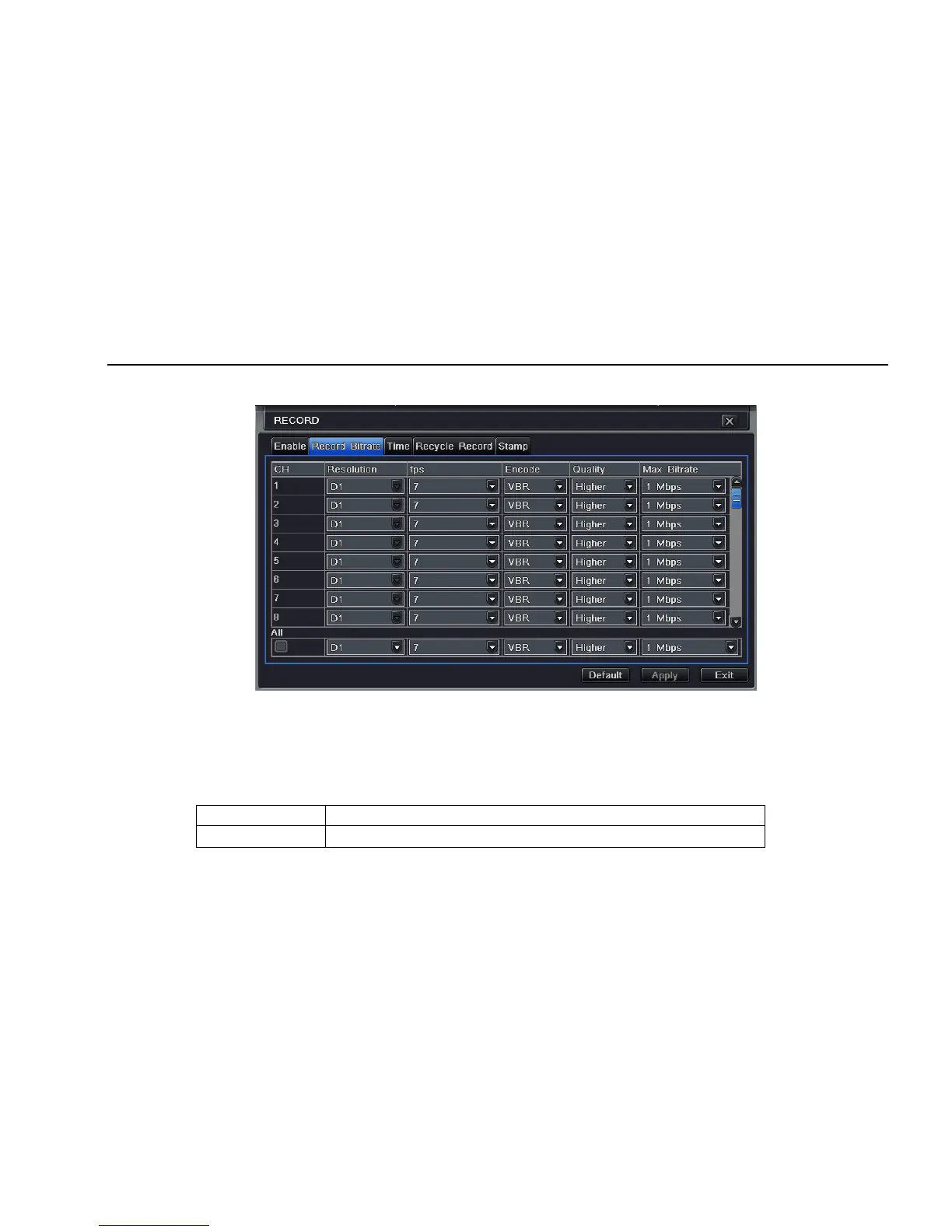
Step1: enter into system configurationÆrecord configurationÆrecord bit rate; refer to Fig 4-12:
Fig 4-12 record configuration-record bit rate
Step2: setup rate, resolution, quality, encode and max bit stream
Step3: user can setup all channels with same parameters, tick off “All”, then to do relevant setup.
Step4: click “default” button to resort default setting; click “apply” button to save the setting; click “exit” button to exit current interface.
Note: if the rate value set is over high the maximum resources of the device, the value will be adjusted automatically.
Definitions and descriptions of Record stream:
Parameter Meaning
Rate
Range from: 1-30(NTSC)1-25(PAL)



 To Next Page