Digital Video Recorder User Manual
50
Note: the default schedule of motion detection is full-selected, that is, the color of schedule setting interface is blue.
③ Buzzer
Step1: enter into system configurationÆbuzzer;
Step2: tick off Buzzer, set buzzer alarm hold time
4.6 Network configuration
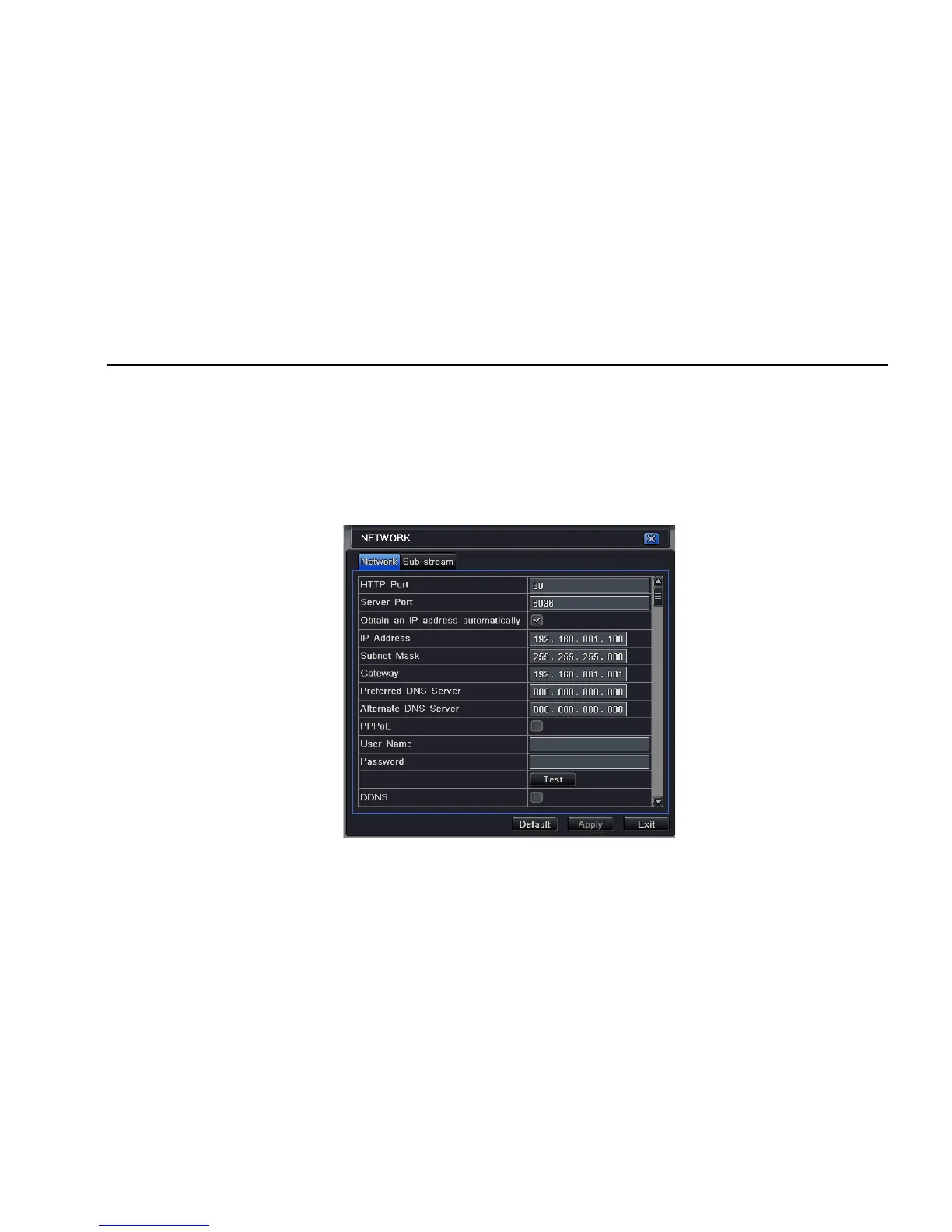
Network configuration includes two submenus: network and network stream.
4.6.1 Network
Step1: enter into system configurationÆnetwork configurationÆnetwork; refer to Fig4-29:
Fig 4-29 network configuration-network



 To Next Page