Digital Video Recorder User Manual
86
7.3.2 Remote backup
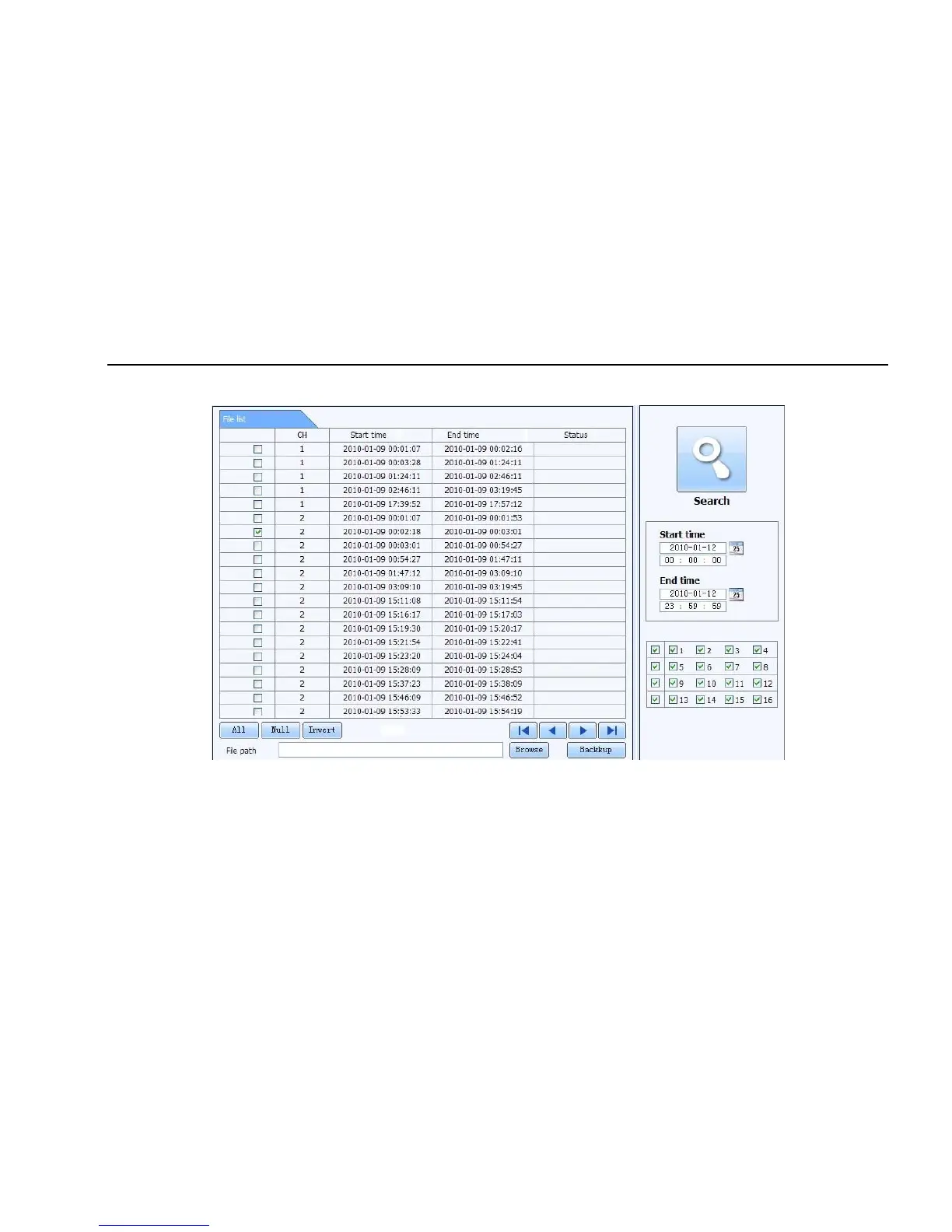
Click Backup button to enter into backup interface, refers to Fig 7-12:
Fig 7-12 remote backup interface
Step1: select channels, set the start and end time, then click “search’ button, the file information will be displayed in the file list box
Step2: select backup files, click “browse” button to set the save path, and then click “backup” button to start backup. The backup files will be saved
on user’s PC.



 To Next Page