Digital Video Recorder User Manual
77
Symbol and function Definitions:
①
Channel indicator
②
Screen display mode
③
volume
④
Snapping picture
⑤
Start record
⑥
Playback
⑦
Master/sub stream
status
⑧
Color adjustment
⑨
PTZ control
Note: click button to record manual and the record file will be saved in user’s PC.
Screen display mode:
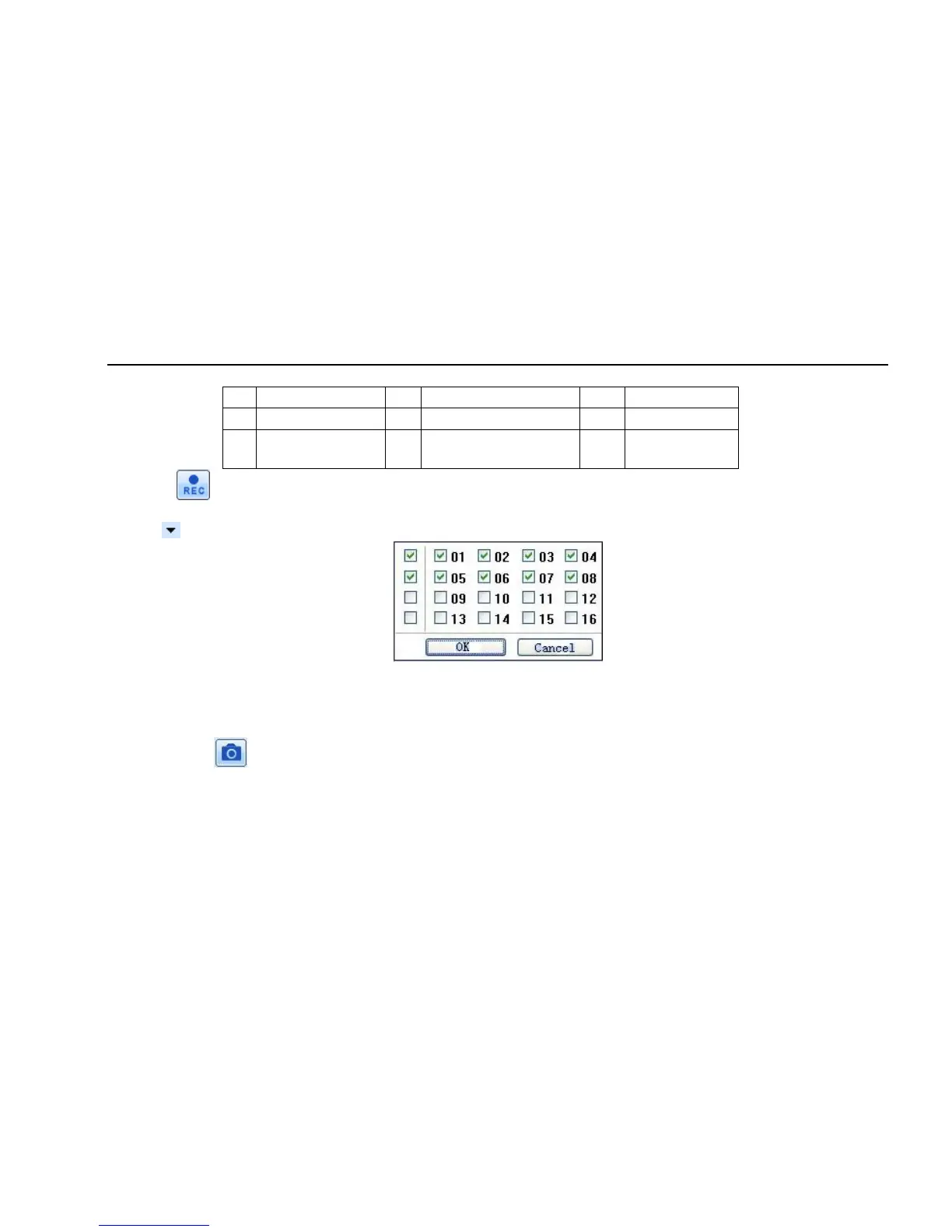
Click the icon beside the screen display mode, channel select dialog will appear as below:
Fig 7-3 Channel select dialog
Take 8-channel DVR for example: user can tick off channels form 1-ch to 16-ch at random to display the live pictures, 8 channels can be selected at
most. Then click OK button to confirm the setting.
Snap pictures
1. Click “Snap” icon, select the picture number, and refer to Fig 7-4:



 To Next Page