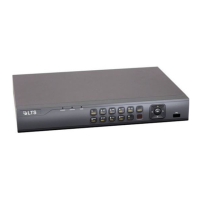
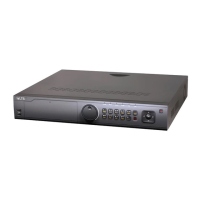
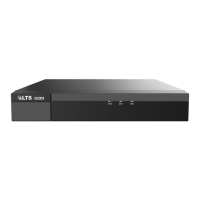
DigitalVideoRecorderQuickStartGuide
11
Figure2‐1 RemoveCo ver
Step2 ConnectoneendofthedatacabletothemotherboardofDVRandtheotherend
totheHDD.
Figure2‐2 ConnectDat aCable
Step3 ConnectthepowercabletotheHDD.
Figure2‐3 ConnectPowerCable
Step4 PlacetheHDDonthebottomofthedeviceandthenfastenthescrewsonthe
bottomtofixtheHDD.


 To Next Page
 Loading...