EasyManua.ls Logo

LUMENIS PULSE 50H User Manual

LUMENIS PULSE 50H
76 pages
To Next Page IconTo Next Page
Page #1 background imageLoading...
Page #1 background image
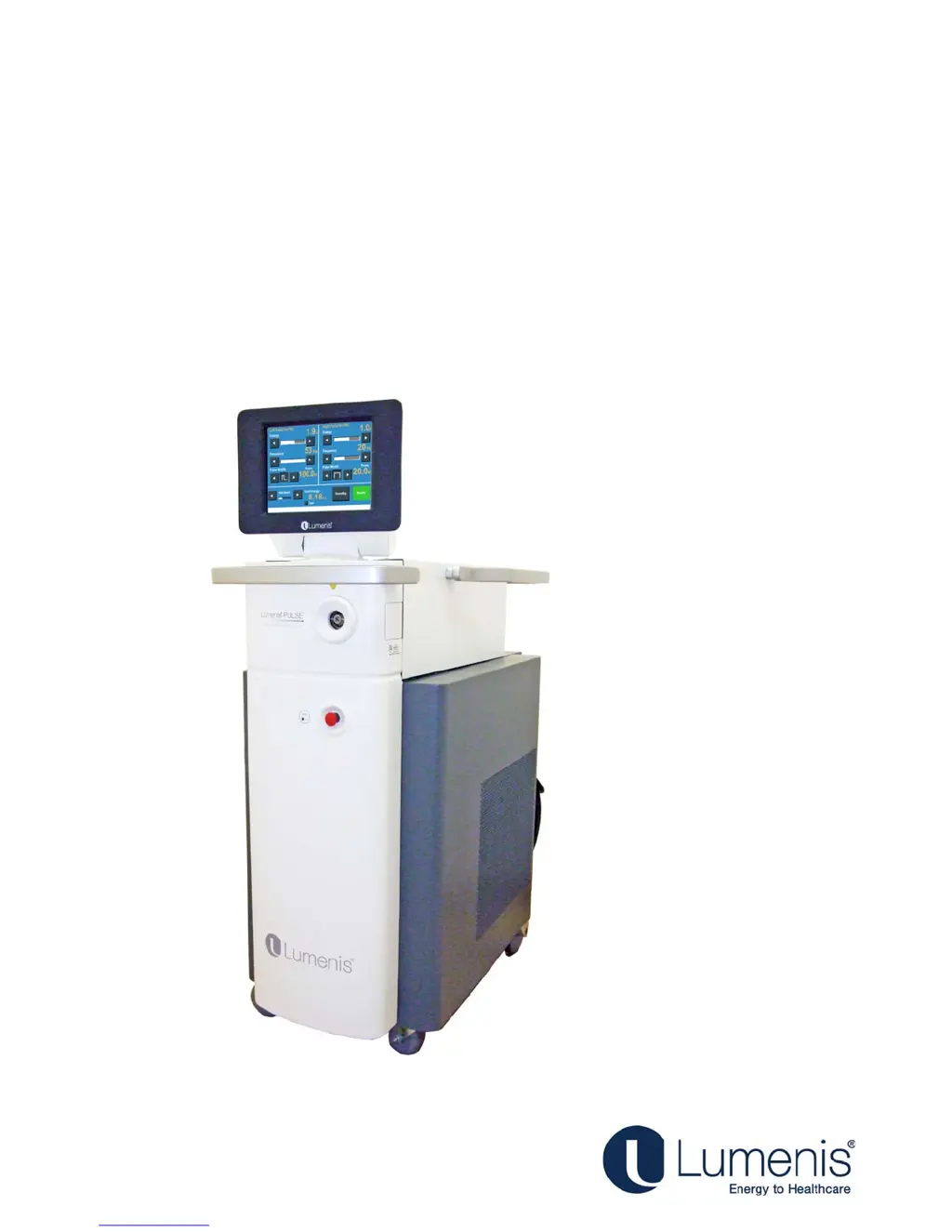
Holmium Surgical Lasers
Operator's Manual
Lumenis PULSE
50H/100H
®
TM

Table of Contents

Question and Answer IconNeed help?

Do you have a question about the LUMENIS PULSE 50H and is the answer not in the manual?

LUMENIS PULSE 50H Specifications

General IconGeneral
ModelPulse 50H
ManufacturerLumenis
Cooling SystemIntegrated contact cooling
TypeLaser
Power Requirements50/60 Hz

Summary

Chapter 1: Introduction

Reference to the Lumenis Pulse Systems

Explains how the manual refers to the 50H and 100H systems.

Manual Conventions

Defines notes, cautions, and warnings used in the manual.

System Overview

Covers main components and features of the laser system, including console and footswitch.

Chapter 2: Theory of Operation

Laser Power Parameters

Explains how laser wavelength, energy, and frequency affect tissue interaction.

Chapter 3: Safety

Optical Hazards

Covers laser safety eyewear and additional ocular protection measures.

Electrical and Fire Hazards

Details risks and precautions for electrical, fire, and general safety.

Protecting Non-Target Tissues

Provides guidance on preventing accidental damage to surrounding tissues.

Laser Emission Indicators and Labels

Explains indicators and important safety labels on the system.

Chapter 4: Clinical Guide

Indications for Use

Lists surgical procedures and specialties for which the laser system is intended.

Contraindications

Details conditions and situations where the laser system should not be used.

Warnings and Precautions

Provides critical warnings and precautions for safe clinical application.

Complications

Lists potential complications that may occur during or after laser surgery.

Chapter 5: Preparing the System for Use

Moving the Laser System Console

Instructions for safely relocating the laser system console.

Connecting the Footswitch

Step-by-step guide for connecting the dual-pedal footswitch.

Plugging in the Main Power Cable

Instructions for safely connecting the system to electrical power.

Connecting the Optical Fiber

Procedures for properly connecting the optical fiber to the system.

Chapter 6: Operating Instructions

Emergency Stop Switch

How to use the emergency stop to immediately disable laser emission.

Powering on the System

Step-by-step guide for starting up the laser system.

Treatment Screen Description

Explains the elements and functions of the main treatment screen.

Intra-Operative Instructions

Guidance for operating the laser during surgical procedures.

Chapter 7: Troubleshooting and Maintenance

Handling Error Messages and Notifications

How to interpret and resolve system messages and errors.

Troubleshooting Common Malfunctions

Guide to diagnosing and correcting common system malfunctions.

Routine Periodic Maintenance

Schedule for regular cleaning, inspection, and testing of the system.

Professional Maintenance

Covers checks, calibrations, and maintenance requiring specialized skills.

Chapter 8: System Requirements and General Information

Installation

Information on initial setup and installation of the laser system.

Electrical Requirements

Specifies voltage, frequency, and current needs for the system.

Compliance With International Standards

Details system compliance with safety and regulatory standards.

System Specifications

Provides technical specifications for the laser system's performance and components.

Related product manuals