EasyManua.ls Logo

LUMENIS UltraPulse - User Manual

LUMENIS UltraPulse
170 pages
Print Icon
To Next Page IconTo Next Page
Loading...
®
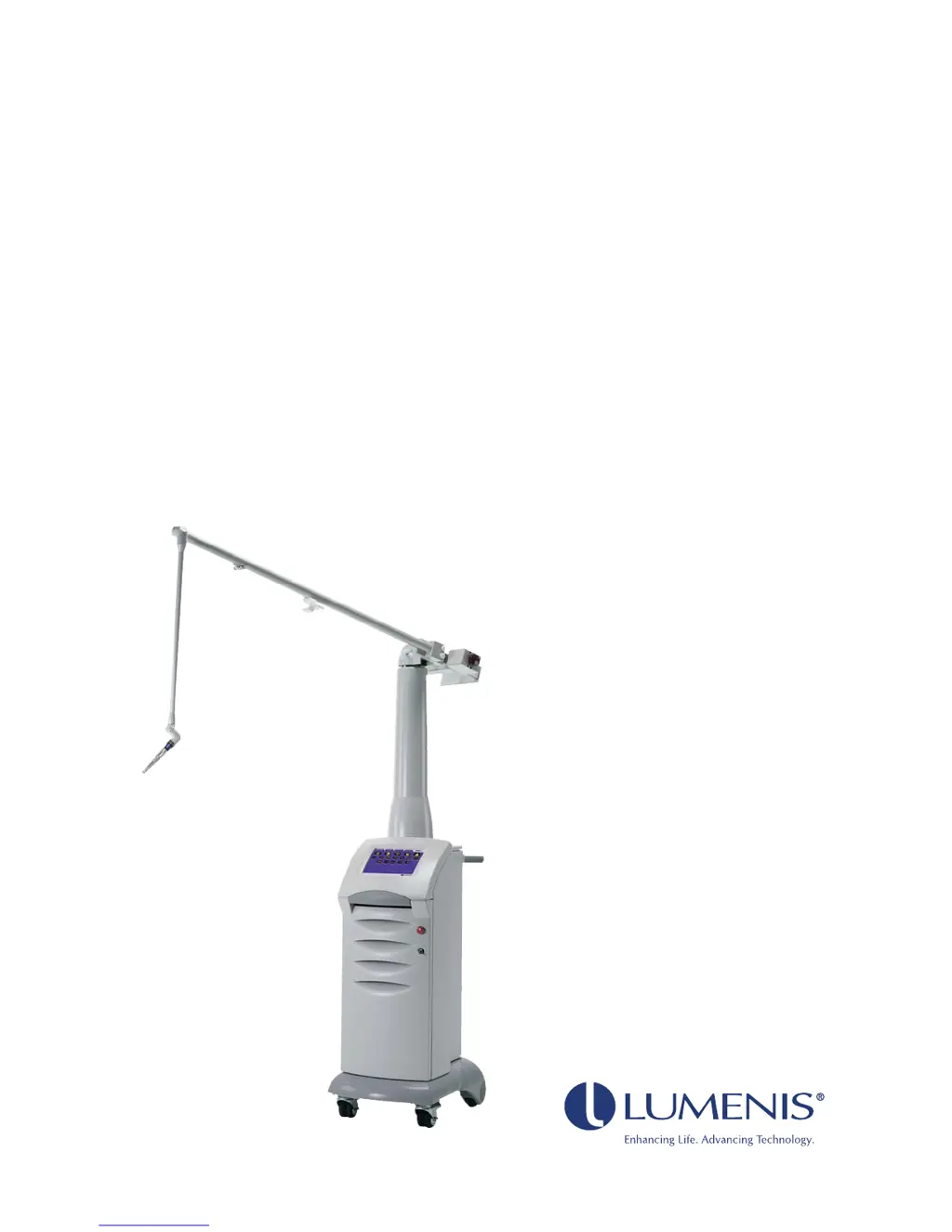
UltraPulse
Carbon Dioxide Laser
Operator Manual
for Encore
TM
and SurgiTouch
TM
Models

Table of Contents

Questions and Answers

  • W
    Willie BuckleySep 16, 2025
    Why is the treatment beam inadequate on my LUMENIS UltraPulse Medical Equipment?
    • A
      Angela ChapmanSep 16, 2025
      If you experience inadequate treatment beam or tissue effect with the Lumenis Medical Equipment, the treatment or aiming beam might not be properly aligned. Check the alignment. The lumen or optics of the delivery device could be dirty, so verify they are clean according to your delivery device operator manual. Also, the delivery device might not be properly connected, so ensure it is connected as instructed in the manual. Finally, check that the insufflation or purge is properly connected, as instructed in your delivery device operator manual.
  • G
    Gregory YoungAug 25, 2025
    What to do if the “Error # 181” advisory code appears on LUMENIS UltraPulse Medical Equipment?
    • K
      Kelly LittleAug 25, 2025
      Slow down your transiting from screen to screen; allow each screen to finish loading completely before advancing to the next screen. If error # 181 appeared: - Go to the Options screen - Pause scanner operation - Resume scanner operation - Press the desired tab again. Alternately, restart the system. If all of the above fails, refer to Lumenis' service department.
  • J
    Jo DavisAug 25, 2025
    How to fix a LUMENIS UltraPulse system that does not turn on?
    • J
      Juan BartlettAug 26, 2025
      If the Lumenis Medical Equipment system does not turn on and the control screen does not illuminate, there are several potential causes. First, ensure the laser is plugged into an appropriate outlet and the laser main power circuit breaker is in the on (up) position. Also, verify that the building power is turned on. If the issue persists, try using another electrical outlet or have the outlet professionally tested and repaired if necessary.
  • N
    Nicole WhitakerAug 26, 2025
    What to do if the “Coolant Too Hot” message appears on LUMENIS UltraPulse?
    • S
      stewartnatalieAug 27, 2025
      If the “Coolant Too Hot” advisory message appears on your Lumenis Medical Equipment, make sure that nothing is blocking the front or rear vents on the laser. Also, ensure there is enough space between the laser system, walls, or other equipment in the treatment room. Let the system run for about 5 minutes without using the footswitch, or until the message disappears.
  • R
    Raymond LangSep 18, 2025
    What to do if Lumenis Medical Equipment has no treatment or aiming beam?
    • S
      shawna75Sep 18, 2025
      If there is no treatment beam or aiming beam output on your Lumenis Medical Equipment, and the control screen displays and indicators are normal, the articulated arm might be improperly positioned. Reposition the articulated arm. Alternatively, there could be an internal laser system failure. In this case, contact your local Lumenis representative.
  • K
    Kevin WilliamsSep 23, 2025
    What to do if the Microscanner Fell To the Floor on Lumenis Medical Equipment?
    • K
      Kelly BassSep 23, 2025
      Perform the Laser Beam Alignment Check, as described in the accessory’s manual. If the check result is satisfactory, proceed with normal operation. If the check result is not satisfactory, refer to Lumenis' service department.
  • A
    Andrew WernerSep 8, 2025
    What does “Verify that purge is connected” mean on LUMENIS UltraPulse?
    • P
      Patrick LoveSep 9, 2025
      If the “Verify that purge is connected” message appears on your Lumenis Medical Equipment, it means that you have selected an application or delivery device that commonly requires air or gas purge. To resolve this, verify that the purge device is properly connected, as instructed in your delivery system operator manual. Press the button to acknowledge the message.
  • M
    Michelle WardSep 9, 2025
    What does “Verify that insufflation is attached” mean on LUMENIS UltraPulse Medical Equipment?
    • P
      pkingSep 9, 2025
      If the “Verify that insufflation is attached” message appears on your Lumenis Medical Equipment, it indicates that you have selected an application or delivery device that typically requires an insufflation system. Verify that the laparoscopic insufflation device is properly connected, following the instructions in your delivery system operator manual. Then, press the button to acknowledge the message.
  • A
    Allison LewisSep 2, 2025
    Why does my LUMENIS UltraPulse say “Attach the UltraScan Encore CPG”?
    • H
      hamiltonshaneSep 2, 2025
      If the “Attach the UltraScan Encore CPG” message appears on your Lumenis Medical Equipment, it could be because you selected the Resurfacing CPG application without attaching the CPG handpiece. Attach the CPG handpiece, then press the Resurfacing CPG button again. Alternatively, you might have selected a non-CPG application or mode. To operate without the CPG, press the button to acknowledge the message, then select a non-CPG application.
  • A
    Amber SimmonsSep 1, 2025
    What does “CPG detached–exiting CPG mode” mean on LUMENIS UltraPulse Medical Equipment?
    • J
      Jimmy DuncanSep 1, 2025
      If the “CPG detached–exiting CPG mode” message appears on your Lumenis Medical Equipment, it could be because the CPG was intentionally disconnected. In this case, press the button to acknowledge the message. Alternatively, the communication cable might not be properly attached to the laser console or CPG handpiece, or the cable could be defective. Check that the communication cable is securely plugged into the cable receptacles on both the laser console and CPG, and ensure the cable isn't damaged. If the problem continues, contact your local Lumenis representative.

Summary

General Operation

Laser Console Basics

Turning On the Laser

Step-by-step guide to powering on the laser console.

Laser Beam Alignment Check

Procedure for ensuring proper laser beam alignment for safe operation.

Emergency Off

Procedure for immediate laser shutdown in an emergency.

Control Screen Basics

Laser Status: Ready or Standby

How to interpret and manage the laser's operational status.

SurgiTouch+

Selecting a Specialty, Application, and Delivery Device

Guide to choosing treatment parameters based on specialty, application, and device.

UltraPulse

Setting the Energy or Fluence

How to adjust energy and fluence levels for optimal treatment.

Setting the Repetition Rate or Average Power

Adjusting pulse rate and average power output for laser treatments.

Maintenance

Troubleshooting Guide

Guide to identifying and resolving common system problems and error messages.

Safety and Regulatory

Laser Safety Eyewear

Information on selecting and using appropriate laser safety eyewear.

LUMENIS UltraPulse Specifications

General IconGeneral
Laser TypeCO2 Laser
Wavelength10, 600 nm
Pulse EnergyUp to 500 mJ
Delivery SystemArticulating arm
Cooling SystemAir cooling
Aiming BeamRed diode laser
Power Requirements50/60 Hz

Related product manuals