EasyManua.ls Logo

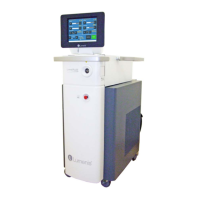
LUMENIS UltraPulse - User Manual

LUMENIS UltraPulse
170 pages
Print Icon
To Next Page IconTo Next Page
Loading...
®
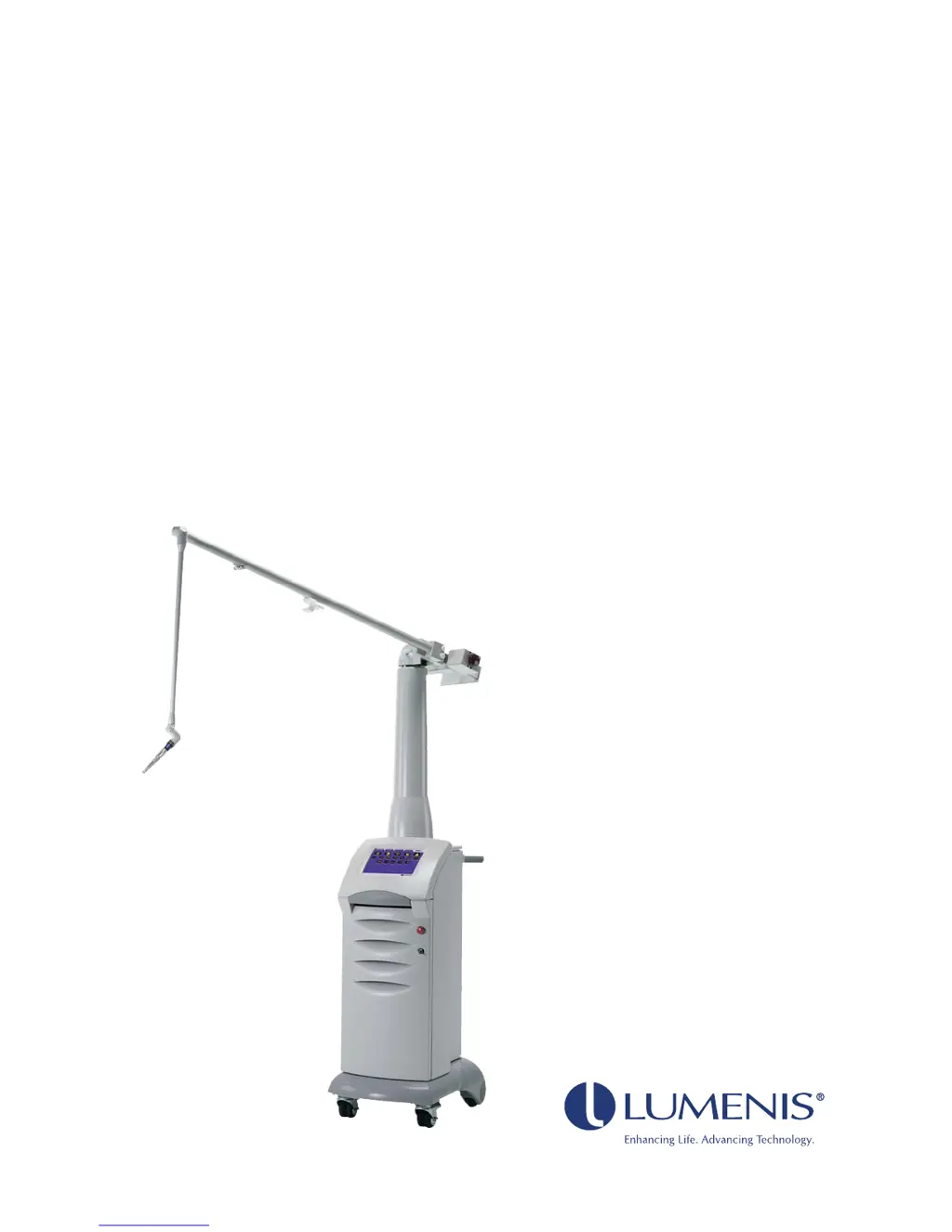
UltraPulse
Carbon Dioxide Laser
Operator Manual
for Encore
TM
and SurgiTouch
TM
Models

Table of Contents

Questions and Answers

  • T
    Terri BeckerSep 12, 2025
    What does “CPG mirror position error” mean on Lumenis Medical Equipment?
    • E
      etorresSep 12, 2025
      If the “CPG mirror position error” advisory message appears on your Lumenis Medical Equipment, it means that the CPG or SurgiTouch communication cable was attached to the laser system while the system was turned on. Turn the system off, connect the cable, wait 15 minutes, and then turn the system back on. Resume normal operation.
  • E
    Elijah SantanaSep 12, 2025
    Why does my LUMENIS UltraPulse say “CPG is not compatible”?
    • J
      Joseph LiuSep 12, 2025
      If the “CPG is not compatible” message appears on your Lumenis Medical Equipment, the UltraScan Encore CPG handpiece model that is attached is not compatible with the laser system. Disconnect the CPG and attach the correct one, if available. Verify that your CPG has a blue label before attempting to use it with the UltraPulse laser. If the condition persists, contact your local Lumenis representative.
  • J
    John RobertsonSep 12, 2025
    What does “Release footswitch before ready” mean on Lumenis Medical Equipment?
    • B
      brianjacobsSep 12, 2025
      If the “Release footswitch before ready” advisory message appears on Lumenis Medical Equipment, it means the footswitch has been depressed while trying to enter ready mode. Release the footswitch, press the button to acknowledge the message, and then press the ready button to continue, ensuring the footswitch is not depressed.
  • M
    Michelle WardSep 9, 2025
    What does “Verify that insufflation is attached” mean on LUMENIS UltraPulse Medical Equipment?
    • P
      pkingSep 9, 2025
      If the “Verify that insufflation is attached” message appears on your Lumenis Medical Equipment, it indicates that you have selected an application or delivery device that typically requires an insufflation system. Verify that the laparoscopic insufflation device is properly connected, following the instructions in your delivery system operator manual. Then, press the button to acknowledge the message.
  • A
    Andrew WernerSep 8, 2025
    What does “Verify that purge is connected” mean on LUMENIS UltraPulse?
    • P
      Patrick LoveSep 9, 2025
      If the “Verify that purge is connected” message appears on your Lumenis Medical Equipment, it means that you have selected an application or delivery device that commonly requires air or gas purge. To resolve this, verify that the purge device is properly connected, as instructed in your delivery system operator manual. Press the button to acknowledge the message.
  • B
    Brittany RosalesSep 7, 2025
    Why does LUMENIS UltraPulse say “Scan mode is not available”?
    • A
      Amanda GriffithSep 7, 2025
      If the “Scan mode is not available” message appears on your Lumenis Medical Equipment, it means that scan mode is not available with the delivery device you have attached. To fix this, attach a compatible scanning delivery device or, if appropriate, operate in Non-scan mode with the selected delivery device. Press the button to acknowledge the message.
  • D
    Donald BennettAug 23, 2025
    What to do if a numeric advisory code appears on Lumenis Medical Equipment?
    • B
      Brian ThomasAug 23, 2025
      If a numeric advisory code appears on the Lumenis Medical Equipment, press the button to acknowledge the message. If the condition continues, turn the system off for five seconds, then restart. If the advisory code reappears, record the code and contact your local Lumenis representative.
  • A
    Adam KennedySep 5, 2025
    Why does my Lumenis Medical Equipment say “Attach the UltraPulse SurgiTouch Scanner”?
    • M
      Melinda BallSep 5, 2025
      If the “Attach the UltraPulse SurgiTouch Scanner” message appears on your Lumenis Medical Equipment, it might be because you inadvertently selected a scanning application or delivery device. Select a non-scanning application or delivery device. It could also be that you selected a scanning application or delivery device without attaching the UltraPulse SurgiTouch Scanner. Attach the UltraPulse SurgiTouch Scanner, then press the (Scan) button.
  • P
    Paul DavisSep 4, 2025
    Why doesn't the articulated arm on my LUMENIS UltraPulse Medical Equipment move freely?
    • S
      sarahlewisSep 4, 2025
      If the articulated arm on your Lumenis Medical Equipment does not move freely, the communication cable might be too tight around the joints. Try rerouting the cable to provide adequate operational length at the joints. If the arm mechanism is jammed or bent, contact your local Lumenis representative.
  • J
    Jose LeeSep 3, 2025
    What does “UltraScan Encore CPG is attached” mean on LUMENIS UltraPulse Medical Equipment?
    • L
      lammatthewSep 3, 2025
      If the “UltraScan Encore CPG is attached” message appears on your Lumenis Medical Equipment, it may be because you inadvertently selected a non-CPG application or mode. To continue operating in CPG mode, press the button to acknowledge the message. Another reason could be that you tried to select a non-CPG application or mode with the UltraScan Encore CPG still attached. In this case, disconnect the CPG, then make your non-CPG selection again. Finally, it may be that you attached the UltraScan Encore CPG with a non-CPG application selected, so select the Resurfacing CPG application.

Summary

General Operation

Laser Console Basics

Turning On the Laser

Step-by-step guide to powering on the laser console.

Laser Beam Alignment Check

Procedure for ensuring proper laser beam alignment for safe operation.

Emergency Off

Procedure for immediate laser shutdown in an emergency.

Control Screen Basics

Laser Status: Ready or Standby

How to interpret and manage the laser's operational status.

SurgiTouch+

Selecting a Specialty, Application, and Delivery Device

Guide to choosing treatment parameters based on specialty, application, and device.

UltraPulse

Setting the Energy or Fluence

How to adjust energy and fluence levels for optimal treatment.

Setting the Repetition Rate or Average Power

Adjusting pulse rate and average power output for laser treatments.

Maintenance

Troubleshooting Guide

Guide to identifying and resolving common system problems and error messages.

Safety and Regulatory

Laser Safety Eyewear

Information on selecting and using appropriate laser safety eyewear.

LUMENIS UltraPulse Specifications

General IconGeneral
Laser TypeCO2 Laser
Wavelength10, 600 nm
Pulse EnergyUp to 500 mJ
Delivery SystemArticulating arm
Cooling SystemAir cooling
Aiming BeamRed diode laser
Power Requirements50/60 Hz

Related product manuals