Selecting a Specialty, Application, and Delivery Device 65
UltraPulse
0637-129-01, Revision G
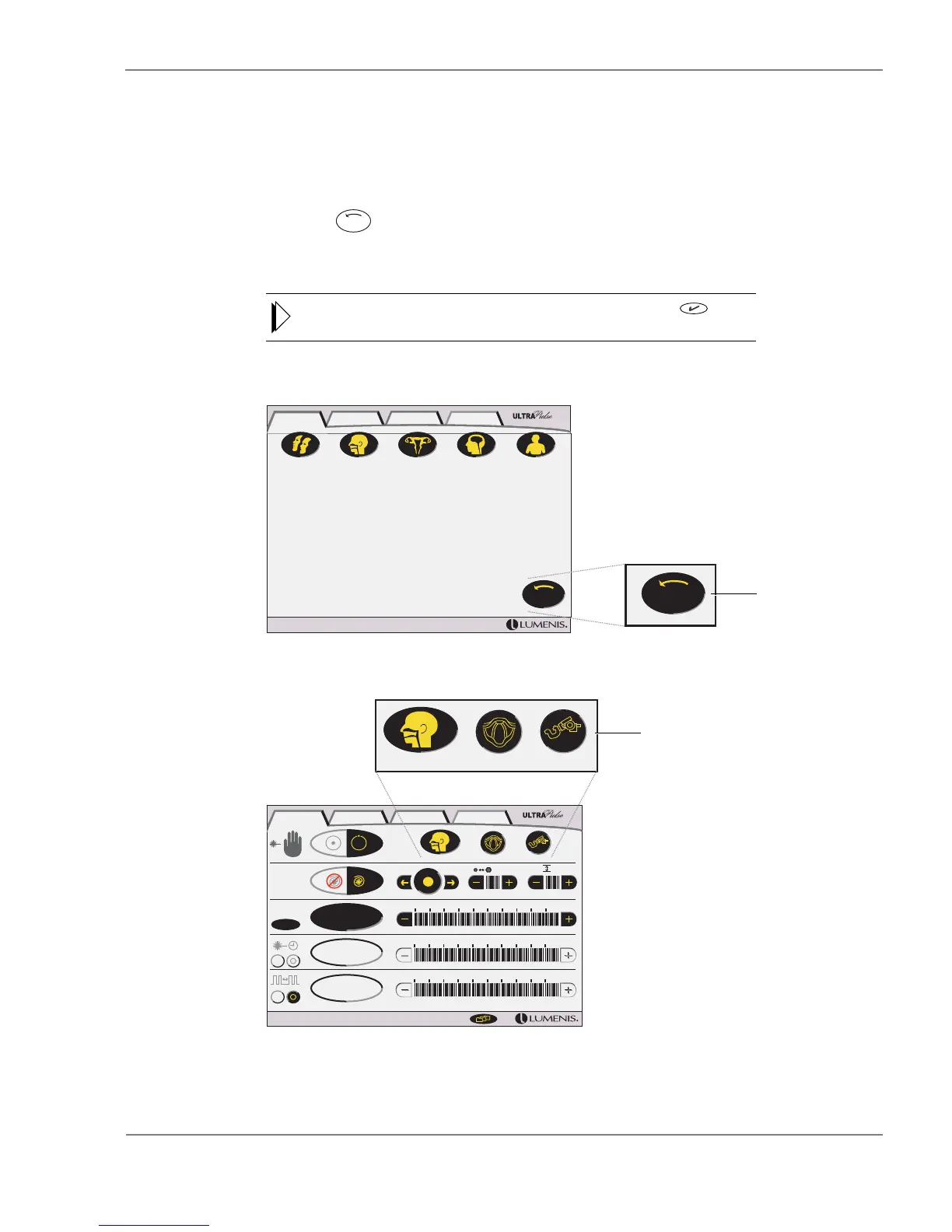
Recalling the Last Setup
The last setup function recalls the last selected specialty, application, and
delivery device, even if the laser has been turned off and restarted. To recall the
last setup:
Press the (last setup) button at the lower right of the SurgiTouch+
control screen. The SurgiTouch+ treatment screen automatically displays the
default treatment settings for the last setup.
Verify that the correct delivery device is attached, then press the button
in the advisory text bar to continue.
SurgiTouch+; Recalling the Last Setup
10.0 W
0.00 s
10 ms
ENT Larynx
AcuBlade
400mm
1 2.0 mm 2
W
ENT Larynx
AcuBlade
400mm
SurgiTouch + UltraPulse CW Options
ENTAesthetic GYN Neuro General
Last
Setup
Last
Setup
SurgiTouch + UltraPulse CW Options
Recall the
last setup
Last setup



 To Next Page