UltraPulse
0637-129-01, Revision G
64 Enabling application- specific settings
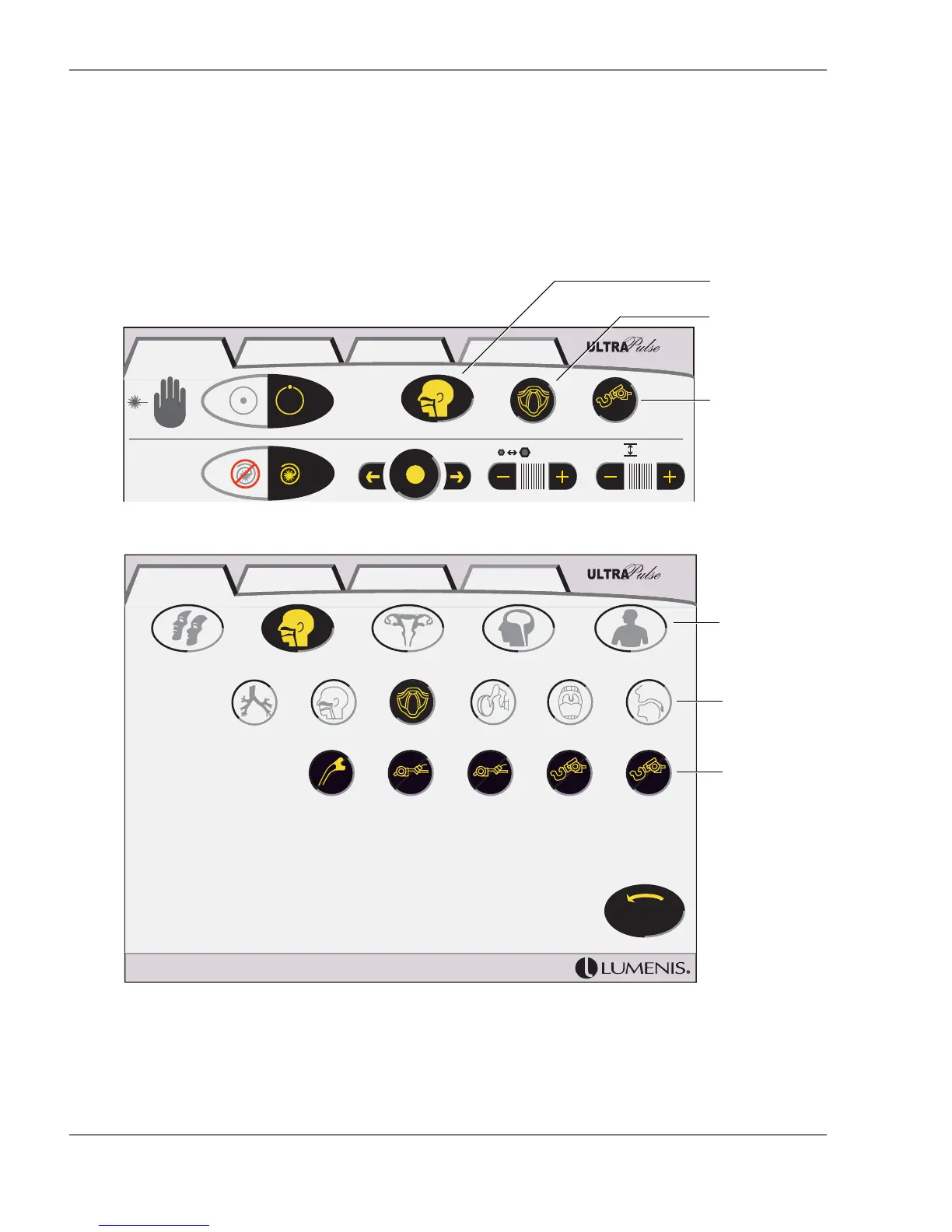
5 To select a different specialty, application, or delivery device, press the appro-
priate button at the upper right of the SurgiTouch+ treatment screen, as
shown. The Specialty, Application, or Delivery Device screen appears.
6 Press the button for the desired specialty, application, or delivery device.
SurgiTouch+; Selecting a New Specialty, Application, or Delivery Device
(Delivery Device Screen Shown)
ENT Larynx
AcuBlade
400mm
1 0.7 mm 1
I
I
SurgiTouch + UltraPulse CW Options
Select a new
delivery
device
Select a new
application
Select a new
specialty
ENTAesthetic
Larynx
GYN Neuro
Nasal
Tympanic Memb Tonsil
General
Uvula
Last
Setup
Laryngeal Probes
AcuBlade
400mm
AcuSpot 712
400mm
AcuSpot 712
350mm
AcuBlade
350mm
Bronchi
SurgiTouch + UltraPulse CW Options
Available
delivery
devices
Available
applications
Specialties



 To Next Page