Selecting a Specialty, Application, and Delivery Device 63
UltraPulse
0637-129-01, Revision G
3 Press the button for the desired application. The SurgiTouch+ treatment
screen displays the default delivery device and recommended treatment
settings.
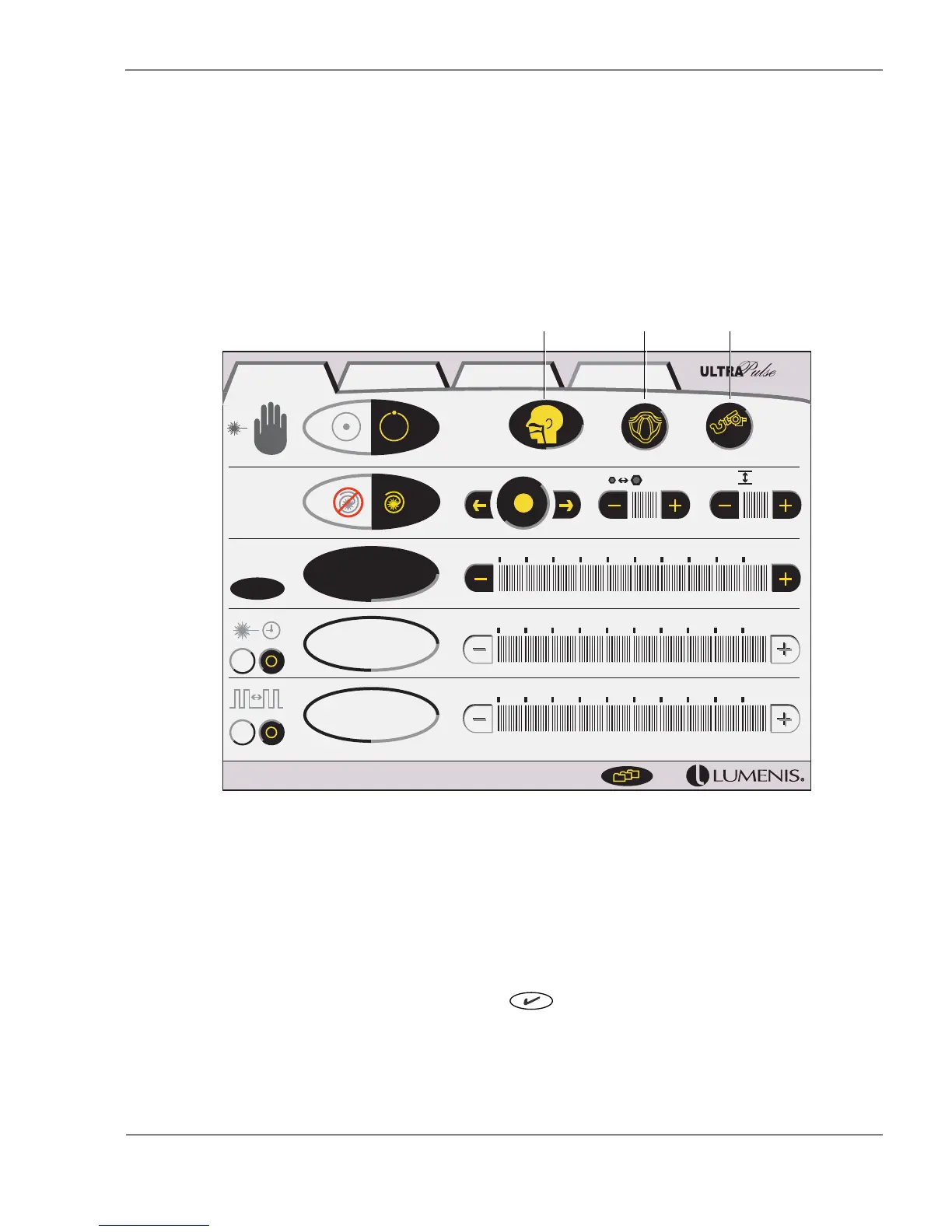
For example, when you select the Larynx application, the treatment screen
displays the default treatment settings for the AcuBlade at a 400 mm working
distance, as shown.
SurgiTouch+ Treatment Screen Showing Default Delivery Device
and Treatment Settings for ENT: Larynx
4 A message appears in the advisory text bar, reminding you to verify that the
correct delivery device is attached to the laser. Verify that the correct delivery
device is attached, then press the button to continue.
16.0 W
1.00 s
9 ms
ENT Larynx
AcuBlade
400mm
1 0.7 mm 1
W
SurgiTouch + UltraPulse CW Options
Specialty:
ENT
Application:
Larynx
Default Delivery Device:
AcuBlade 400mm



 To Next Page