EasyManua.ls Logo

LUMENIS PULSE 60H - User Manual

Default Icon
140 pages
Print Icon
To Next Page IconTo Next Page
Loading...
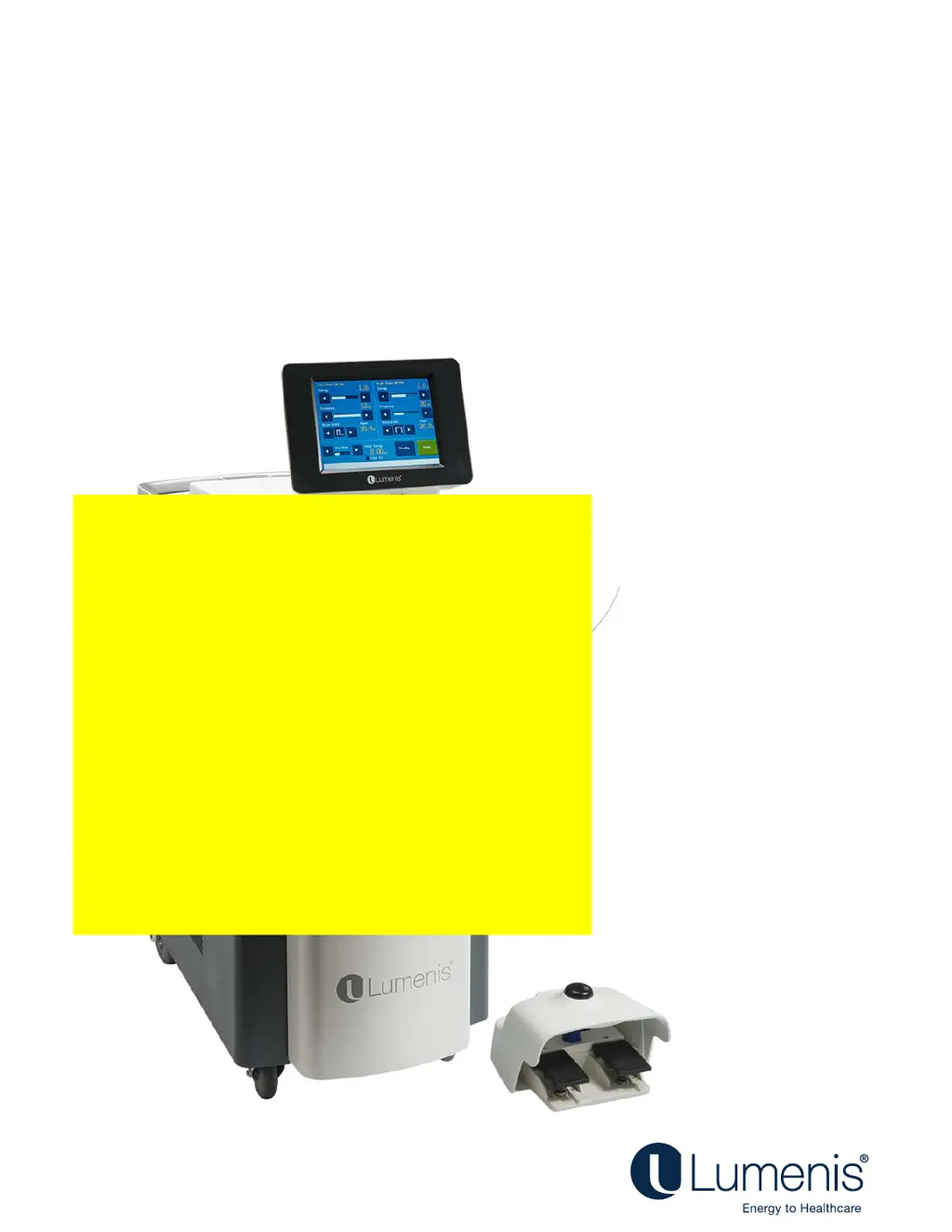
Holmium Surgical Laser
Operator's Manual
Lumenis PULSE
60H
®
TM
TEMPORARY
PLACEHOLDER

Table of Contents

Questions and Answers

  • J
    Jonathan JacksonAug 20, 2025
    What to do if my LUMENIS PULSE 60H system does not turn on?
    • E
      Edward HillAug 20, 2025
      If your LUMENIS Medical Equipment system doesn't turn on, try the following: first, ensure the laser system is plugged in. Next, check that the laser system's main circuit breaker is in the On (up) position. Also, verify that the main electrical circuit breaker is turned on. Finally, try using another power outlet, or have the outlet professionally tested and repaired if needed.
  • K
    Kimberly GreenAug 21, 2025
    Why does my LUMENIS PULSE 60H Medical Equipment system overheat?
    • H
      hwilliamsAug 22, 2025
      Your LUMENIS laser system may overheat if used at high power for an extended time. To resolve this: 1. Make sure the room temperature is between 10 and 24°C (50 and 75°F). 2. Ensure the system is at least 50 centimeters (20 inches) away from walls, furniture, or other equipment. 3. If overheating occurs, do not turn off the system; let it cool for a few minutes before resuming operation.
  • E
    Elizabeth JimenezAug 25, 2025
    How to fix inadequate aiming beam on LUMENIS PULSE 60H?
    • C
      Crystal DennisAug 25, 2025
      To address an inadequate or absent aiming beam on your LUMENIS Medical Equipment, consider these steps: * Adjust the aiming beam intensity. * Replace the optical fiber. * Lower the intensity of the endoscopic camera light. * Inspect and, if necessary, replace the debris shield.
  • L
    Lance WalterAug 26, 2025
    What to do if there is no laser energy emission from LUMENIS Medical Equipment?
    • K
      Kimberly PetersonAug 26, 2025
      If your LUMENIS Medical Equipment is not emitting laser energy, you can try the following: * Replace the optical fiber. * Inspect and, if necessary, replace the debris shield.
  • D
    Diana LawsonAug 28, 2025
    What does 'Energy high' message mean on my LUMENIS Medical Equipment?
    • J
      jbradshawAug 28, 2025
      The 'Energy high' message on your LUMENIS Medical Equipment indicates that the delivered energy is more than 50% higher than the selected level. To resolve this, press the Standby button to clear the message, then press the Ready button and resume normal operation. If the condition continues, turn off the laser system for five seconds, then turn it back on. If the condition persists, contact Lumenis Customer Service.
  • M
    mhudsonAug 29, 2025
    What does 'Energy low' message mean on my LUMENIS Medical Equipment?
    • W
      wadevanessaAug 30, 2025
      The 'Energy low' message on your LUMENIS Medical Equipment means that the energy delivered is less than 50% of the selected level. To fix this, press the Standby button to clear the message, then press the Ready button and resume normal operation. If the condition continues, turn off the laser system for five seconds, then turn it back on. If the condition persists, contact Lumenis Customer Service.
  • T
    Terry PerrySep 1, 2025
    What does 'Rate high' message mean on my LUMENIS Medical Equipment?
    • M
      Michelle Caldwell PhDSep 1, 2025
      The 'Rate high' message on your LUMENIS Medical Equipment indicates that the pulse rate delivered is at least 20% more than the selected level. To address this, press the Standby button to clear the message, then press the Ready button and resume normal operation. If the condition continues, turn off the laser system for five seconds, then turn it back on. If the condition persists, contact your Lumenis Customer Service.
  • J
    James BoltonSep 2, 2025
    What does 'Rate low' message mean on my LUMENIS PULSE 60H?
    • L
      Luke WilliamsSep 2, 2025
      The 'Rate low' message on your LUMENIS Medical Equipment means that the pulse rate delivered is less than 80% of the selected level. Press the Ready button to clear the message. If the condition continues, turn off the laser system for five seconds, then turn it back on. If the condition persists, contact Lumenis Customer Service.
  • S
    susan92Sep 5, 2025
    What to do if my LUMENIS Medical Equipment shows 'Unrecognized Fiber'?
    • G
      Gregory CarterSep 5, 2025
      If your LUMENIS Medical Equipment displays 'Unrecognized Fiber', replace the optical fiber with a Lumenis compatible one and resume normal operation. If the problem persists, contact Lumenis Service.
  • D
    Donna WalkerSep 7, 2025
    What does 'Attach an Authorized Fiber' message mean on LUMENIS PULSE 60H?
    • A
      Amy JacksonSep 7, 2025
      The 'Attach an Authorized Fiber' message on your LUMENIS Medical Equipment indicates that you need to attach an authorized fiber or contact Lumenis Customer Service to obtain the correct fibers. Also, refer to the optical fiber’s Directions for Use document for specific instructions.

Summary

System Description

System Components Details

Chapter 2: Theory of Operation

Moses Mode Theory

Details the principles of Moses mode operation and its advantages.

Chapter 3: Safety

General Safety and Optical Hazards

Covers general safety, laser hazard distances, and eyewear requirements.

Electrical, Fire, and Tissue Safety

Addresses electrical hazards, fire precautions, and protecting non-target tissues.

Ocular Safety Measures

Controlled Area and Patient Protection

Procedures for securing the room and protecting patient's eyes.

Advanced Safety Considerations

Fiber Integrity and System Standby

Emphasizes fiber inspection and keeping the system in Standby mode.

Laser Emission Indicators

Chapter 4: Clinical Guide

Clinical Applications and Recommendations

Discusses system applications, laser-tissue interaction, and physician recommendations.

Indications, Contraindications, and Warnings

Lists intended uses, contraindications, and surgical warnings.

Specific Procedure Applications

Details specific uses in Urology, Arthroscopy, General Surgery, and other specialties.

Chapter 5: Preparing the System for Use

Initial Setup and Safety Checks

Covers system unpacking, installation, training, and pre-operation safety checks.

Chapter 6: Operating Instructions

Emergency Stop and System Power-Up

Explains emergency stop use and steps for powering up the system.

Advanced Operations

System Maintenance and Diagnostics

Chapter 7: Troubleshooting and Maintenance

Professional Maintenance

LUMENIS PULSE 60H Specifications

General IconGeneral
BrandLUMENIS
ModelPULSE 60H
CategoryMedical Equipment
LanguageEnglish

Related product manuals