English - 16
Chapter 5 Camera Setting Description
5.1 Power on VS-KB30
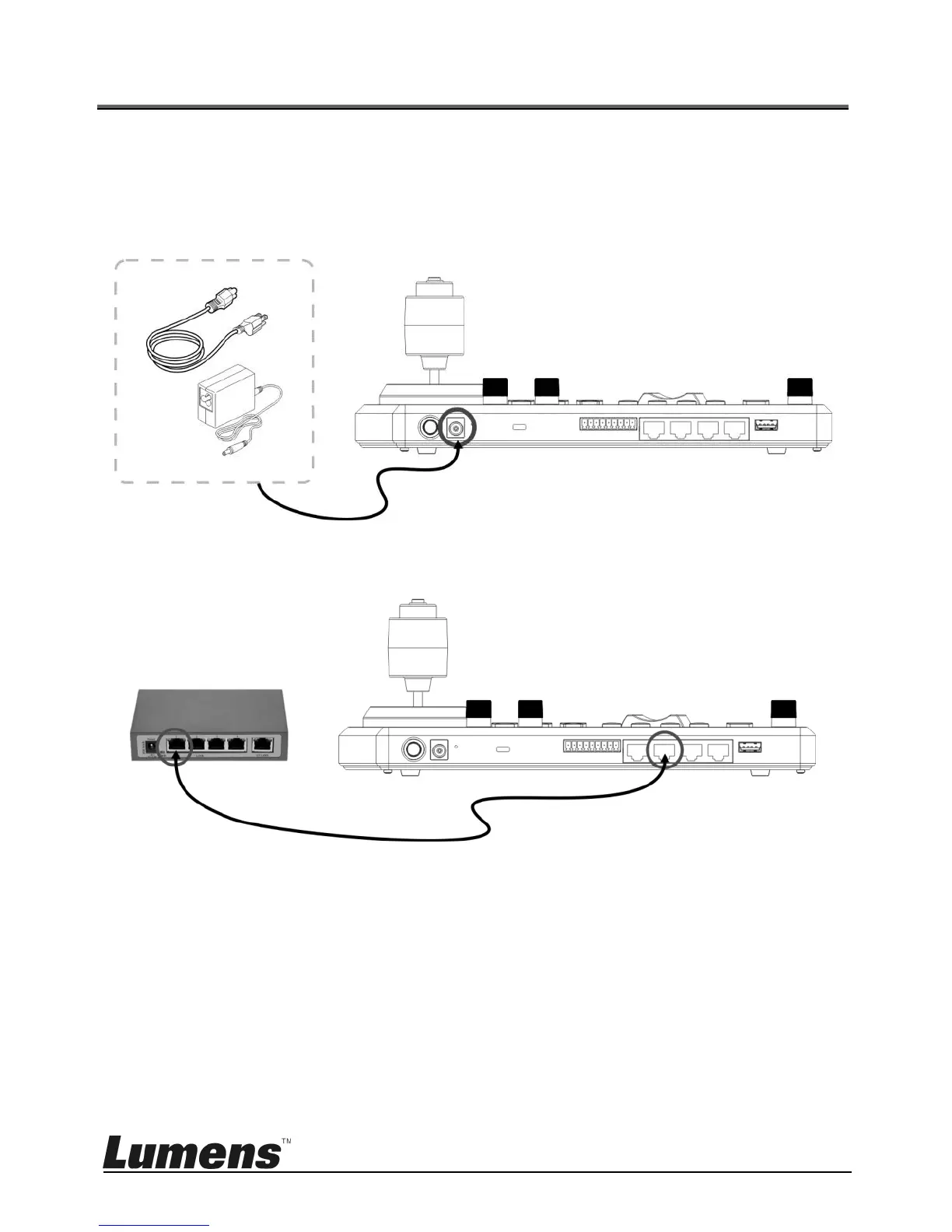
Two types of power supply can be used by VS-KB30
DC 12 V power supply: Please use the included DC power supply adapter
and power cable, and press the power button
POE power supply: Use Ethernet cables to connect POE switch and IP
port of VS-KB30, and press the POWER button
[Note] RJ45 ports of RS232 and RS422 do not support POE. Please do
not connect with POE-powered network cables
5.2 Instruction on RS-232 Setting
Press SETUP, and select CAMERA SETTING
Set CAMID and Title
After protocol is set as VISCA, press P/T SPEED to access the
advanced setting



 To Next Page
 Loading...