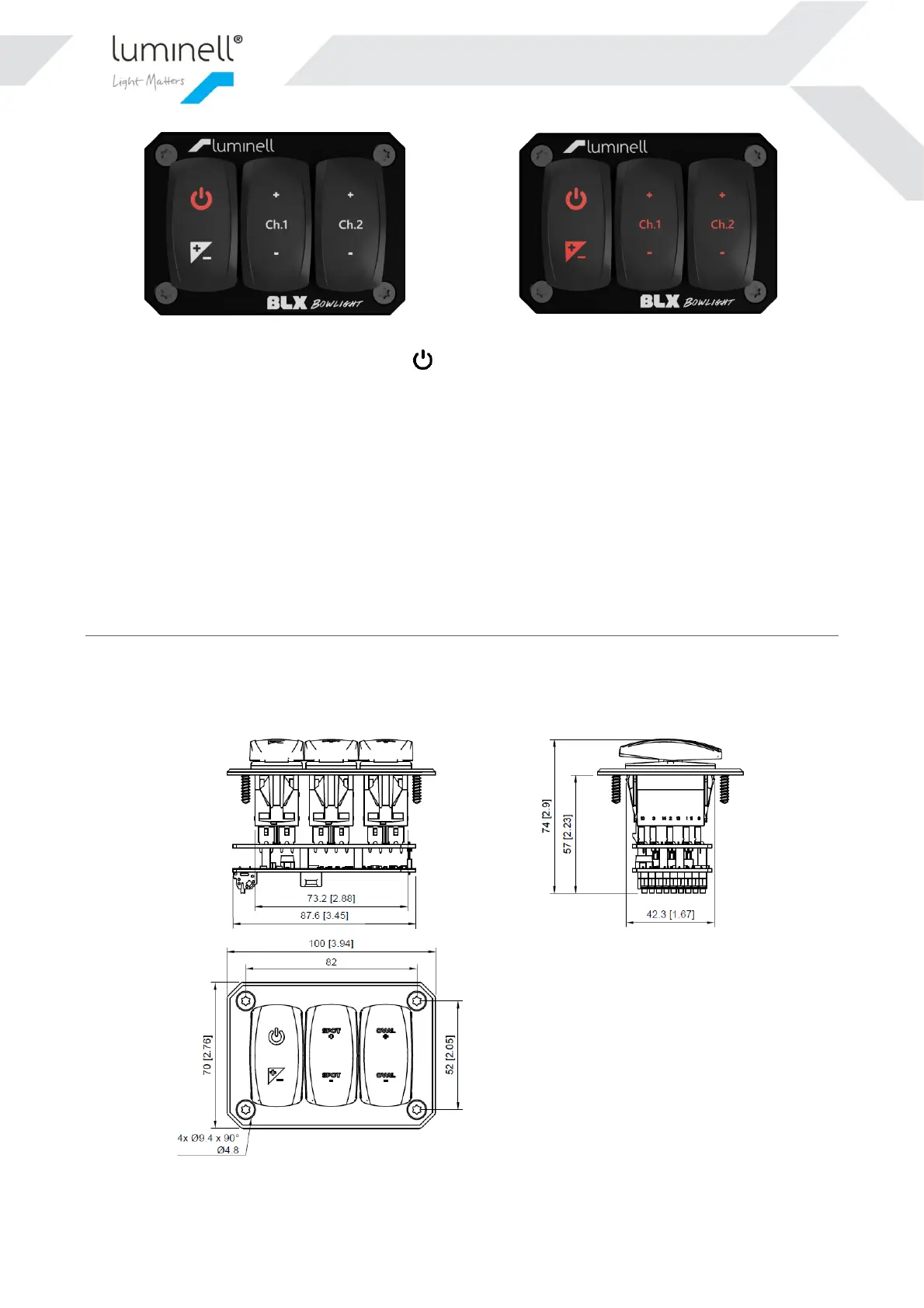
The state of “Main light” is controlled by either the -button in the Control Panel(s), or the external inputs. Please
see chapter 5.1 for more info.
6.2 ADDITIONAL FEATURES
6.2.1 Main light on/off from external system
These inputs could be used to interface an external system. This could typically be a foot pedal, external button, or a
PLC. Depending on the signal type that the external system prefers, both a non-latching and latching input is available.
Use potential-free/dry contact to interface with these inputs. Do not connect any external voltage to the inputs!!!
Technical information in chapter 5.1
7 DIMENSIONS
7.1 DIMENSIONS CP2 CONTROL PANEL


 To Next Page