Beeps while primary source is
interrupted
Display Setting
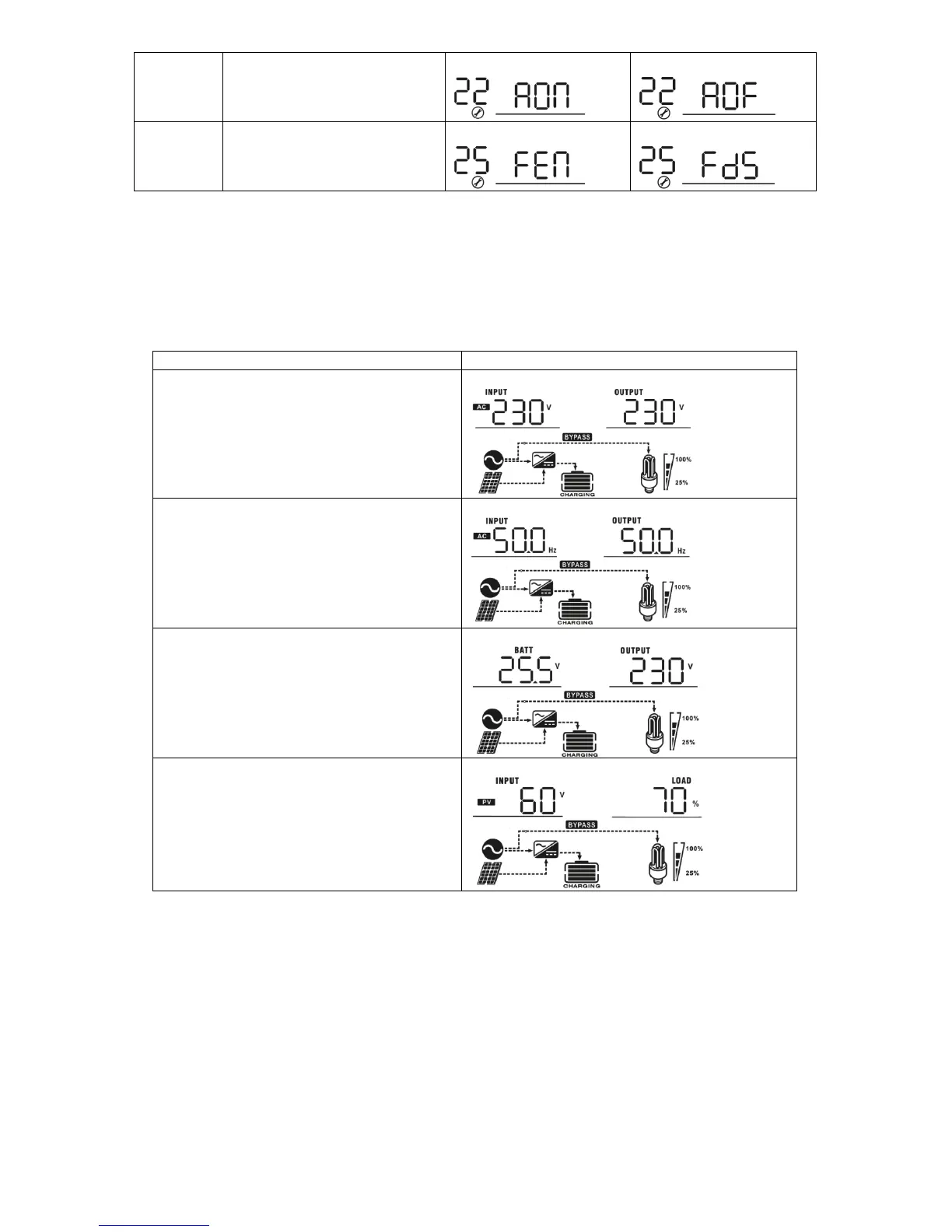
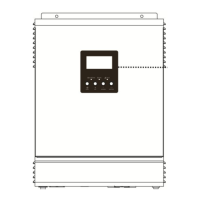
The LCD display information will be switched in turns by pressing “UP” or “DOWN” key. The selectable
information is switched as below order: input voltage, input frequency, battery voltage, PV voltage,
charging current, output voltage and load in Watt.
Input voltage/Output voltage (Default)
Input Voltage=230V, output voltage=230V
Input frequency/Output frequency
Input frequency=50Hz, Output frequency=50Hz
Battery voltage/Output voltage
PV voltage/Load percentage
PV voltage=60V, Load percent=70%



 To Next Page