Quick Reference
5
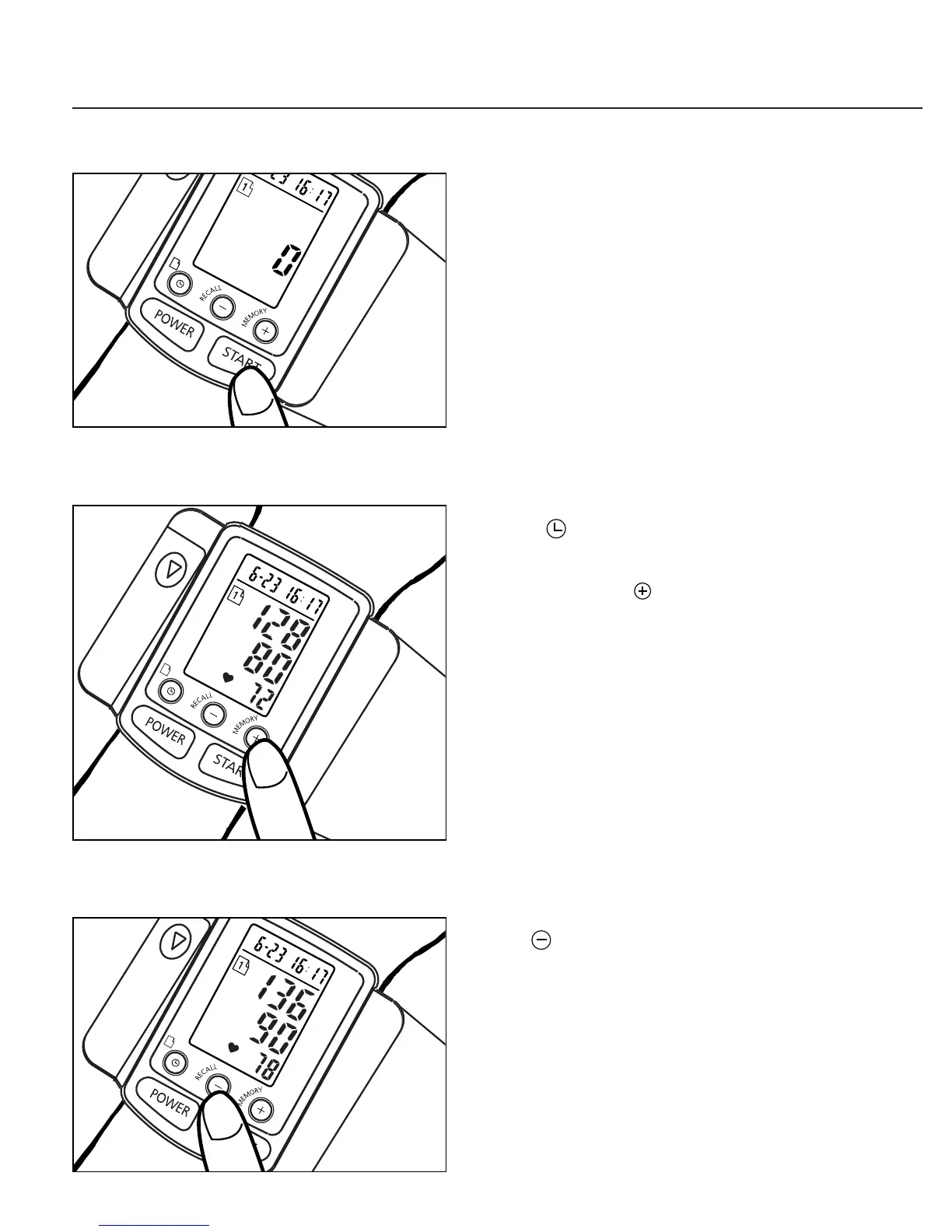
E. Press START Key
Remain still during
measurement
See Page 20
F. Store values in Memory
Press " " key to select Memory
Zone 1 or 2, then press the
Memory key to store the
measured values in the
selected Memory Zone. Your
new model 1140 stores a
maximum of 30 measured
values per Memory Zone.
See Page 22
G. Recall Memory
Use " " key to select a
Memory Zone, then press
RECALL key to recall prior
measured values from that
Memory Zone.
See Page 23


 To Next Page
 Loading...