23
Changing the settings:
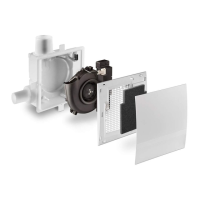
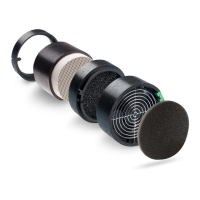
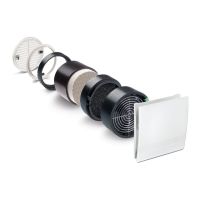
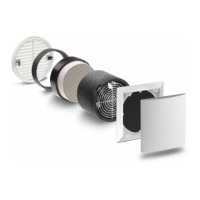
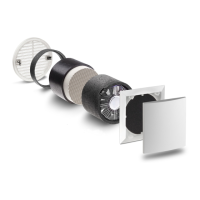
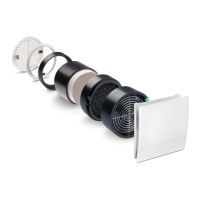
1. Remove the front cover
2. Make the desired settings
3. Reassemble in reverse order
The following DIP switch positions with the following functions are available:
Using DIP switches 1, 2, 6 and 7, you can set the air volume flows for basic and regulated ventilation,
and DIP switches 3, 4 and 5 can be used to configure the delay time functions.
DIP switch settings basic ventilation DIP switch settings regulated ventilion
Via the DIP switches (S) on the control board you have the option to set a variety of fan functions!
Each of the white switches has three setting options!
Attention! Only adjust the switch when the ventilation unit is de-energised!
White switch
Factory setting 5/EC-ZI, 5/EC-FK:
Basic ventilation: OFF
Nominal load stage: 60 m³/h
Interval: OFF
Run-on time: OFF
Switch-on delay: OFF
Setting the DIP Switches
0 m³/h
15 m³/h
20 m³/h
30 m³/h
40 m³/h
45 m³/h
50 m³/h
60 m³/h
0 m³/h
15 m³/h
20 m³/h
30 m³/h
40 m³/h
45 m³/h
50 m³/h
60 m³/h


 To Next Page