ALL PROGRAMMING IS OPTIONAL
Programming is not required for default functionality
ResetFactoryDefaults
Note:Insomeinstances,itmaybenecessarytoresetthe
FixtureControlsandconnecteddevicesbacktofactory
defaultsettings.Beforebeginning,makesurethatall
devicesareconnectedandpowered.
1.
Rapidlytapthebutton ontheFixture Controlthreetimes
andholdonthefourthuntilthegreenLEDbeginstoash
rapidly;releasebutton.
2.
Within1secondofreleasingthebutton,againrapidlytap
thebuttonthreetimesandthegreenLEDwillashslowly
indicatingthattheunithasbeenresettofactorydefaults.
Note:Anyassociationsorprogrammingpreviouslysetup
withtheFixtureControlwillbeerasedandwillneedtobe
re-programmed.
Vive Integral Fixture Controls
Part of the Vive System
5-year Warranty:
http://www.lutron.com/TechnicalDocumentLibrary/3601321.pdf
*Note:ThesecouldapplytoeithertheOEMortotheendcustomer.
Troubleshooting
*
www.lutron.com/support
Symptom Solution
Sensordoesnotrespondtomotion. Fixturecontrolisinself-testfeedbackmode(sensorwillnotrespondtooccupancydetection)for5minutesafterpowerupunless
buttonispressedoritgetsassociatedtoaVivesystem.
Ifself-testfeedbackmodehasbeenexitedbyoneofthetwomethodsabove,sensorwillnotrespondtooccupancydetectionuntil
2minutesafterthepowerreset.
LightsdonotdimorturnONasexpected.
ViveIntegralFixturecontroldoesnottoggletheload.
ViveIntegralFixtureControlLEDsdonotrespond.
Ensurethatcontrollinesarewiredproperly.
Verifythatthedriverwithself-poweredDALIlinkhastheDALIpowersupplyactivated.Seedrivermanufacturerfordetails.
Lightsareunstableatlow-end. Adjustlow-endtrim.RefertoVivedocumentationonwww.lutron.com.
The“Raise”buttononthePicoremotecontroldoesnotincrease
thelightlevel.
ThelightscannotberaisedabovetheDaylightinglightlevelusingaPicoremotecontrol.Ifitiscriticaltooverridethedaylightlevel,
disabledaylightingfromtheViveapplication.
Fixturecontrolself-testendsinblinkingRedLED.ThismeansRF
performanceoftheproductinthisxturemaynotmeetLutron’s
specications.
ReviewwiringandconstructionguidelinesintheVive Integral Fixture Controls App Note(048642)atwww.lutron.com.Modifyas
necessaryandrepeattheFixturecontrolself-test.
WirelessTransmitter(s)cannotbeassociatedtothe
ViveIntegralFixtureControl.
ThemaximumnumberofWirelessTransmittershavebeenassociatedtotheViveIntegralFixtureControl.Toremoveapreviouslyset
upWirelessTransmitter,tapthebuttonusedforassociationontheWirelessTransmitterthreetimes,onthethirdtapholdforthree
secondsandthentapthreemoretimes.
Customer Assistance | 1.844.LUTRON1 USA, Canada, and the Caribbean | +1.888.235.2910 Mexico | +1.610.282.3800 Others | www.lutron.com
*
For set-up, programming, and troubleshooting with a
Vive system, please refer to the installation instructions
included with the Vive hub or at www.lutron.com
(NOT REQUIRED) If testing occupancy sensor
functionality (Occupancy Test Mode) (does not
apply to DFCSJ-OEM-RF):
1.Applypowertoxture.
2.WaitforFixtureControlSelf-Testtocomplete(10seconds)
andpressthebuttontoexittheself-test.
3.Pressandholdbuttonfor3secondsuntilredLEDturnson
solidtoenterOccupancyTestMode.
a.Thesensorrequiresa2minute“warmup”periodafter
applyingpower.RedLEDwillblinkduringthe“warmup”
periodinOccupancyTestMode.
4.Providemotioninfrontofsensor-lightswillturnON.
5.Lightswillnotturnoffautomaticallyuntil5secondsafter
lastmotiondetection.
6.Testmodewillautomaticallyexitafter5minutesofinactivity
orbytappingthebutton.
(NOT REQUIRED) If testing daylight sensor
functionality (does not apply to DFCSJ-OEM-RF):
1.Applypowertoxture.
2.WaitforFixtureControlSelf-Testtocomplete(10seconds)
andpressthebuttontoexittheself-test.Pressthebutton
untilthelightisintheONstate.
3.Shinealightsource(ashlight)directlyintodaylightsensor
lens.Fixturelightswilldimdownover1minute(hold
ashlightsteadilyinplace).
4.Coverdaylightsensorlens/buttonwithopaquematerial.
Fixturelightwilldimupover1minute(holdopaquematerial
steadilyinplace).
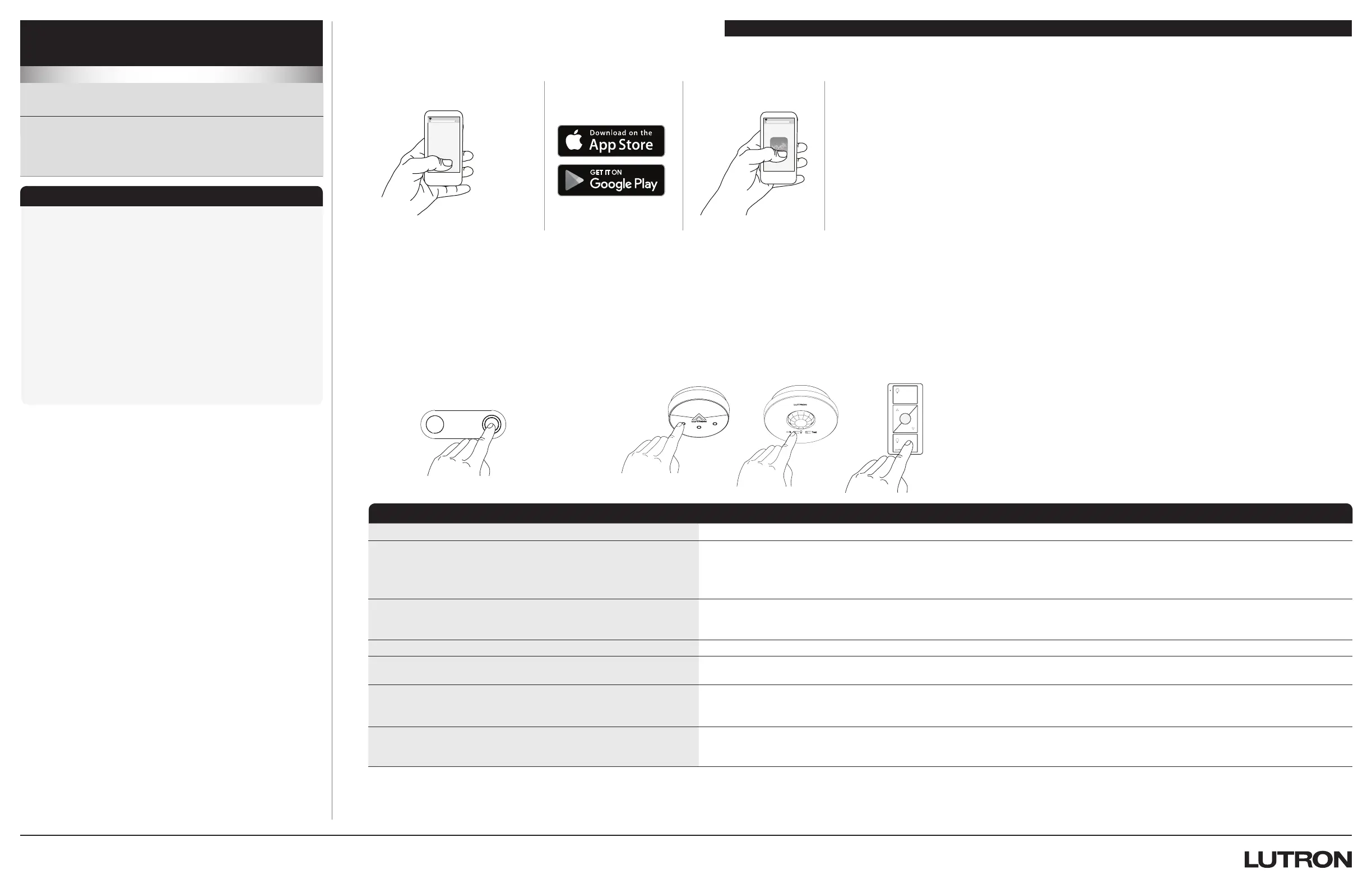
ProgrammingwithoutaVivehub(AssociatingtransmitterstoFixtureControl):
1.PressandholdthebuttonontheintegralFixtureControlfor6secondsuntiltheloadattachedtotheFixtureControlstartsashing
(every2seconds).
Note: MultipleFixtureControlscanbeplacedintoassociationmodebyrepeatingStep1priortomovingtoStep2.
2.Holdtheindicatedbuttononeachtransmitterfor6seconds.Thexturewillashtoshowthatwirelesstransmittershavebeen
associated.Alternatively,forRadioPowrSavroccupancy/vacancyanddaylightsensors,thegreenlaserpointercanbeused.See
theUsing a Green Laser to Program Lutron Ceiling and Wall-Mounted Devices App Note(048407)onwww.lutron.comfor
moreinformation.Toassociateanothertransmitter,repeatsteps1and2.
Test
Link
Step1 Step2
Lutron Electronics Co., Inc. 7200 Suter Road
Coopersburg, PA 18036-1299 USA
Lutron,Pico,Vive,ClearConnect,andEcoSystemaretrademarksofLutronElectronicsCo.,Inc.registeredintheU.S.andothercountries.RadioPowrSavrisatrademarkofLutronElectronicsCo.,Inc.AppStoreisaservicemarkofApple,Inc.
AndroidandGooglePlayaretrademarksofGoogleLLC.NECisaregisteredtrademarkoftheNationalFireProtectionAssociation,Quincy,Massachusetts.PHILIPSisatrademarkofKoninklijkePhilipsN.V.
OSRAMandDEXALaretrademarksofOSRAMOptoSemiconductorsGmbH.iOSisatrademarkorregisteredtrademarkofCiscointheU.S.andothercountriesandisusedunderlicense.©2017-2018LutronElectronicsCo.,Inc.
ProgrammingwithaViveHub
1.
UseaniOSR or AndroidT
compatibledevice.
2.
DownloadtheLutron
Viveapp.
3.
Opentheappandfollow
theinstructions.
Note:Forfurtherinformation
onsetup,programming,and
troubleshootingwithaVivesystem,
pleaserefertotheinstallation
instructionsincludedwiththeVive
huborvisitwww.lutron.com/vive
Note:ForprogrammingtheVive
IntegralFixtureControlwithouta
Vivehubseebelow.
vive.lutron.com
X
X
Vive


 To Next Page
 Loading...