13
LUVION Premium Baby products
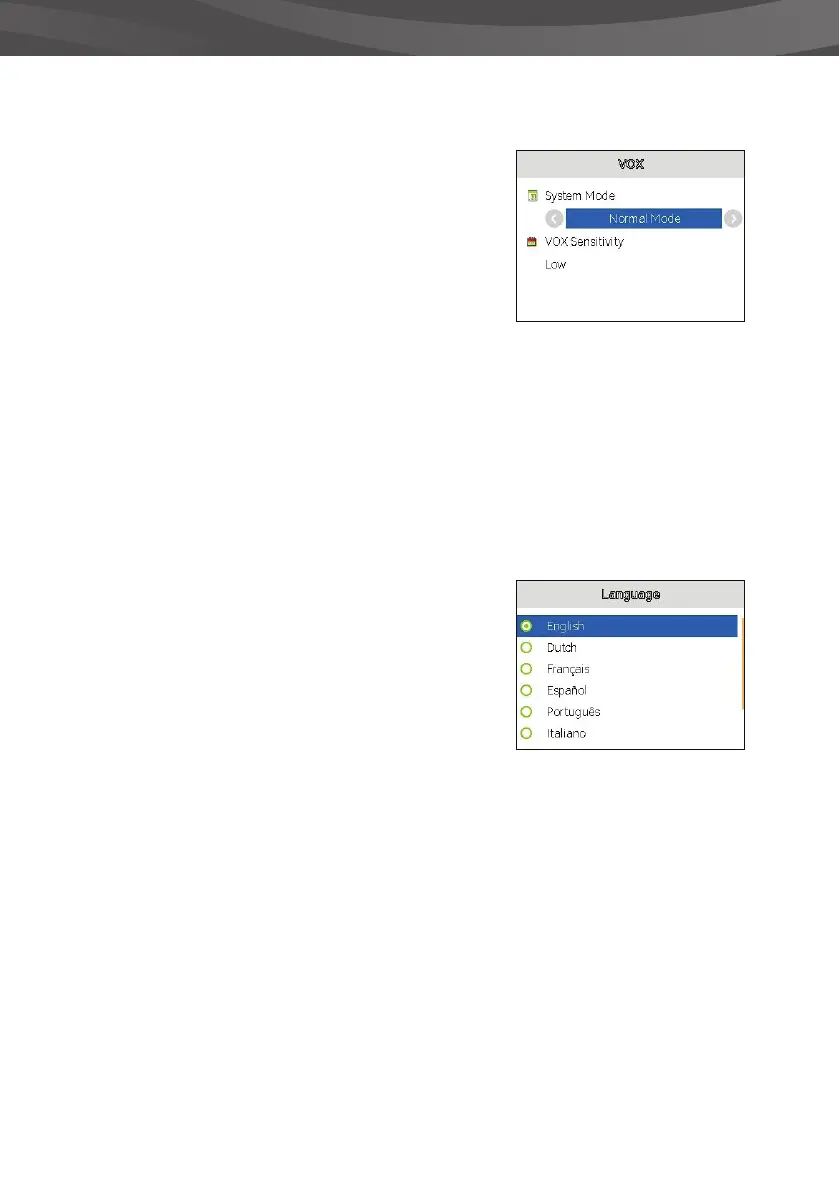
VOX
You can activate or deactivate the VOX-mode and
adjust its sensitivity in this menu.
The VOX-mode turns the display screen o after a while
with no sound in order to conserve battery power.
When VOX sensitivity is set higher, softer sounds will be
detected.
> Select the VOX icon in the main menu.
> Press OK to con rm your selection
> Press up or down on the round button to choose
between System mode and VOX sensitivity.
> Press right or left on the round button to change the
values.
> Press OK to save your settings or press Back to return
to the previous menu.
LANGUAGE
You can use the Language menu to choose your
preferred language.
> Select the Language icon in the main menu.
> Press OK to con rm your selection.
> Press up or down on the round button to select your
preferred language.
> Press the OK button to con rm your selection or use
the back button to return to the previous menu.















 To Next Page