FlarmMouse Version 1.0 May 2013
Page 12 of 16
6 Firmware Update
6.1 Firmware update via SD-Card
This Method is the easiest one and therefore preferred
The firmware update will be executed, when the system finds the file named flarm_x*.fw
(x= version nr.) on the SD-card root. This file can be downloaded at www.flarm.com.
Update procedure:
- Switch off the Flarm and insert the SD-card.
- Now switch on the device
- the procedure will start automatically, it takes about one minute.
- When ready, switch off the Flarm
- Please delete the firmware file from the SD-card after the update
Updating the obstacle database:
The firmware update will be executed, when the system finds a file with the extension
*.obs. on the SD-card root. The procedure runs identically to the firmware update and takes
a few minutes. Please delete the obstacle file from the SD-card after the update
All data must be in the SD-card root directory, folder/subfolder are not allowed. Names of
the files shall not be changed.
6.2 Firmware update with the PC flarmtools
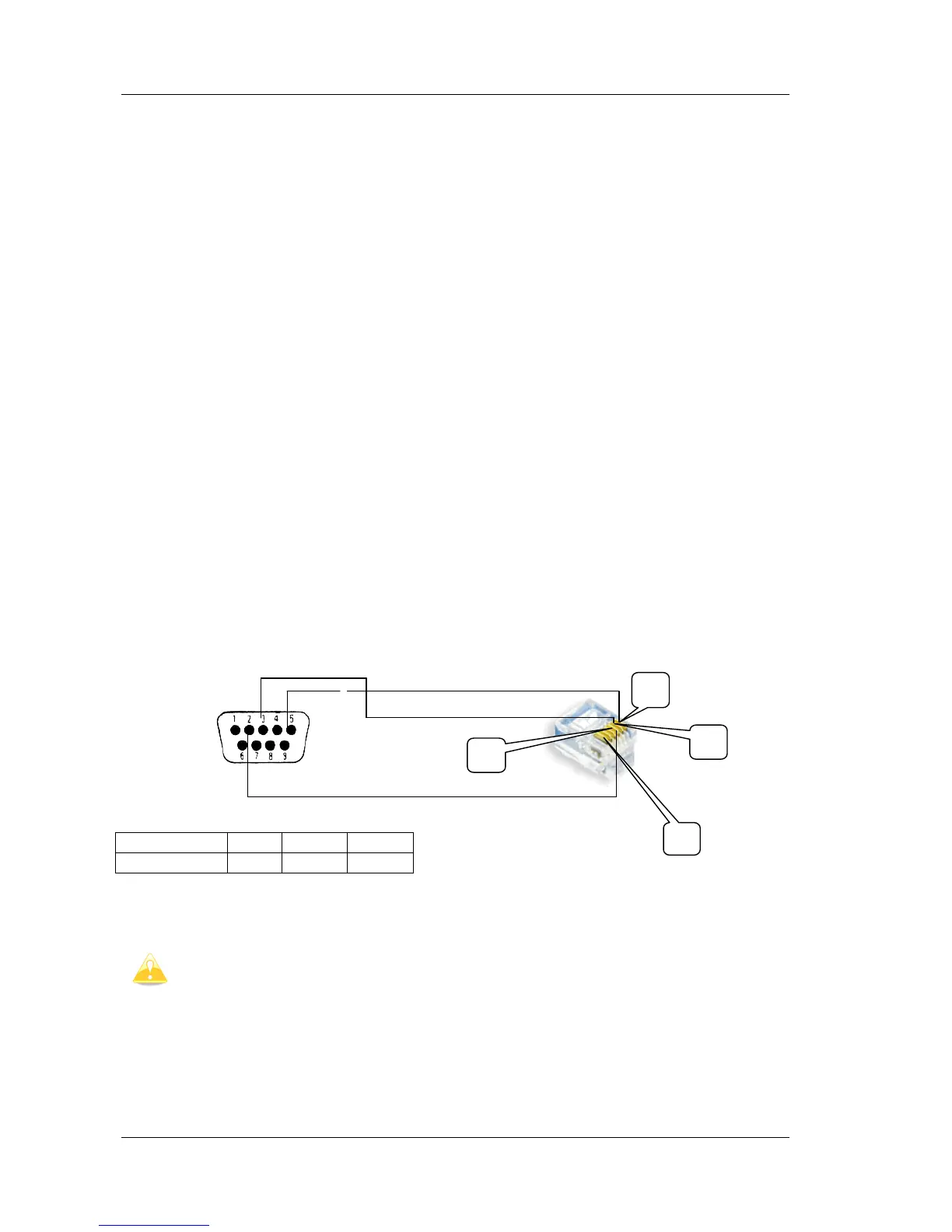
This method is necessary only, if the update via SD-card fails. In this case you will need the
Flarm update cable (does not belong to the standard scope of delivery).


 To Next Page