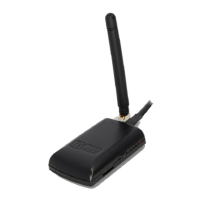
FlarmMouse Version 1.0 May 2013
Page 7 of 16
4 System Description
4.1.1 Push Button
Push button has only function in case of firmware update using FlarmTool.
4.2 Switching on the Unit
Unit is switched on automatically, when get power supply.
4.3 Normal operation
FlarmMouse is in normal operating mode, when receives signals from enough GPS satellites.
Then became visible for other flarm devices.
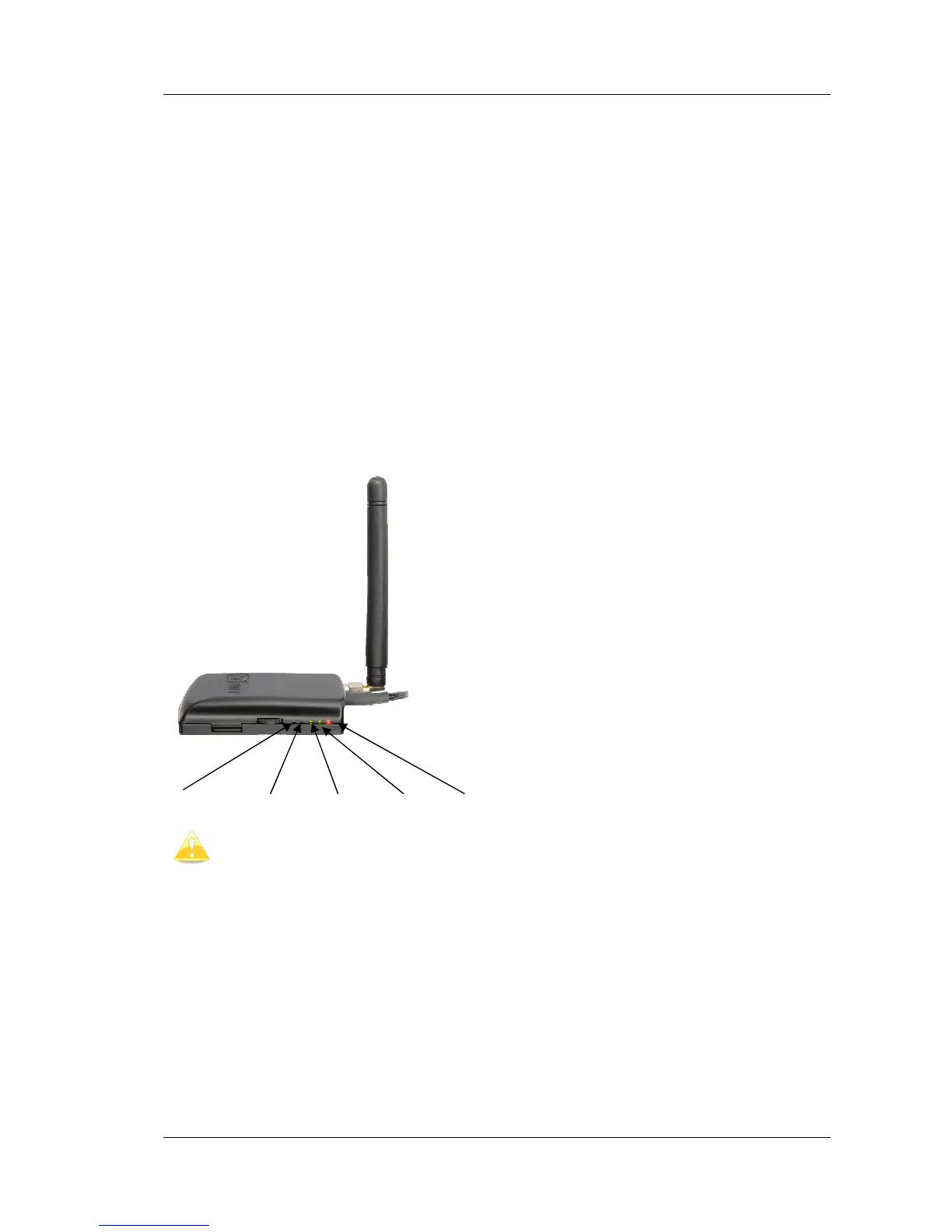
4.4 Description of LED’s on FlarmMouse
Radio TX, Radio RX, data IN, data Out, Power
This leds are not designed to be used to indicate flarm status in flight. They can
be very useful in case of troubleshooting.


 To Next Page