14
Let's take a look at
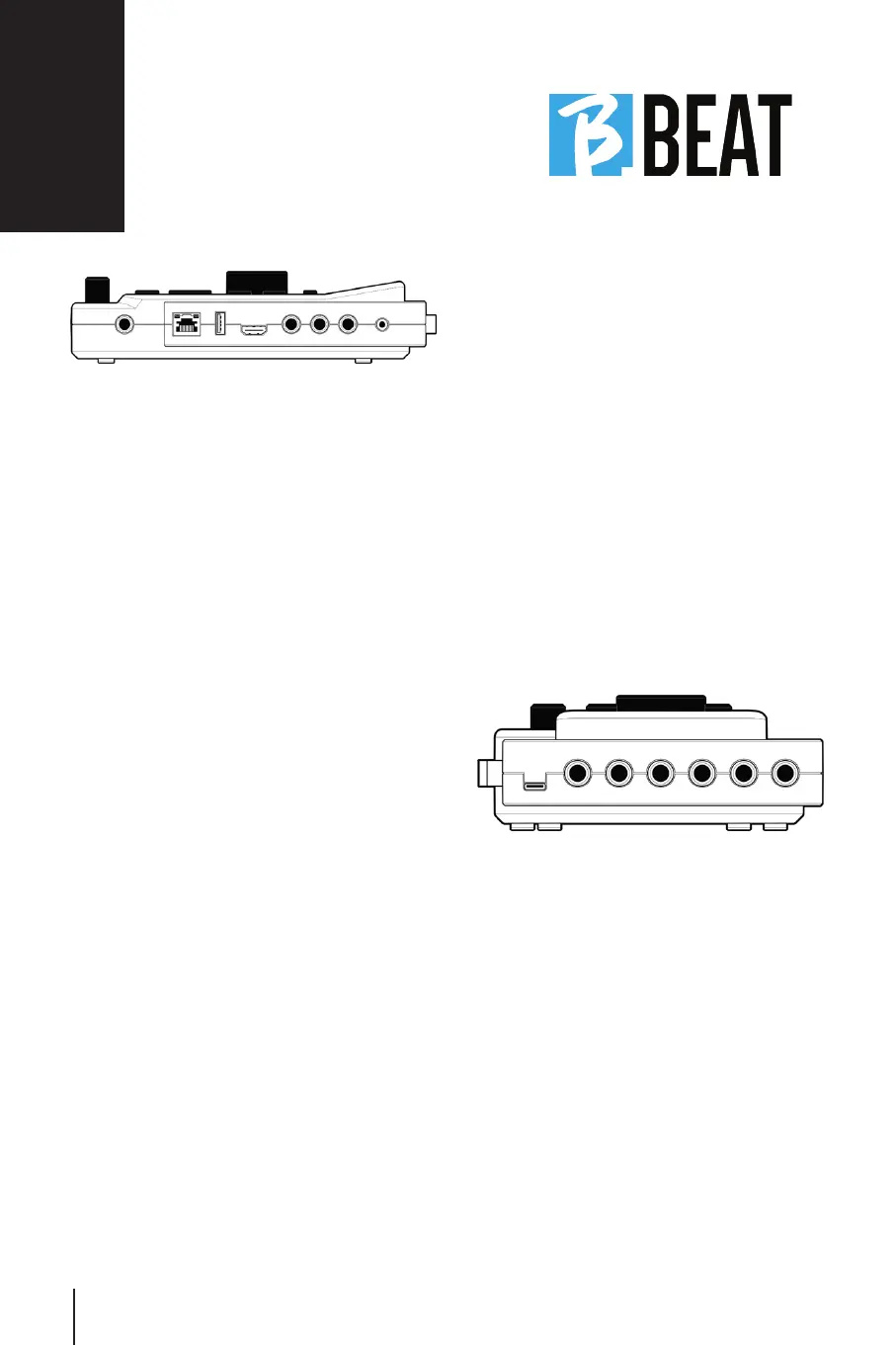
Right Side
PEDAL: PEDAL: a Start Stop pedal can be connect-
ed. The first press corresponds to PLAY,
the second press corresponds to STOP.
Here is a list of features:
• Pressed once: PLAY
• Pressed the second time: STOP (pause)
• Pressed twice quickly: the Next song
pointed starts.
• Pressing more than 1 second: in case
we have a loaded Playlist enters the play-
list [corresponds to ENTER].
• When in playlist: pressed once scrolls
down the list, pressed twice quickly
scrolls back up the list.
• When in Playlist: held down for more
than one second stores the item pointed.
ETHERNET:ETHERNET: to connect via network to the
PC.
USB: USB flash drives or Wi Fi M-Pen
M-Live connection flash drives can be in-
serted. When you insert a USB flash drive
B.Beat displays its contents in the Library
window. Connecting the Wi Fi M-Pen flash
drive to the USB slot will open the con-
nection for Smartphone and Tablet for the
purpose of using the Prompter App and
viewing sheet music and Lyrics of backing
tracks.
VIDEO HDMI:VIDEO HDMI: you connect any video periph-
eral with an HDMI interface.
PHONES: PHONES: headphone output, dedicated to
the drummer. This channel allows listen-
ing to the Click, Backing Tracks and return
from the Line In inputs.
L/Mono: L/Mono: Left or mono channel input
In – R: In – R: Right channel input
MIDI: MIDI: Midi output for use with appropriate
MIDI cable - MiniJack (3.5mm) Type B.
USB Power:USB Power: power supply input. It can
be used with the power supply provid-
ed as standard, or with power bank
10000mAh/2.4A. It is recommended to
use a cable of at least 3A and maximum
length 1m. It is not possible to determine
at first glance whether a device will work
from license plate data.
OUTPUT: OUTPUT: 6 Mono Audio outputs that can
convey separate, click, stereo or mono
tracks.
Back



 To Next Page