13
LIVE:LIVE: sets B.Beat in live operation, to avoid
blockages and incidental actions, such as
unintentional pressing of a key. To turn
it on: press Live and confirm your choice
with F3, to turn it off press LIVE again and
F3 to confirm. If we are in Live mode upon
pressing any key you will be asked if you
want to turn Live mode off.
LIBRARY:LIBRARY: gives access to individual items
contained in internal memory, Backing
Tracks and Videos. If inserted it gives ac-
cess to the USB flash drive. When a USB
Stick is inserted, we can position on the
flash drive and browse its contents. Indi-
vidual tracks (stereo Mp3 or Wav) can be
played at will.
PLAYLIST:PLAYLIST: gives access to the list of Play-
lists contained in B.Beat. Playlists can be
played or edited.
SHOWS:SHOWS: gives access to the list of Shows
and Scenes contained in B.Beat's internal
memory.
METRONOME:METRONOME: gives access to metronome
management.
Left Side
POTENTIOMETERS: POTENTIOMETERS:
BCK-TRACKS: BCK-TRACKS: adjusts the level of the
Backing Tracks going to the headphones.
This data is manageable both with B.Beat
manager and by B.Beat.
CLICK:CLICK: adjusts the headphone level of the
Click or Metronome track
LINE IN: LINE IN: adjusts the headphone level of the
signal coming in from the Line In inputs.
VOLUME:VOLUME: adjusts the overall output vol-
ume.
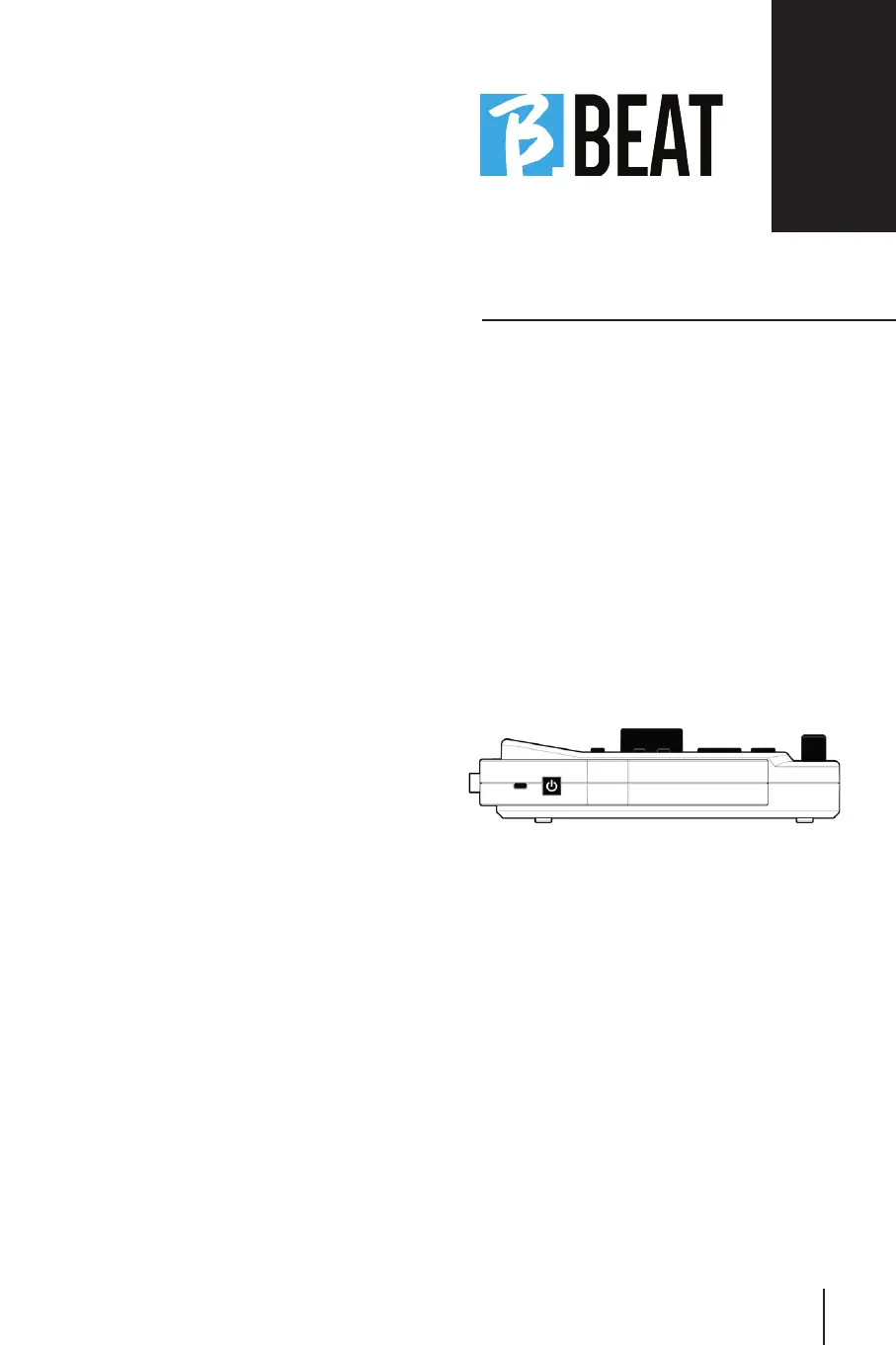
SWITCH ON:SWITCH ON: pressed once turns on B.Beat.
The second time sets B.Beat to the off
position, and a confirmation message
appears on the display to turn off B.Beat.
Long press of this button (>2.5") directly
turns off B.Beat.
LOCK:LOCK: allows B.Beat to be secured to pre-
vent theft or accidents; use a standard
Kensington cable.



 To Next Page