25
• F2 Output key: • F2 Output key:
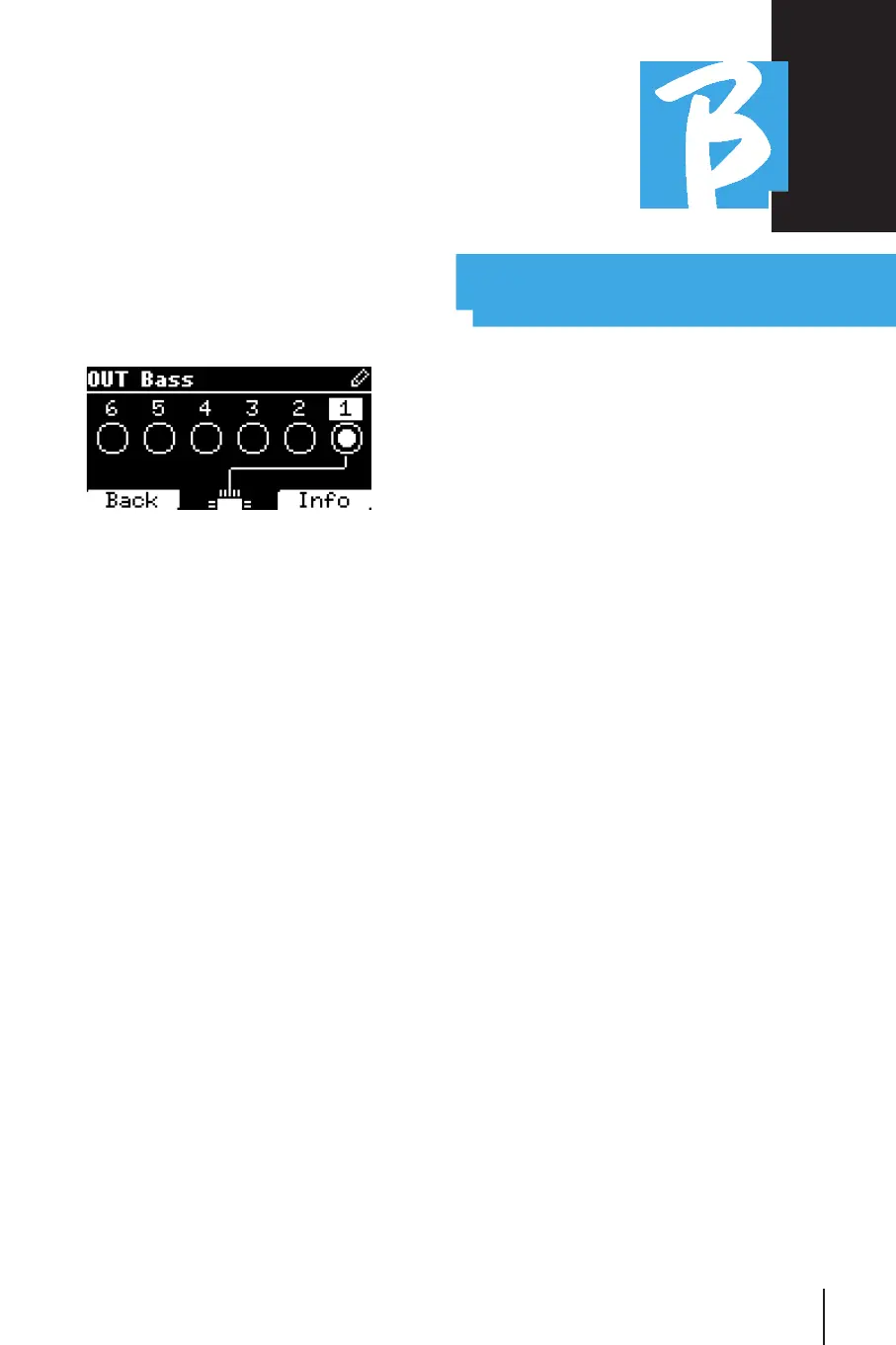
Pressing F2 accesses the Audio output
setting:
Each track can go out on one or more of
the 6 available outputs. To select one or
more outputs:
Turn the Alpha Dial and select an output,
press ENTER to enable the output, press
again to disable the same output.
By pressing F3 INFO you can check which
track comes out on the selected output.
• Playing a Video (Media)• Playing a Video (Media)
Press [Library]
Press the function key [F1 - MEDIA]
Turn [Alpha dial] or press [up and down] to
select the file
Press [play] to launch playing
The Main screen appears
PLAYLISTPLAYLIST
The Playlist is a set of Audio Projects (or
audio + video) that is selected from the
B.Beat Library and can be played in se-
quence according to a preset order. Be-
tween songs the Playlist can stop or it
can continue automatically via Autoplay
(see System menu -> Autoplay).
The Playlist can also be used as a simple
binder of Projects that are used at partic-
ular events. Projects can be recalled at
will.
When the Playlist is loaded into memory
the complete list of songs contained can
be viewed by pressing ENTER, on the Alpa
Dial from the main page of the Player.
The Playlist environment contains the list
of Playlists that have been transferred
from B.Beat Manager or have been creat-
ed on B.Beat. The following functions are
possible from this operation section:
1.PLAY key:1.PLAY key: Immediately play the selected
playlist through Up and Down
2.ENTER key:2.ENTER key: to access the contents of
the Playlist and edit it at will.
3.F1 Delete key3.F1 Delete key: delete the selected play-
list through Up and Down
4.F2 New key:4.F2 New key: create a new Playlist
5.F3 LOAD key:5.F3 LOAD key: load the selected Playlist
into memory through Up and Down



 To Next Page