29
also be repeated.
The show and scenes can be built easily
on B.Beat Manager, refer to the guide on
B.Beat manager to explore this topic fur-
ther. Once the programming of the Show is
completed, the Show must be transferred
to B.Beat for Live performance.
By pressing the “SHOWS” Key“SHOWS” Key we access
the list that collects them within B.Beat.
The screen has the usual three assigned
Function keys: F1 [SHOWS] shows the list
of archived Shows. F2 [SCENES] Shows
the list of archived Scenes. F3 [LOAD]
pressing this key will load the show or
a selected scene into memory, at which
point it will be ready to be played with the
PLAY key.
To select a Show we can scroll through
the list with Alpha Dial or the Up and Down
keys. Pressing PLAY runs the selected
Show or Scene.
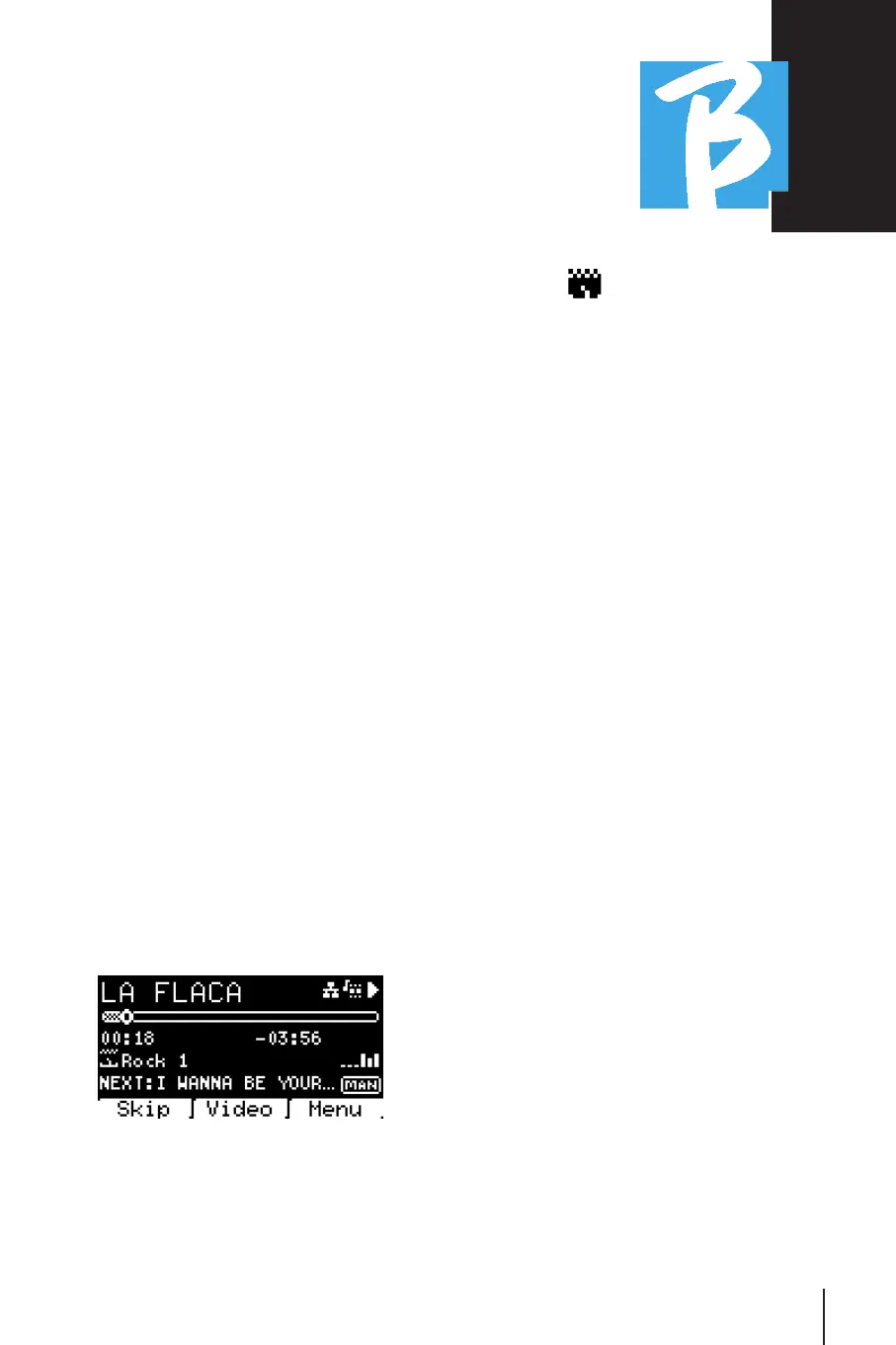
Here is the screenshot of the Player when
we load a Show:
The icon represents the Show, to
the right is the title of the loaded Show
(or scene).
When we load a SHOW the B.Beat is ready
to play the list of all the events contained
in the SHOW, which, we remind you, is a
highly developed Playlist. Here are the dif-
ferences that characterize a SHOW:
1. The SHOW contains a series of
SCENES, SCENES consist of one or
more Audio and/or Video contents
(called SLOTS).
2. Within a Show you can put Scenes
in the lineup. A Scene can consist of
several SLOTS.
3. Each event (Slot or Scene) is
connected by a transition that can
be automatic (the next slot starts
automatically after a delay of "n"
seconds) or manually (pending con-
sent from the Play button).
When running a Show the options we have
are similar to those in the Playlist, in fact
by pressing the ENTER key we access the
list of SCENES and the events contained
in the scenes.
ENTER (IN SHOW ENVIRONMENT)ENTER (IN SHOW ENVIRONMENT)
When loading a Show into memory, the
Enter key allows you to enter the SHOW
and view the Scenes and Slots. From this



 To Next Page