36
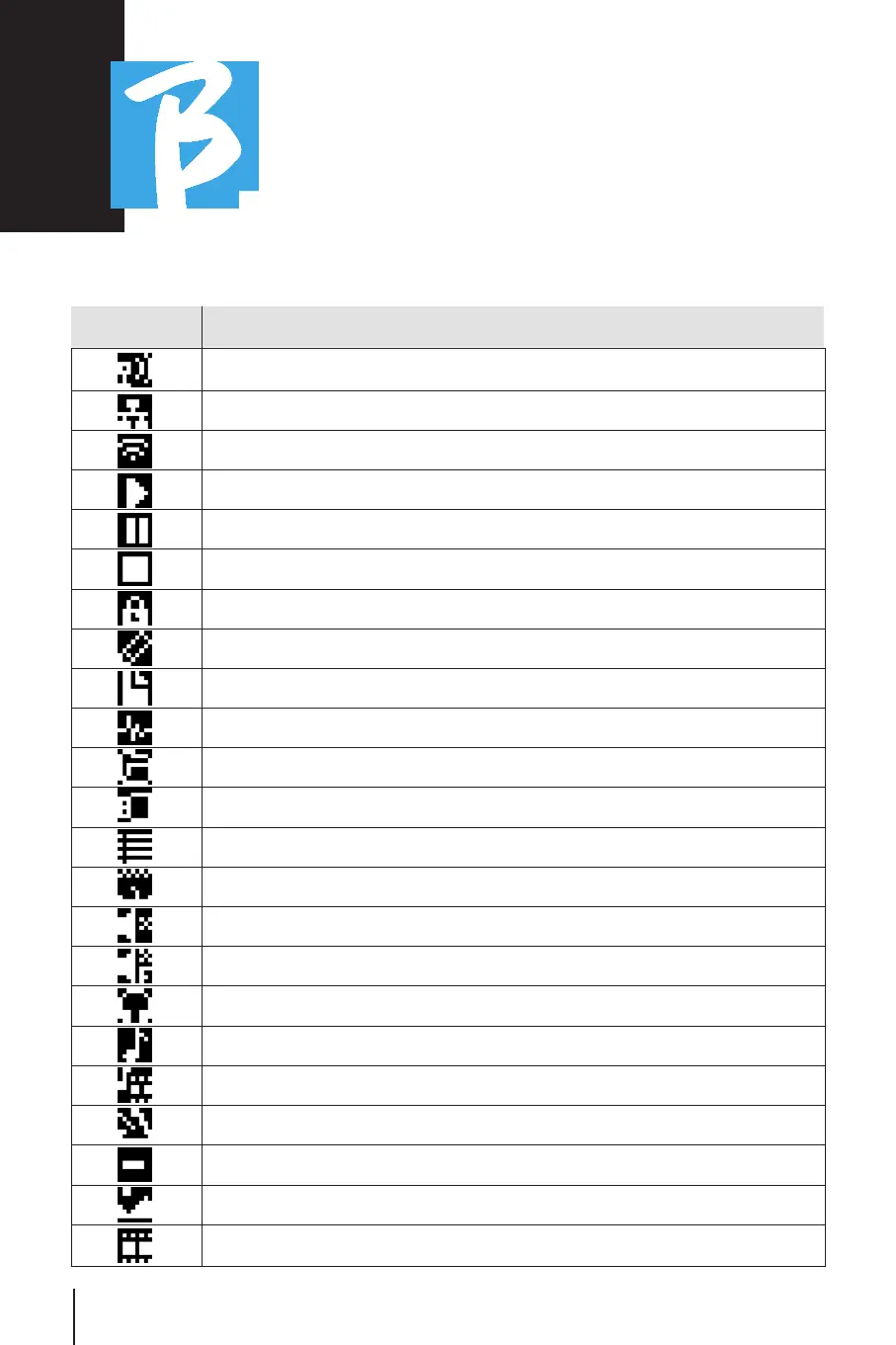
Display IconsDisplay Icons
Icon Meaning
Hotspot active (optional M-Pen required to generate Wi Fi)
Active connection via Ethernet cable
Active connection via Wi-Fi
Play Status
Pause Status
Stop Status
Live mode active
Edit mode. You can change the data of: •Playlist •Project (Track)
The adjacent number is the number of items in the selected environment
The adjacent number is the number of tracks in the project
Work environment: Library – internal memory
Work environment: Library – external USB memory
Work environment: Playlists
Work environment: Shows
Mute track (configured as mute)
Muted track due to the configuration of the belonging family
Headphone enabled output
The item is a Project
The item is a Project with a media (video or Jpg)
The item is a metronome
The item is a break
The media is an image
The media is a video, such as the slots of a scene.



 To Next Page