HIFACE EVO TWO
UNIVERSAL D-TO-D CONVERTER
REVISION P
R
A – AUGUST 2015
Copyright © 2015, M2Tech Srl
31
www.m2tech.biz
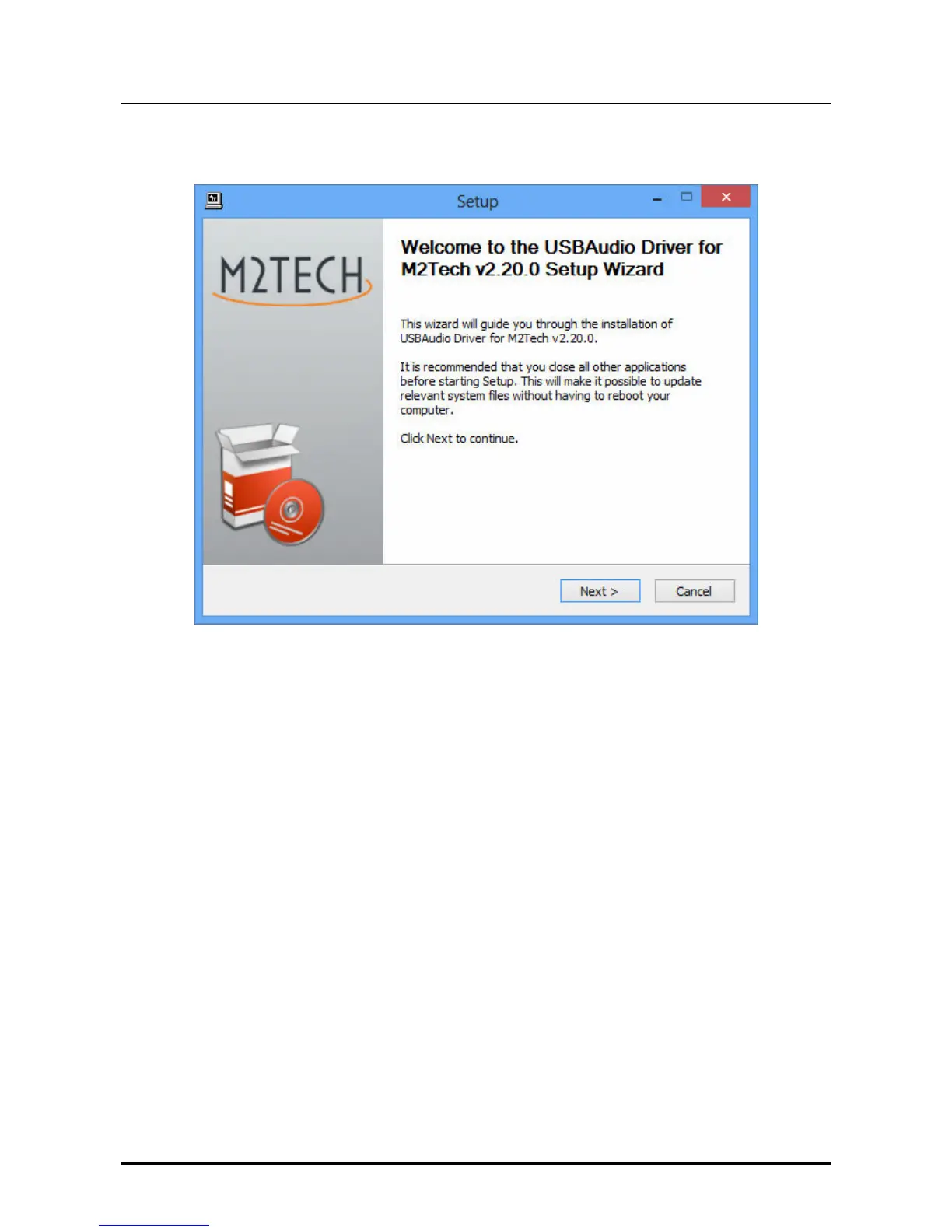
Once setup is launched, the window shown in Fig. 13 appears.
Figure 13
NOTE: It may happen that the operating systems shows a warning window first,
stating that the setup application will modify the operating system. Close the
warning window by clocking on the “OK” button to let the setup program free to
proceed.
Connect the
HIFACE Evo Two
to the computer and switch it on. Then, click on the “Next”
button to proceed with installation. The window shown in Fig. 14 will appear.


 To Next Page