HIFACE EVO TWO
UNIVERSAL D-TO-D CONVERTER
REVISION P
R
A – AUGUST 2015
Copyright © 2015, M2Tech Srl
32
www.m2tech.biz
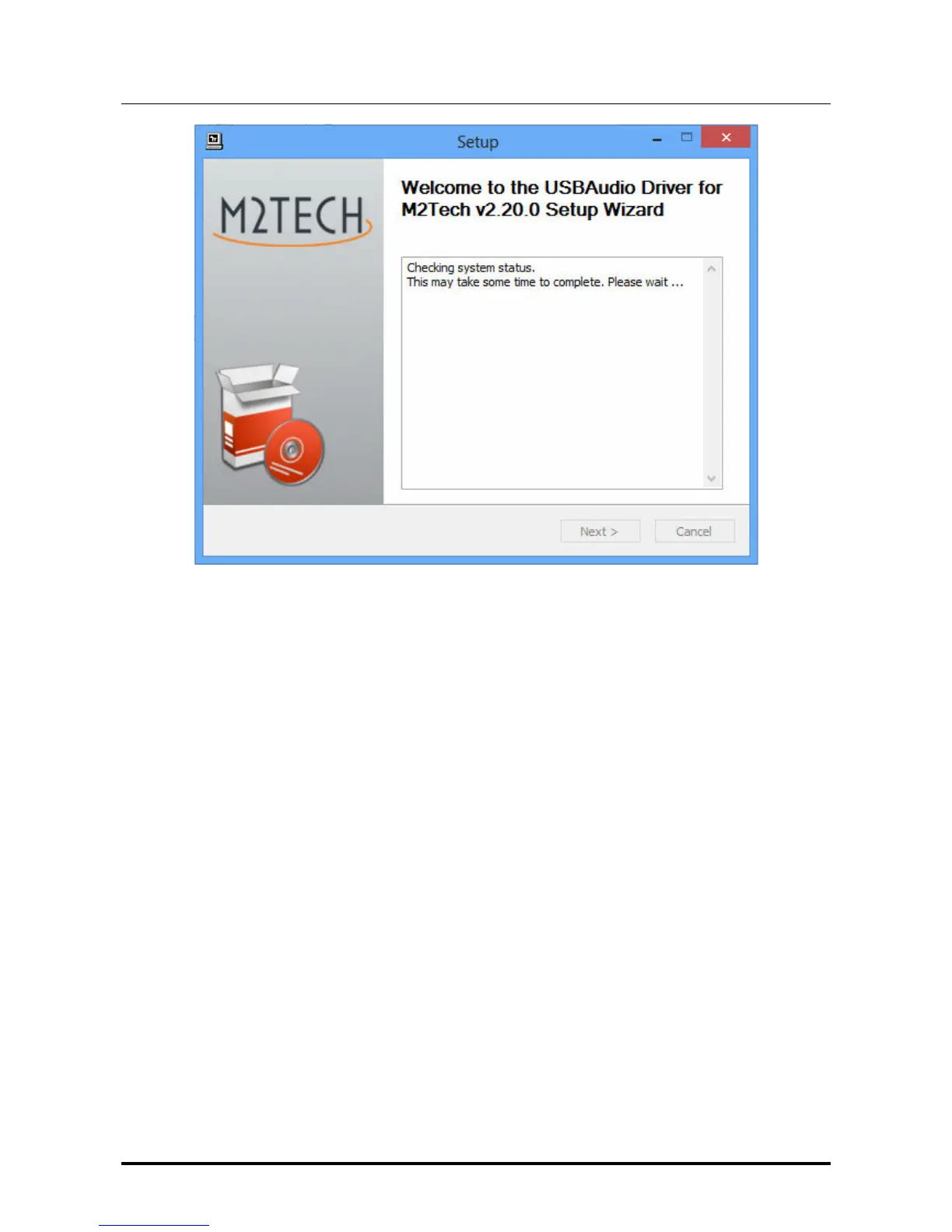
Figure 14
If the DAC is correctly connected to the computer, after a few seconds the window shown
in Fig. 15a will appear. If necessary, indicate a folder of your choice, otherwise leave the
one proposed by the setup. Click on the “Install” button.
When the
HIFACE Evo Two
is off or when the computer doesn’t recognize the connection
to the
HIFACE Evo Two
, then window shown in Fig. 15b may appear. In this case, follow
the instructions displayed in red and then click on the “Next” button.


 To Next Page