23
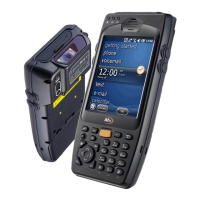
User Manual M3 Orange
Keyboard
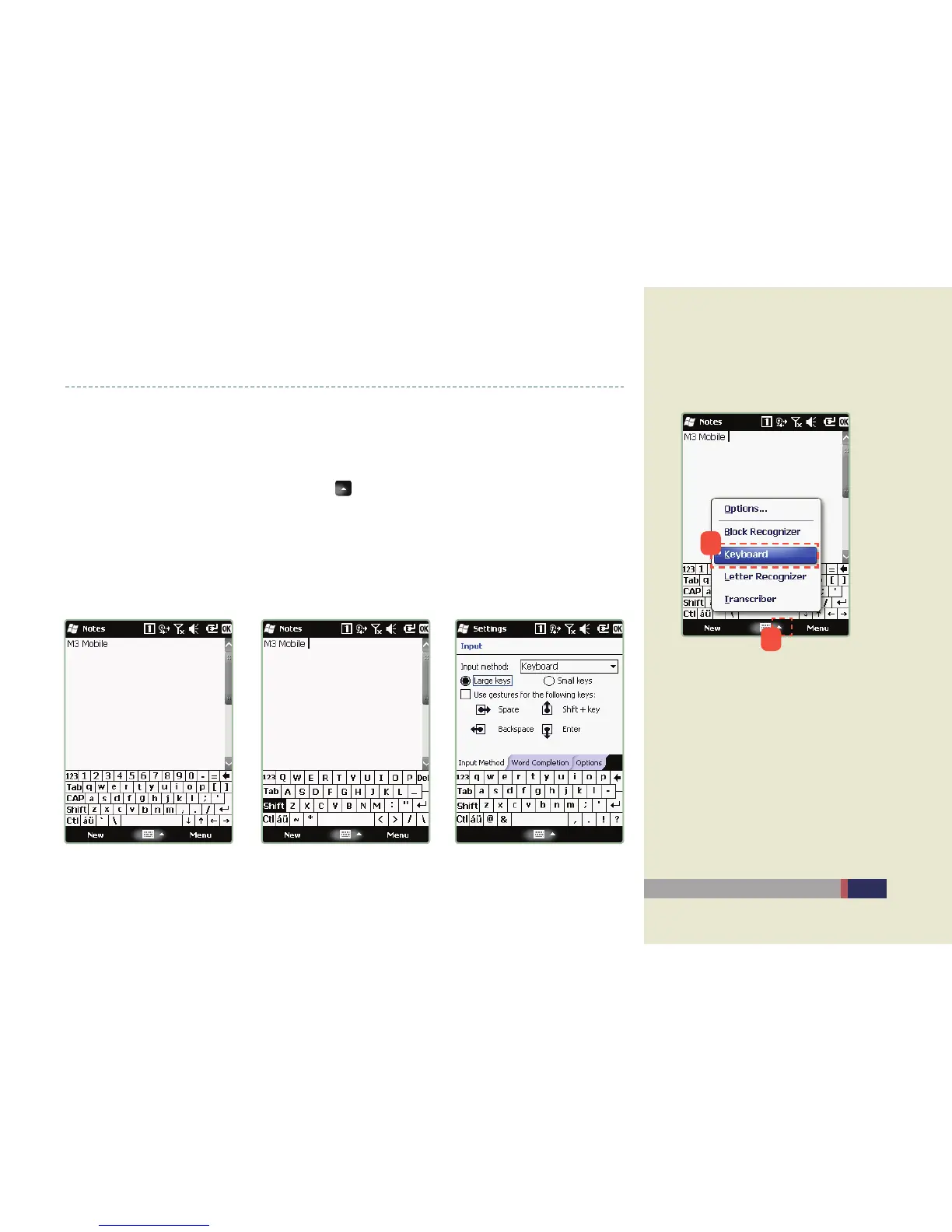
The keyboard input is the way of entering the text using the stylus pen by touching the •
virtual keyboard which is the same shape as the actual keyboard on the screen.
You choose the input method by clicking •
icon at the bottom of screen.
You can enter the text by touching the keyboard directly.•
Transcriber / Keyboard
Screen for selecting Keyboard
Small Keybard Big Keyboard Options
1
2


 To Next Page