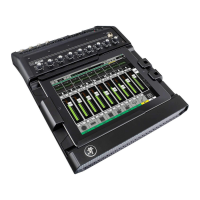
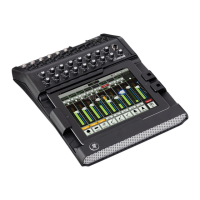
DC16 Owner’s Manual
16
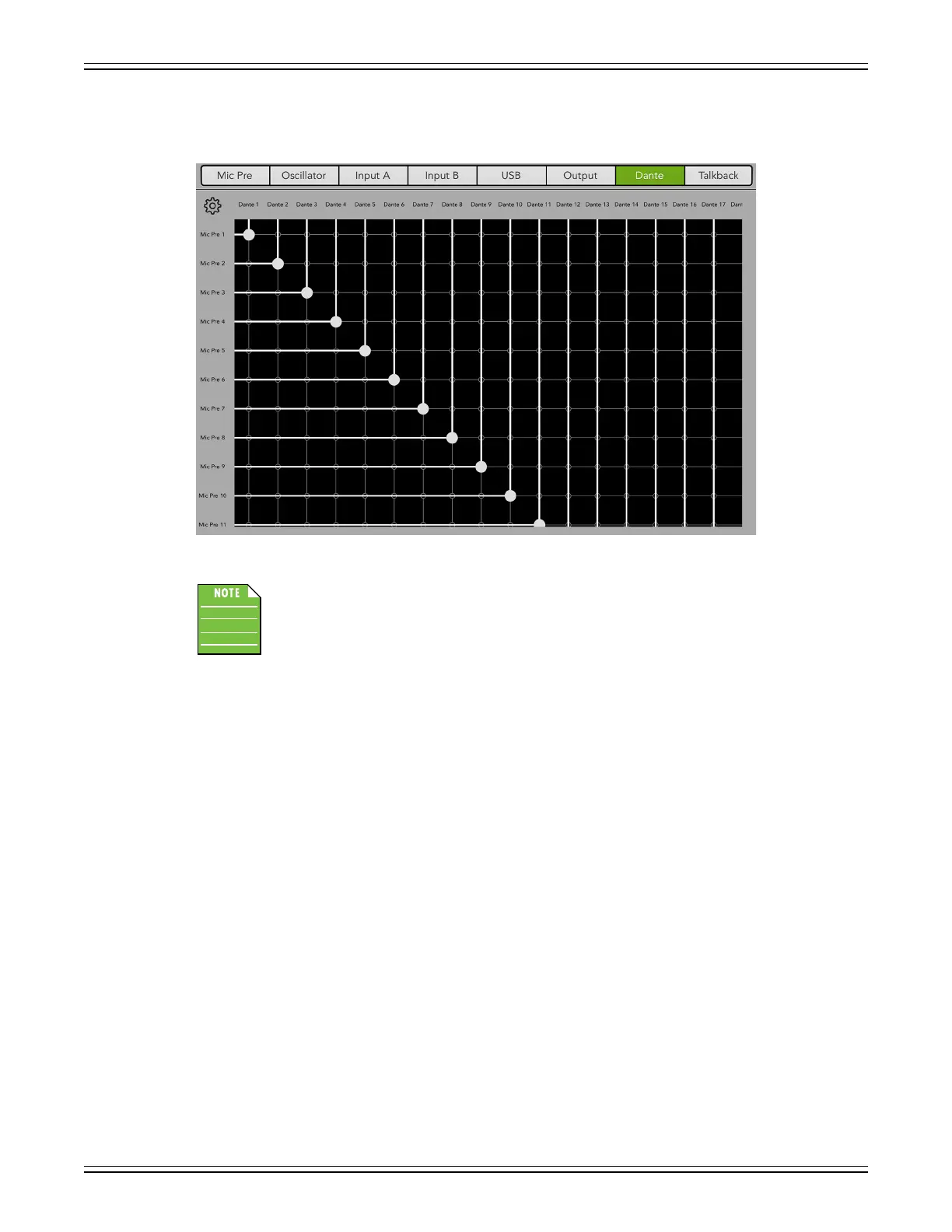
The second step is to set up Dante routing via Master Fader [Tools > I/O Patch > Dante]. We already
set up Dante with a 1-to-1 setup, so we need to do the same in Master Fader. See below.
All Dante to Mic Pre settings are patched, but a single screen shot showing all is impossible.
Basically what we’re doing here is sending outputs 1-28 of the DL32R – since 29-32 have already been
auto-routed – to whatever your routing choice may be...a Dante Virtual Sound Card, for example.


 To Next Page