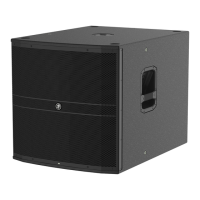
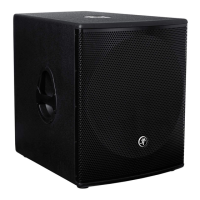
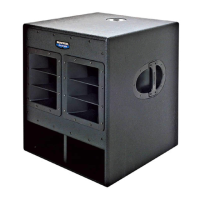
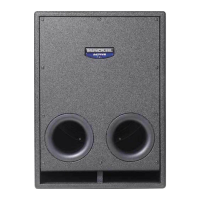
DLM12S Powered Subwoofer
12
DLM12S Powered Subwoofer
15. Control Lock
TheDLM12Sinterfacemaybelockedbypressing
theDLY[13]andMEM[14]buttonssimultaneously.
Animageofapadlockwillappeartoindicatethatthe
subwooferislocked.Whenlocked,theDLM12Sissafe
fromaccidentalbuttonpresses.Simplypressthe
buttonsagaintounlockthesubwoofer.
16. + and – Buttons
Thesebuttonsworkinconjunctionwiththebuttons
mentionedpreviously:VOL,XVR,DLYandMEM.
Increaseordecreasethevolume[10],changethe
variablefrequencyband[11],changethedelay
time/distance[13]andusethesebuttonstosave
andrecallpresets[14].
17. 2000W/2W Switch
1
AtMackiewearealwaysstrivingtopushthe
envelope,dreamingupnewawesomeproductstodesign
inordertoexpandtheboundariesoftheproaudio
world.Assuch,sometimesthelittleguygetsleftout.
Nothere!
Leavethisswitchoutwhenyouwanttorunthe
subwooferasintended.Wedesigneditwith2000W
inmind,soleavethisswitchouttokeepitat2000W.
Orpushthisswitchintorunthesubwooferatamere
2Winstead.Thisisagreattrickforfoolingfriendsinto
wondering,“what’sthatnoiseIbarelyhear?”Theywill
beshockedthatit’syour2000WDLM12Ssubwoofer
runningat2W!
1 People want more power, not less! As such, this “feature” has been shelved. Power to the people!


 To Next Page