Owner’s Manual
5
Owner’s Manual
Hookup Diagrams
PUSH FOR SETTINGS
MAXOFF
MIX OUTDIRECT OUTDIRECT OUT
INPUT INPUT
SPEAKER CONTROL
GAIN GAIN
INPUT
GAIN
LINE
MIC
U
+50dBOFF
LINE
MIC
+50dBOFF
U
LIVE SHOW
SPEAKER VOICING
SPEECH
CLUB
MON
LIVE
PUSH FOR SETTINGS
SPEAKER CONTROL
MONITOR POSITION
SPEAKER VOICING
MON
SPEECH
LIVE
CLUB
CONFIGURATION
MEMORY 1 2 3 4 5 6
ABOUT
CH2 IN LO-Z HI-Z
LOCK PIN 1 2 3 4
BACKLIGHT
FRONT LED
RESET
OFF DIM ON
OFF ON
PUSH FOR SETTINGS
MAXOFF
MIX OUTDIRECT OUTDIRECT OUT
INPUT INPUT
SPEAKER CONTROL
GAIN GAIN
INPUT
GAIN
LINE
MIC
U
+50dBOFF
LINE
MIC
+50dBOFF
U
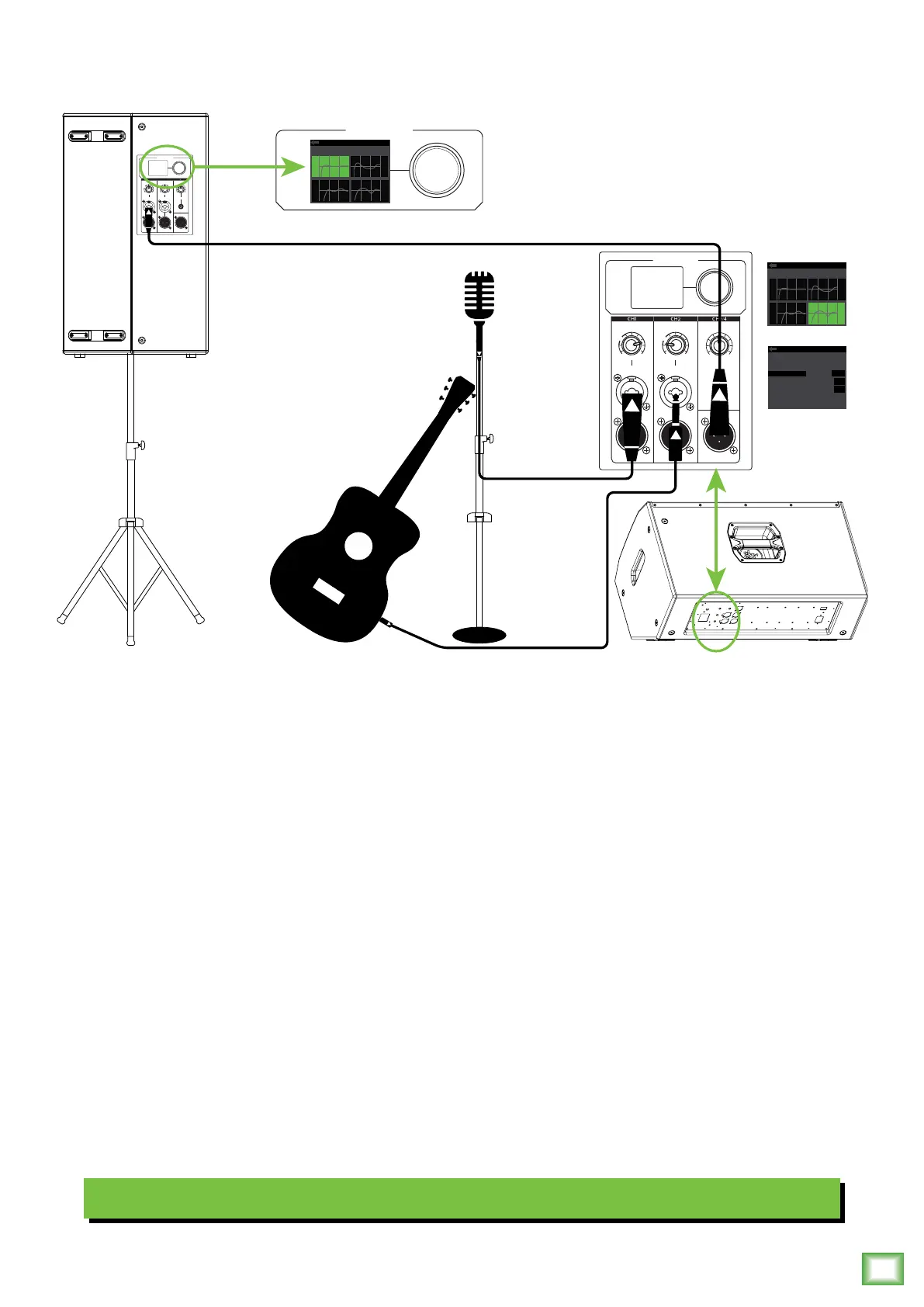
DRM loudspeakers are the perfect tool for singer-songwriters touring the local coee shops. Bring your favorite axe
and mic, DRM loudspeakers and cables and power cords.
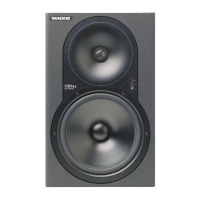
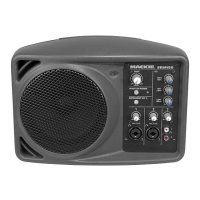
In this example, a dynamic microphone is connected to the channel input of a DRM22 loudspeaker, used for monitoring
purposes.
Now grab your axe and plug it directly into the channel 2 input. Or if you use eects, connect the guitar to the eects input
and another cable from the eects output to the channel 2 input.
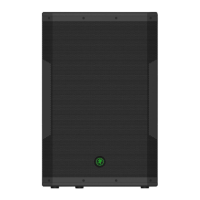
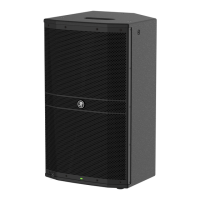
A DRM25 loudspeaker will be used for the main PA. Simply connect a cable from the DRM22 monitor’s MIX OUT jack
to the DRM25 PA’s channel input.
For the output, you will want to set a speaker mode, described in detail on page 2. For this type of setup, Live works well
for the main DRM25. Select the Monitor mode for the DRM22 monitor. Additionally, you will want to set the monitor’s
configuration > channel 2 input to Hi-Z to account for the guitar.
Singer-Songwriter Setup


 To Next Page