Owner’s Manual
7
Owner’s Manual
DJ System
PUSH FOR SETTINGS
50-60 Hz 110W
100-240VAC
SPEAKER CONTROL
INPUT
DIRECT OUT
INPUT
DIRECT OUT
HIGH-PASS OUT HIGH-PASS OUT
PUSH FOR SETTINGS
50-60 Hz 110W
100-240VAC
SPEAKER CONTROL
INPUT
DIRECT OUT
INPUT
DIRECT OUT
HIGH-PASS OUT HIGH-PASS OUT
PUSH FOR SETTINGS
MAXOFF
MIX OUTDIRECT OUTDIRECT OUT
INPUT INPUT
SPEAKER CONTROL
GAIN GAIN
INPUT
GAIN
LINE
MIC
U
+50dBOFF
LINE
MIC
+50dBOFF
U
PUSH FOR SETTINGS
MAXOFF
MIX OUTDIRECT OUTDIRECT OUT
INPUT INPUT
SPEAKER CONTROL
GAIN GAIN
INPUT
GAIN
LINE
MIC
U
+50dBOFF
LINE
MIC
+50dBOFF
U
PUSH FOR SETTINGS
SPEAKER CONTROL
SUBWOOFER HPF
DRM SUB
VAROFF
DRM
SUB
PUSH FOR SETTINGS
SPEAKER CONTROL
CLUB
SPEAKER VOICING
SPEECH
LIVE
MON
CLUB
Hookup Diagrams continued...
Perhaps you’re a DJ playing bumpin’ tunes in the middle of the night to a crowd that’s groovin’ and dancin’
to your fine selection.
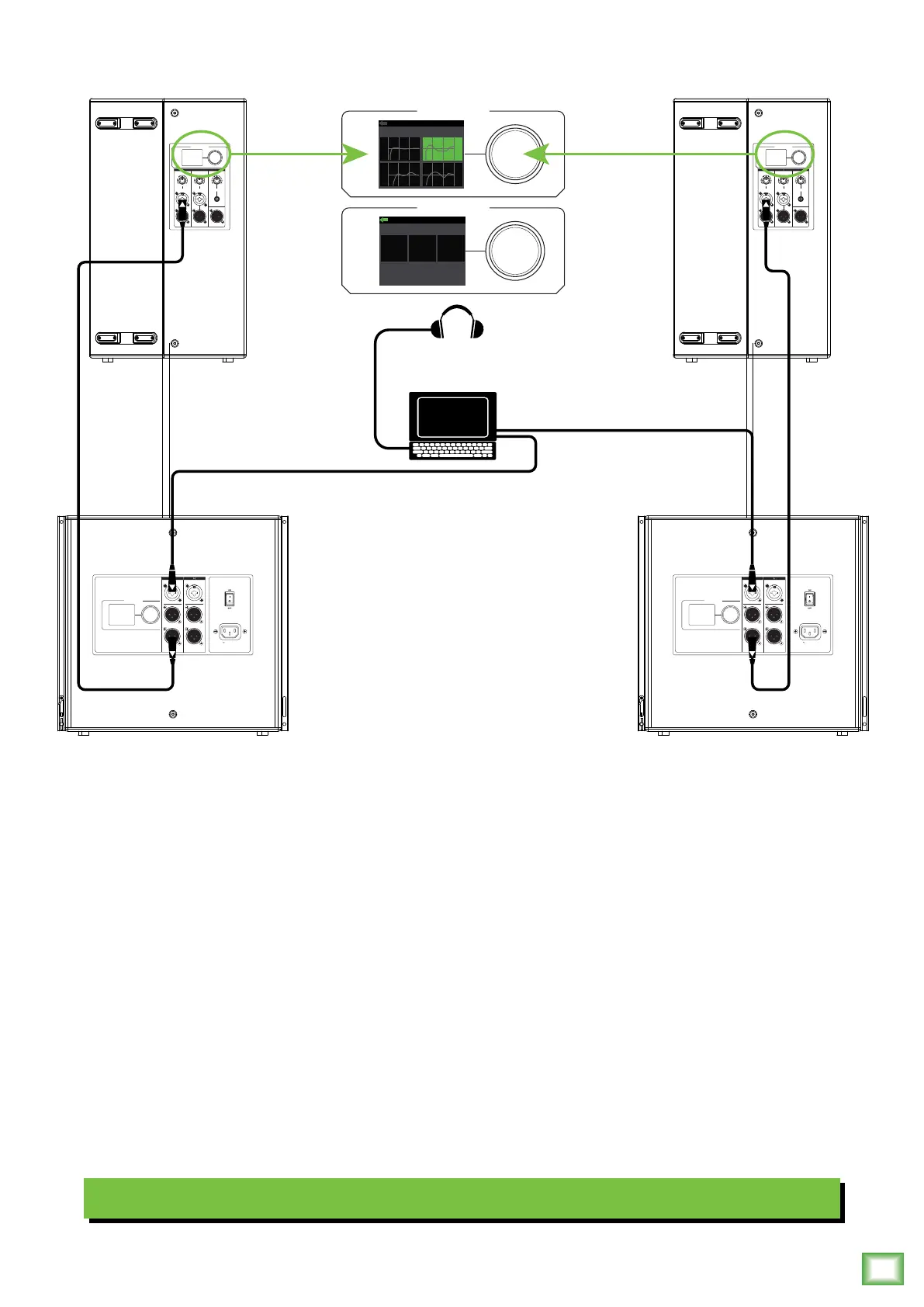
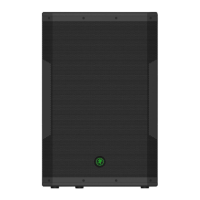
In this example, a laptop is connected to the inputs of two DRM8S subwoofers with the X-Over set to DRM Top.
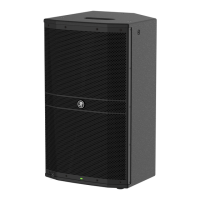
The High-Pass Out of each subwoofer is then connected to the input of each DRM22 loudspeaker.
Additionally, a set of Mackie MC-250 headphones is connected to the phones jack of the laptop.
The Speaker Modes of both loudspeakers may be set to Club and the Subwoofer HPF set to DRM Sub.


 To Next Page