SHOWBOX BATTERY POWERED ALL-IN-ONE PERFORMANCE RIG WITH BREAKAWAY MIX CONTROL
23
Quickly double-tapping the compressor knob allows for true bypass of the compressor circuitry to ensure that there is no
coloration of the signal if the compressor is not needed. The LEDs surrounding the compressor knob will flash
when o.
When the compressor is disengaged, the compressor control has no eect on the signal. Use this to make an A/B comparison
between the comp’d signal and the signal without compressor. Single- (or double-) tap the compressor knob to turn
the compressor back on.
Any number of input compressors may be bypassed simultaneously. Additionally, you can switch between channels,
but the compressor will remain o (i.e. flashing LEDs) until the compressor knob on the selected channel is single- (or double-)
tapped.
As you may have noticed on the previous page (or on an actual ShowBox), the single-color LEDs surrounding the
compressor
knob is white. The default position for the
compressor
knob on all inputs is off (far-lef LED illuminated).
The compression is post-preamp but pre-EQ.
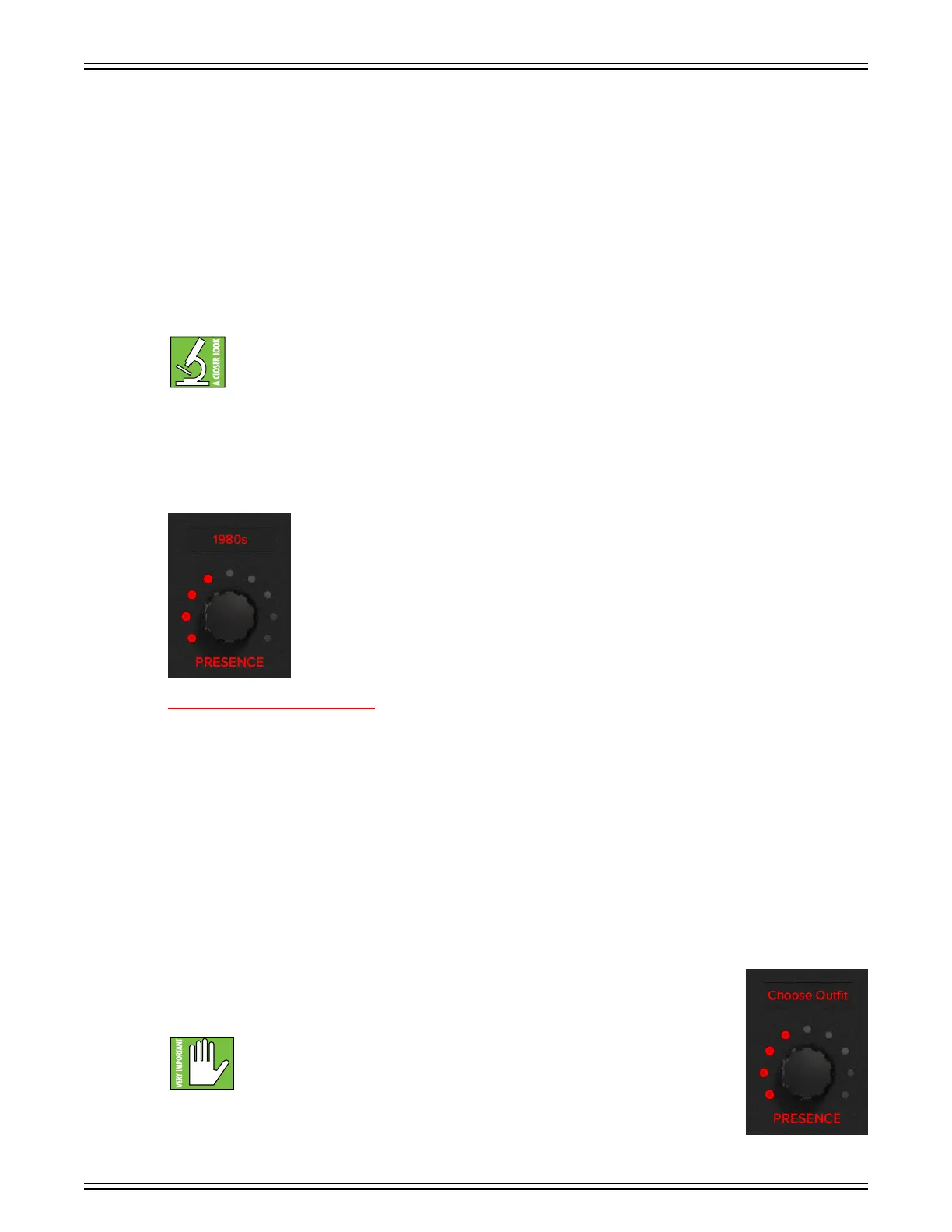
Presence Knob
Many guitar amplifiers have a presence knob and ShowBox is no dierent. But that’s where
the similarities end... and frankly, we think ours is superior, anyway. ShowBox is dedicated
to not only delivering a premium sound, but a superior look (and the charisma) to go along
with it. That’s right, this knob gives you STAGE presence!
Stage presence is the mix of your oufit and onstage charisma... and we’re here to help! If you recall
what Colorforms® are, this works (somewhat) similarly. In short, Colorforms® are vinyl cutouts that
can easily be added to – and removed from – smooth surfaces. This, though, is YOUR chosen oufit.
SELECTING PRESENCE ON SHOWBOX:
Here is how to set up stage presence in five easy steps:
. Select the channel.
2. Single-tap the presence knob to enter
‘Presence Select Mode’.
The LEDs surrounding the FX knob will illuminate
and flash red
when tapped. Additionally, the
scribble strip will also flash at the same rate.
3.
When flashing, rotate the endless knob to find and select a decade. Once found, press the button to make the selection.
It will replace the previously selected decade on the scribble strip.
It will remain in ‘Presence Select Mode’ so long
as there is activity. It will revert back to normal (solid LEDs)
afer ten seconds of inactivity (or another single tap
of the presence knob).
4. Once an eect is selected – regardless of choice and channel – the presence amount is set to the default position
of 2 o’clock (noon, first five LEDs illuminated).
5. Rotate the endless knob to scroll through all of the dierent available oufits, hairstyles,
and more, from that decade. Afer five seconds of inactivity, look down at yourself. The oufit
has changed! Now take a look in the mirror. How about that hair and makeup?! Looking sharp!
Be aware that selecting “None” will render you completely naked! It is an option
for our “free spirits” out there, but please be aware of your local laws regarding
indecent exposure.


 To Next Page