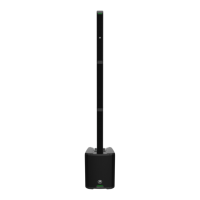
SHOWBOX BATTERY POWERED ALL-IN-ONE PERFORMANCE RIG WITH BREAKAWAY MIX CONTROL
25
Tuner – When the FX/Tuner knob is pressed (and held) for two seconds, the channel is muted and the tuner is activated.
The majority of the time, the LED to the lef of the FX silkscreen will illuminate solid yellow, but when the tuner is accessed,
it will illuminate and the FX LED will go dark. The scribble strip will display the note that is currently being played.
Additionally, while the note is played, the LEDs surrounding the knob give out important details. If it’s at 2 o’clock (noon),
the note is perfectly in tune, huzzah! Any illuminated LEDs to the lef are flat notes, and, yep, you guessed it... any illuminated
LEDs to the right are sharp notes. It will revert back to normal FX mode after ten seconds of inactivity (or a single tap
of the FX knob).
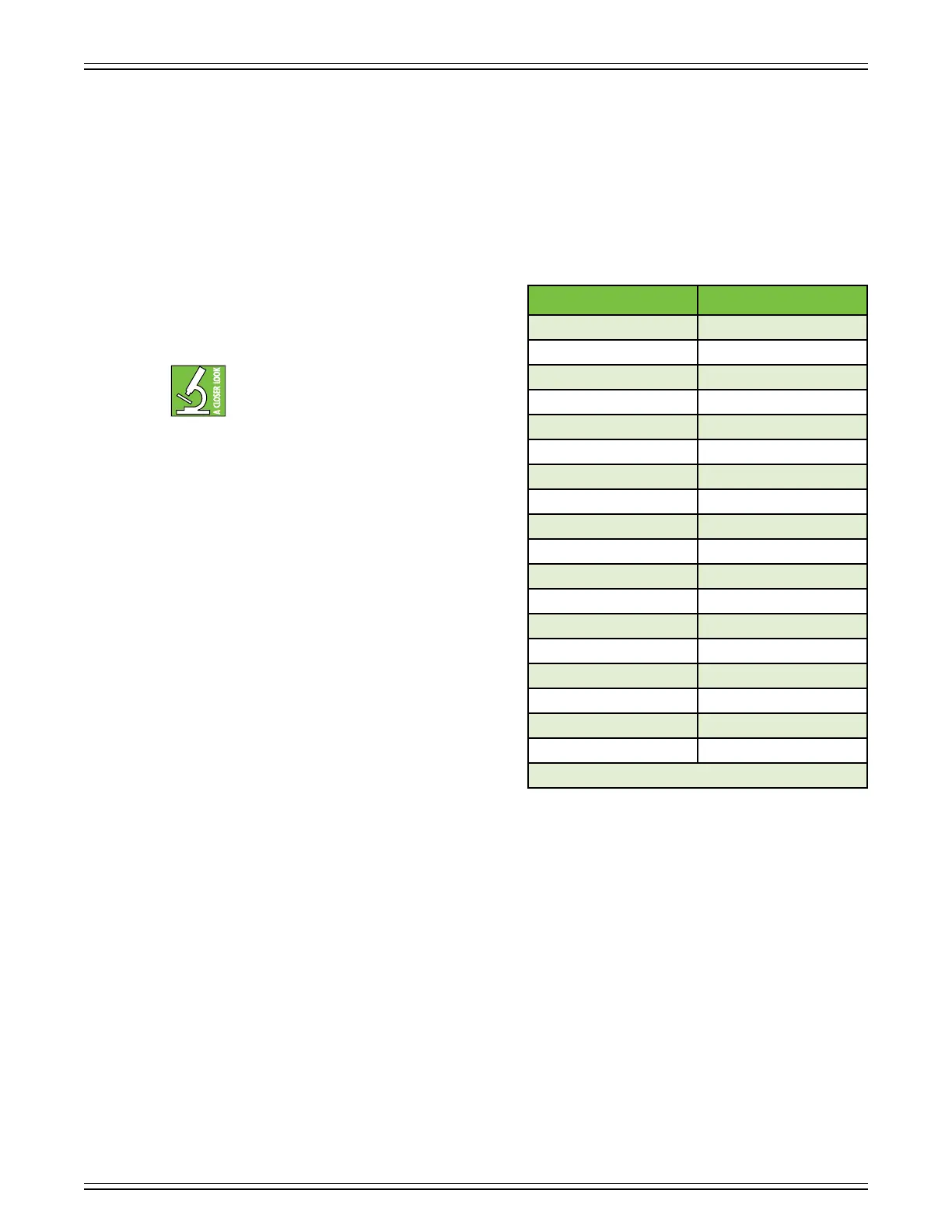
FX2 – The previous page has step-by-step instructions
on how to select FX on ShowBox.
By default, the right knob is always on ‘FX2’ (not snapshot)
.
The eects on FX2 are in parallel (i.e. time-based
eects). This means that shared channels also
share effects. The shared channels in this case
are the XLR inputs (channels + 3) and the /4"
instrument inputs (channels 2 + 4). Unfortunately, ShowBox
does not have the processing power to allow FX2 to be run
in series due to the memory-hogging eects available on FX2.
The following helps us remember the dierences, and perhaps
it will help you, as well:
FX = Series = Separated
FX2 = Parallel = Paired
Keep in mind that the FX level may be set dierently for all
four channels.
There are additional details about the FX in Appendix C
(pages 47-48).
FX2 Number FX2 Eect
0 NONE
SMALL PLATE
2 LARGE PLATE
3 SMALL ROOM
4 LARGE ROOM
5 SMALL HALL
6 LARGE HALL
7 SPRING REVERB
8 SMALL CHORUS
9 LARGE CHORUS
0 FAST DELAY
SLOW DELAY
2 DELAY + REVERB
3 DELAY + CHORUS
**4 **REVERSE DELAY
5 FLANGER
6 PHASER
7 TREMOLO
**These FX are available only on channels 2 and 4.


 To Next Page