O
OL
LEVEL
U
+15-15
U
+15-15
U
+15-15
600
8k100
MAX
OO
U
FREQ
HIGH
12kHz
LOW
80Hz
MID
THRU
EQ
CONTOUR EQ
INPUT
ON
POWER
OFF
ON
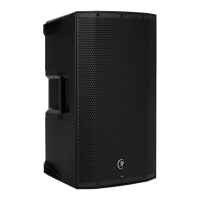
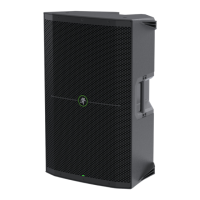
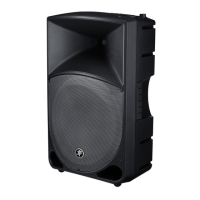
Mackie TH-15A Features
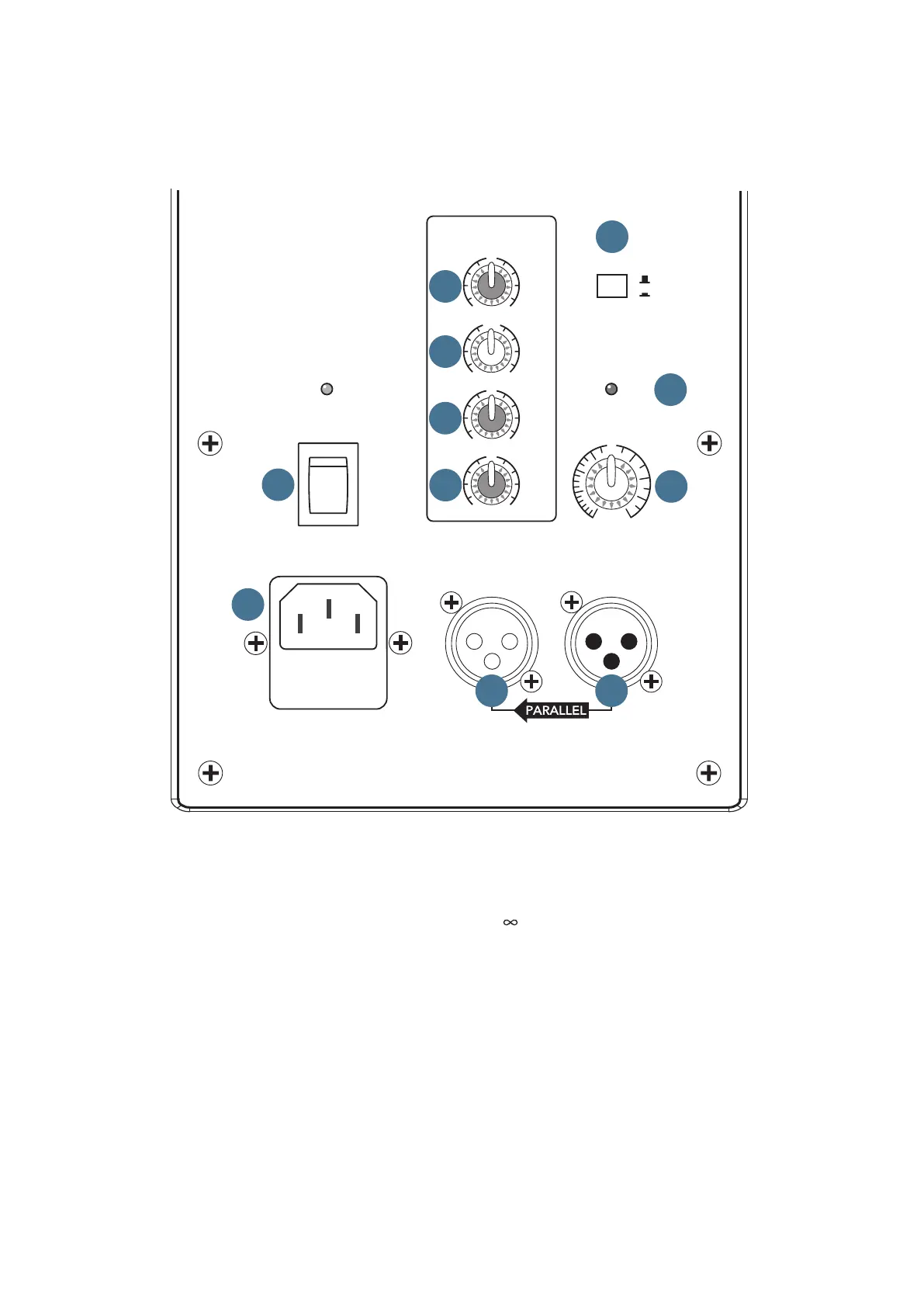
REAR PANEL DESCRIPTION
3. LEVEL
The LEVEL control adjusts the overall signal level at
the input to the built-in power amplifiers. It ranges from
Off (
) to MAX (maximum gain), with unity gain at the
center position (12 o’clock).
• TheTH-15Aisdesignedtooperatewitha+4
dBu signal when the LEVEL control is at the U
(center) position.
• TheTH-15Acanacceptuptoa+20dBusignal
by turning down the LEVEL control accordingly.
Turning the LEVEL past unity will provide enough
gain to connect a microphone directly.
• NEVERconnecttheoutputofanamplierdirectly
to the input of the TH-15A. This could damage the
active input circuitry of the loudspeaker.
This is where you connect AC power and your
signal to the loudspeaker and make adjustments to
the frequency response of the speaker to match the
loudspeaker’s location and your room’s environment.
1. INPUT
This is a female XLR-type connector that accepts a
balanced mic or line-level signal from a mixing console
or other signal source. For small gigs, simply connect a
microphone directly and adjust the LEVEL accordingly.
2. THRU
This is a male XLR-type connector that produces
exactly the same signal that is connected to the input
jack. Use it to daisy-chain several TH-15A’s together off
the same signal source.
1
2
3
4
5
7
6
8
9
10
11


 To Next Page