www.mackie.com
PHONE: 425.487.4333 • TOLL-FREE: 800.898.3211
ThumpBST Speaker Setup Guide
Knowledge Base
http://mackie.com/products/thump
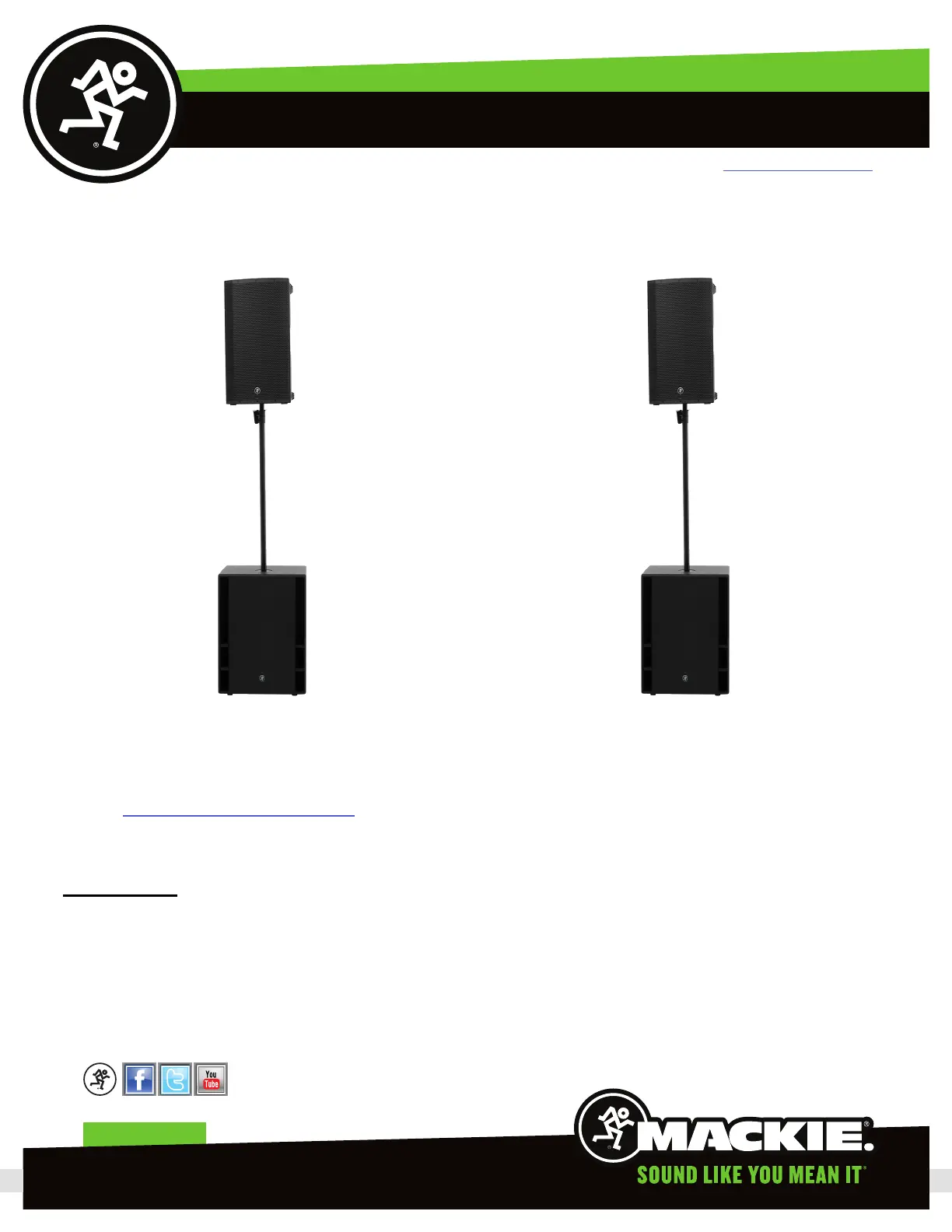
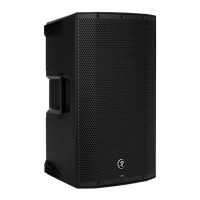
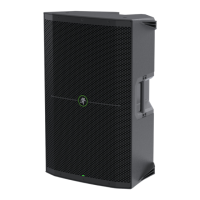
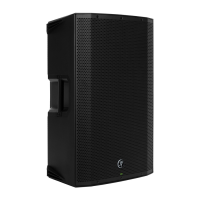
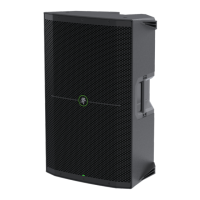
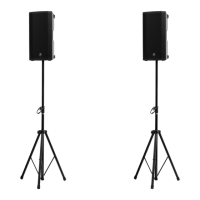
If you are using these loudspeakers with the Thump8S you can instead replace the speaker stands with the SPM200 pole to
mount the two Thump5BST loudspeakers above the Thump8S subwoofers.
Connections
Next, plug the ProFX mixer, two Thump5BST loudspeakers and the Thump8S to your closest AC outlets using the four IEC
power cords. Keep the mixer and speakers powered o for now.
Now, we want to connect the outputs of the ProFX8v2 mixer to the speakers. For this, you will need the four XLR cables.
Page 2
Before getting too far ahead of ourselves, you will want to look at the ThumpBST Owner’s Manual. It will go over using the
onboard mixer, which you use to set the input and EQ levels on these loudspeakers. The ThumpBST Owner’s Manual you can
get here: http://mackie.com/products/thump


 To Next Page