www.mackie.com
PHONE: 425.487.4333 • TOLL-FREE: 800.898.3211
ThumpBST Speaker Setup Guide
Knowledge Base
http://mackie.com/products/thump
Great! Now everything is connected. Before you go ahead and power everything up, set the Thump8S level knob at the center
position (2 o’clock). We will need to power the Thump5BST speakers on before we can set the levels on them, but we do not
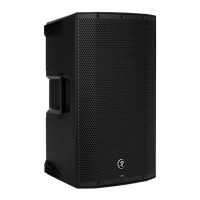
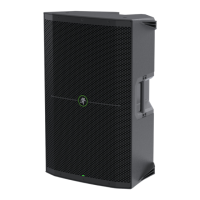
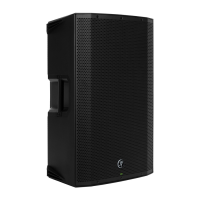
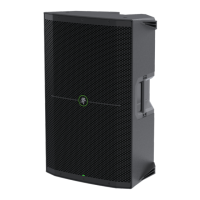
want to do that quite yet. Note: you may notice that we have not connected the two Thump15BST loudspeakers together yet.
See below for more details.
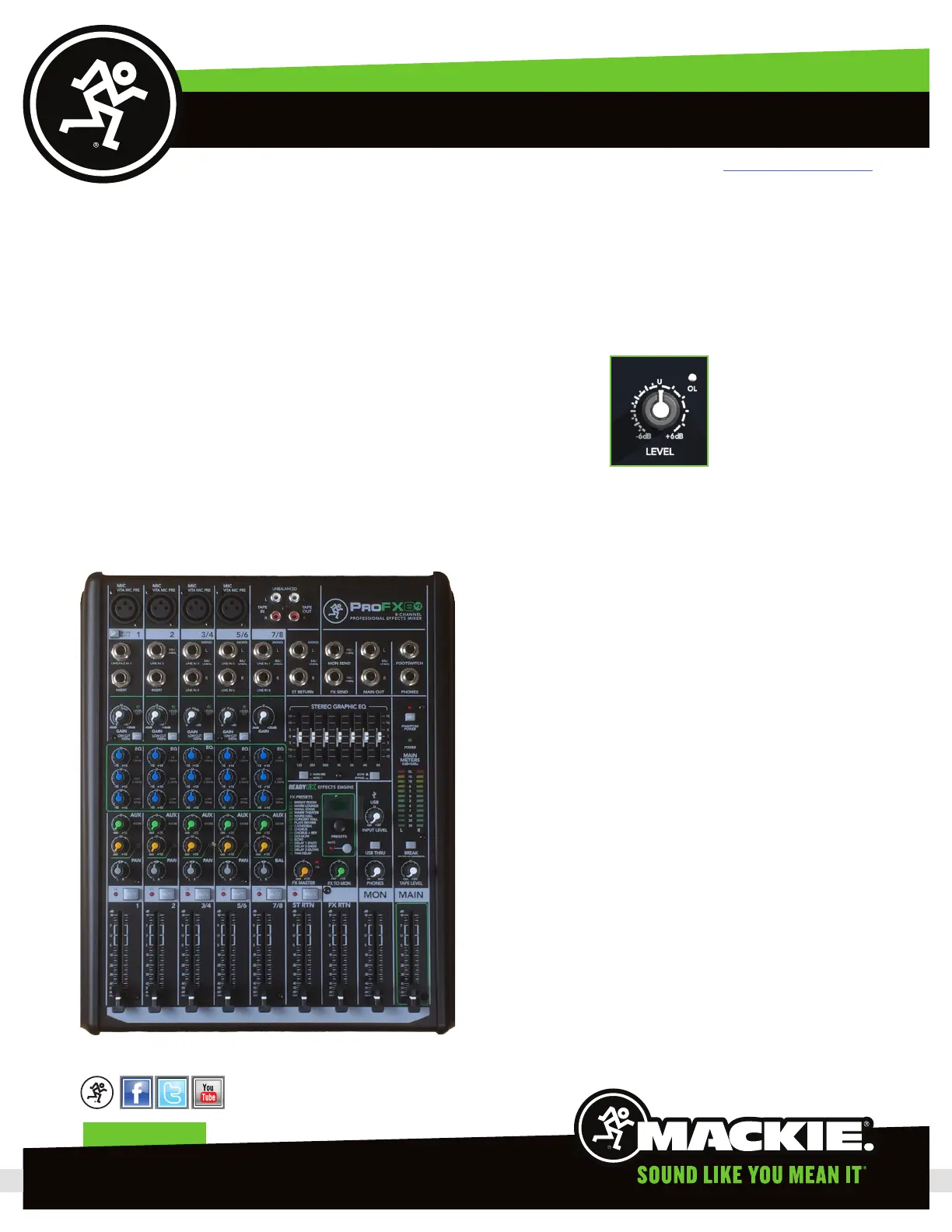
Next, zero out the ProFX8v2.
) Turn down all the knobs except the channel EQ and
pan knobs, and set all the faders fully down.
2) Set all channel EQ knobs, pan knobs, and the graphic
EQ sliders at their center detent.
3) Set all buttons to the “out” position.
Now go ahead and power your system up in the
following order:
) ProFX8v2
2) Thump8S
3) Thump5BST’s
Note: power down system in the reverse order; all
Thump5BST’s first, then the Thump8S and then the
mixer.
Page 5
Thump8S Main Level


 To Next Page