138 Chapter 7: Layers, Masking, and Blending
4 Select the object or group you want to mask.
If you are masking multiple objects, the objects must be grouped. For more information about
grouping objects, see “Grouping objects” on page 25.
5 Do one of the following to paste the mask:
■ Choose Edit > Paste as Mask.
■ Choose Modify > Mask > Paste as Mask.
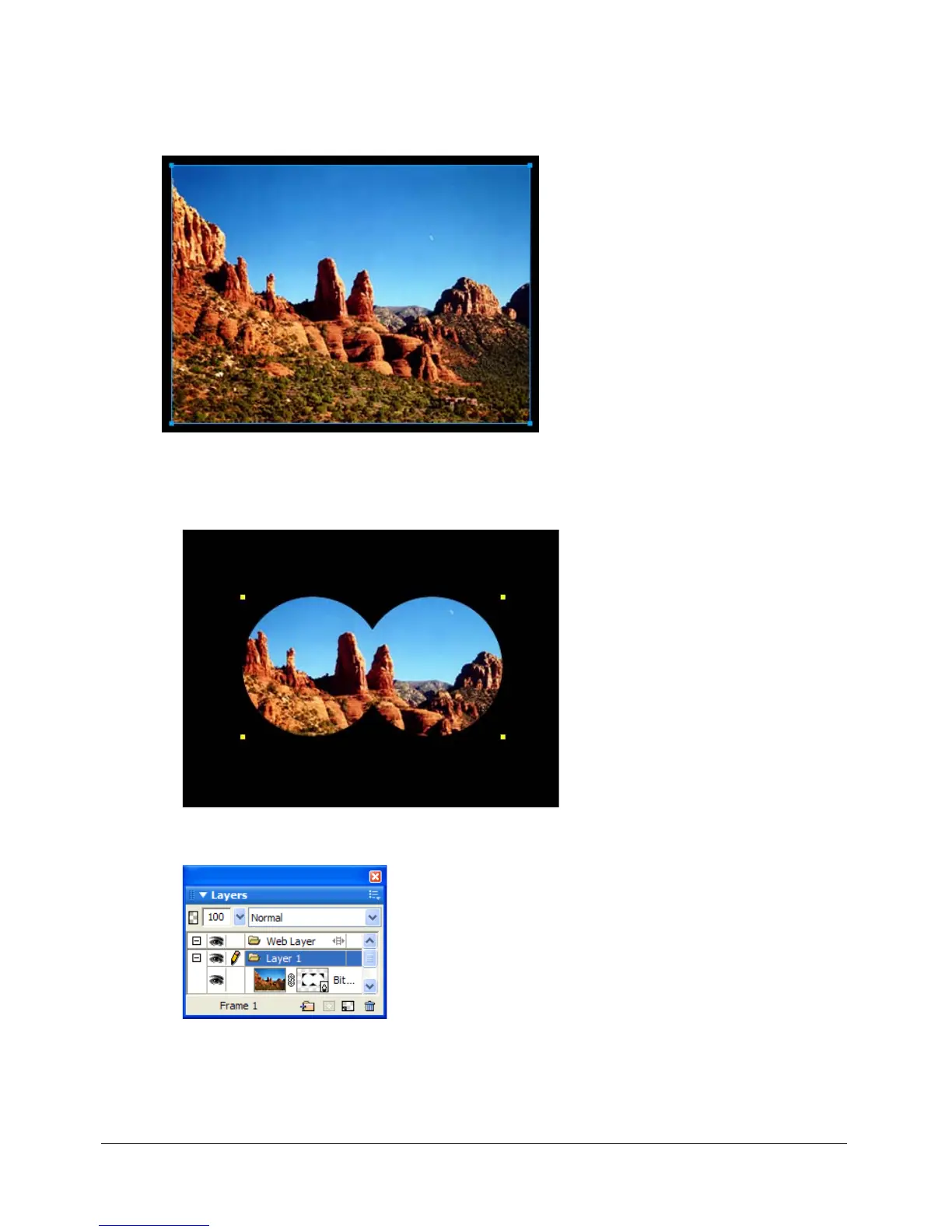
A mask applied to an image with a black canvas
The mask in the Layers panel



 To Next Page