140 Chapter 7: Layers, Masking, and Blending
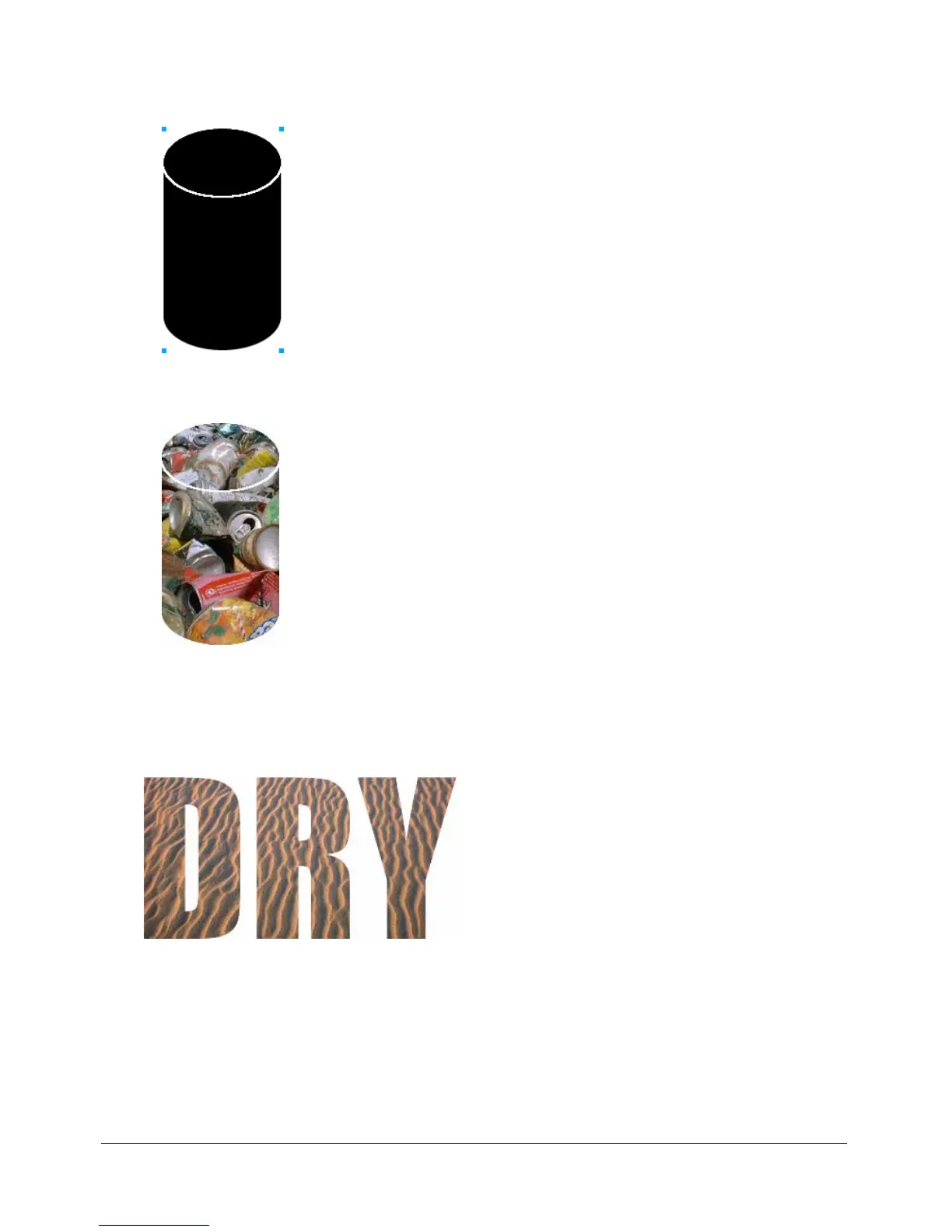
4 Select the object into which you want to paste the contents. This object will be used as the mask,
or clipping path.
5 Choose Edit > Paste Inside.
The objects you pasted appear to be inside or clipped by the mask object.
Using text as a mask
Text masks are a type of vector mask. You apply text masks just as you apply masks using existing
objects: you simply use text as the mask object. The usual way to apply a text mask is to use its
path outline, but you can apply a text mask using its grayscale appearance as well.
A text mask applied using its path outline
For more information, see “Creating a mask from an existing object” on page 137. For more
information about the different ways masks can be applied, see “Changing the way masks are
applied” on page 149.



 To Next Page