270 Chapter 13: Automating Repetitive Tasks
Changing optimization settings with a batch process
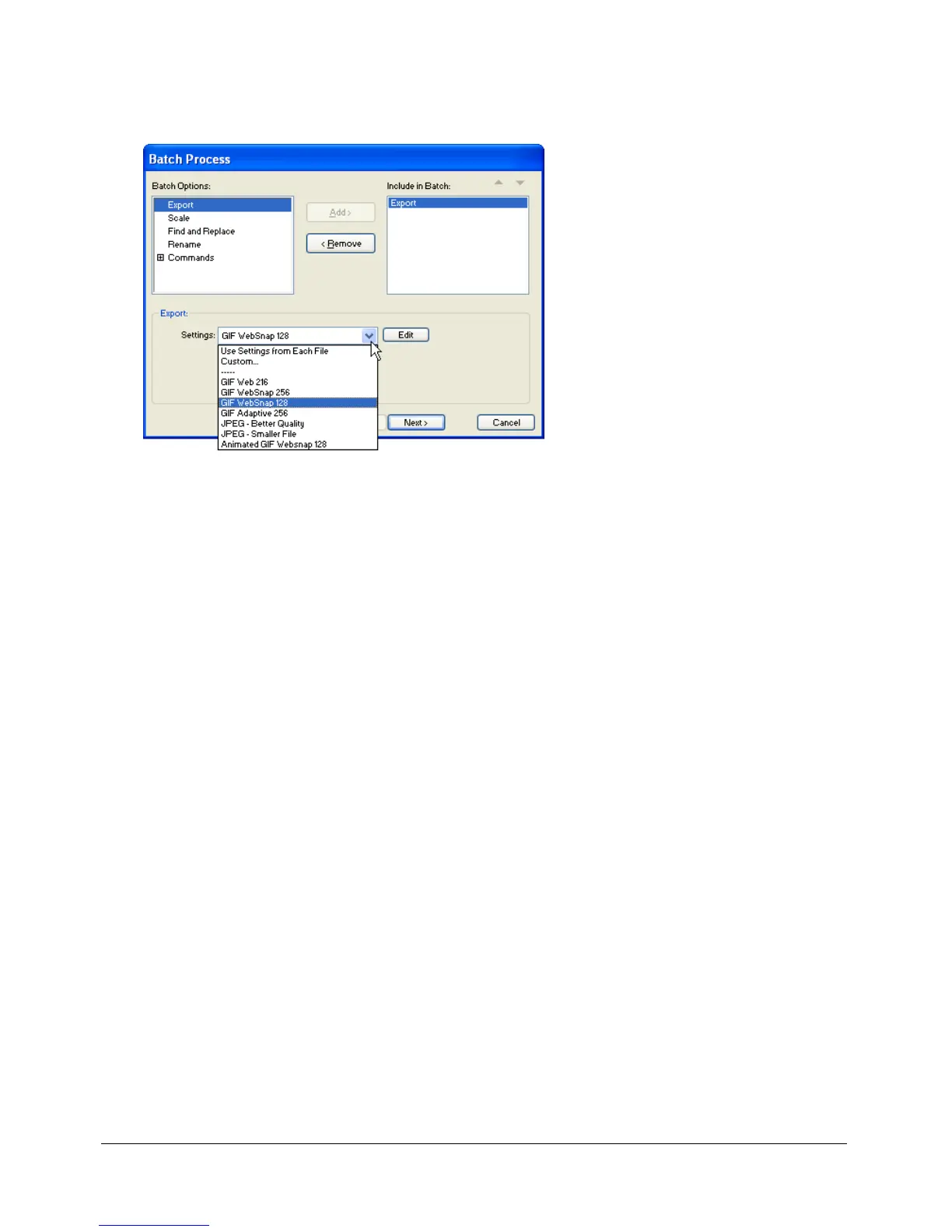
You can change file optimization settings using the Export option in the Batch Process dialog box.
To set export settings for a batch process:
1 Choose Export from the Batch Options list and click Add.
2 From the Settings pop-up menu, choose from the following options and click OK:
■ Choose Use Settings from Each File to keep each file’s previous export settings during the
batch process. For example, when you batch-process a folder of GIFs and JPEGs, the
resulting files remain GIFs and JPEGs, and Fireworks uses the original palette and
compression settings when exporting each file.
■ Choose Custom or click Edit to change settings in the Export Preview dialog box.
■ Choose a preset export setting such as GIF Web216 or JPEG – Better Quality. All files are
converted to this setting.
3 Click Next to continue the batch process.
For information on completing the batch process, see “Batch processing” on page 267.



 To Next Page