78 Chapter 3: Working with Vector Objects
Expanding a stroke
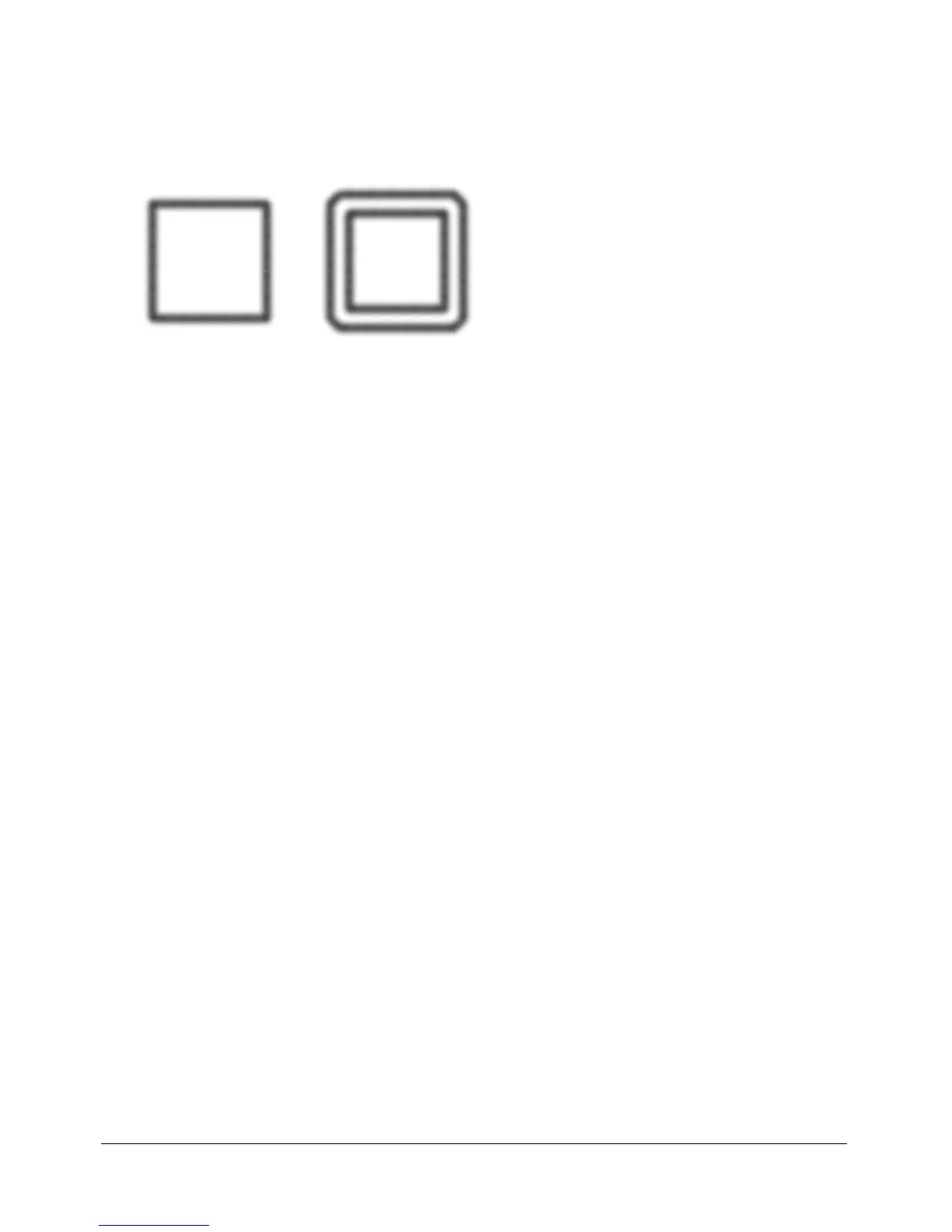
You can convert the stroke of a selected path into a closed path. The resulting path creates the
illusion of a path with no fill and a stroke that takes on the same attributes as the original
object’s fill.
Note: Expanding the stroke of a path that intersects itself can produce interesting results. If the
original path contains a fill, the intersecting portions of the path will not contain a fill after the stroke
is expanded.
To expand a selected object’s stroke:
1 Choose Modify > Alter Path > Expand Stroke to open the Expand Stroke dialog box.
2 Set the width of the resulting closed path.
3 Specify a corner type: miter, round, or beveled.
4 If you chose miter, set the miter limit, the point at which a miter corner automatically becomes
a beveled corner. The miter limit is the ratio of miter corner length to stroke width.
5 Choose an end cap option: butt, square, or round. Then click OK.
A closed path in the shape of the original and with the same stroke and fill attributes replaces
the original path.
Contracting or expanding a path
You can contract or expand the path of a selected object by a specific number of pixels.
To expand or contract a selected path:
1 Choose Modify > Alter Path > Inset Path to open the Inset Path dialog box.
2 Choose a direction to contract or expand the path:
Inside contracts the path.
Outside expands the path.
3 Set the width between the original path and the contracting or expanding path.
4 Specify a corner type: miter, round, or beveled.
5 If you chose miter, set the miter limit, the point at which a miter corner automatically becomes
a beveled corner. The miter limit is the ratio of miter corner length to stroke width.
6 Click OK.
A smaller or larger path object with the same stroke and fill attributes replaces the original
path object.



 To Next Page