Create symbols 105
You have now finished creating the symbol called slides. Next, you will
create a third symbol that will contain an instance of the slides symbol. As
you can see, nesting symbol instances inside other symbols is a common
technique of Flash authoring.
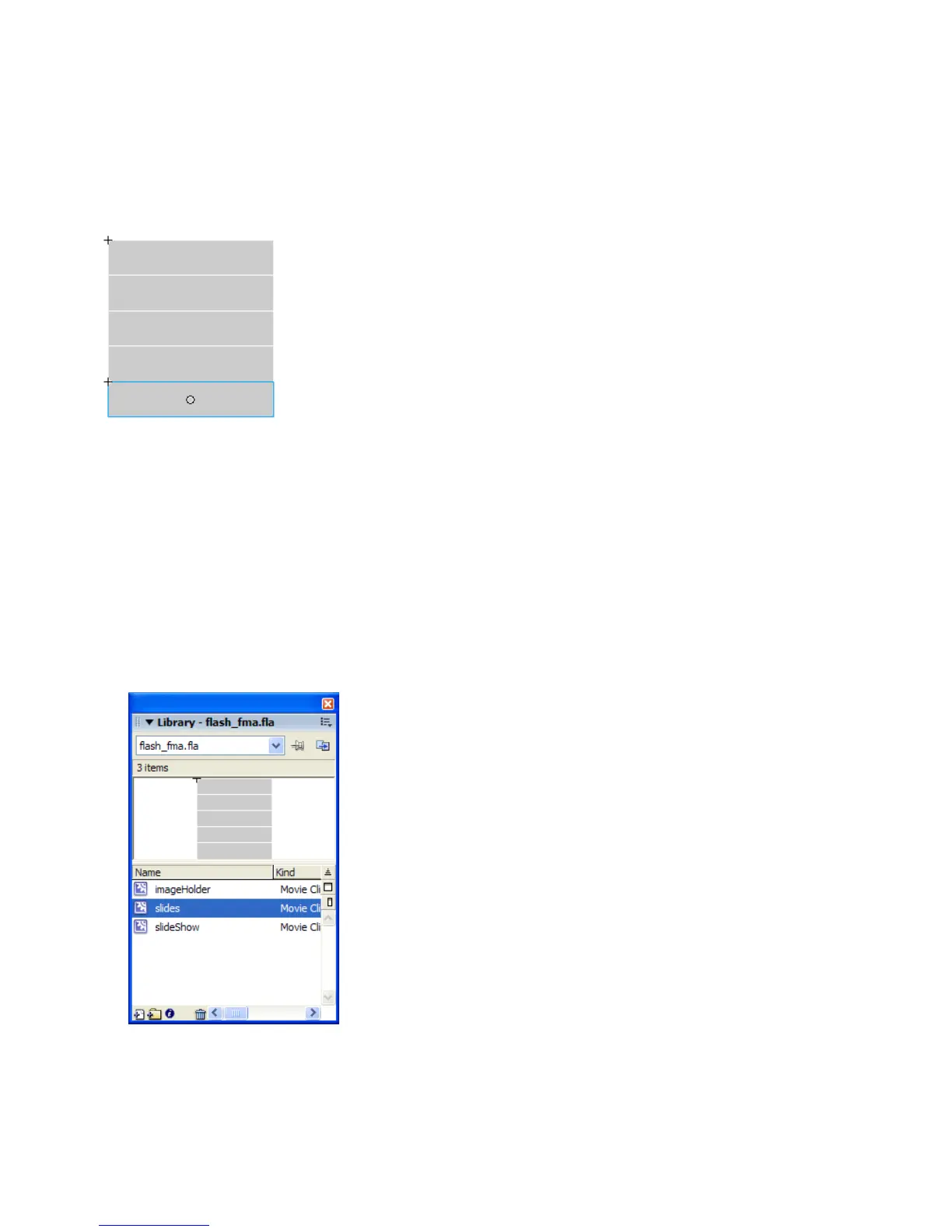
The completed slides symbol
To create the third symbol:
1. Select Insert > New Symbol.
2. In the Create New Symbol dialog box, enter slideShow in the Name
text box and click OK.
3. Drag the slides symbol you created in the previous section from the
Library panel to the drawing area of the new slideShow symbol.
This creates an instance of the slides symbol within the new
slideShow symbol.
The Library panel with the slides and slideShow symbols
000_Getting_Started.book Page 105 Friday, September 2, 2005 12:22 PM



 To Next Page