96 Tutorial: Building Your First Flash Application
Review your task
In this tutorial, you will create a type of application known as a flexible
messaging area, or FMA for the web site of a fictional restaurant called
Cafe Townsend. An FMA is a common type of Flash application used for
displaying content that conveys some kind of informational or marketing
message to the audience. In this case, the FMA displays photographs of
items from a restaurant menu. At Macromedia’s website, an FMA is used to
display information about new software products and other advertising
messages. These are called flexible messaging areas because they usually
occupy an area of the web page that is set aside for content that can change
depending on the needs of the business or website. For example, if the
fictional restaurant Café Townsend has a special event planned, its FMA
could change to display the details of that event instead of the restaurant’s
menu items.
In this tutorial, after examining a finished version of the FMA, you’ll begin
by creating a new Flash document and end by publishing the application
for web playback. The tutorial should take approximately 30 minutes
to complete.
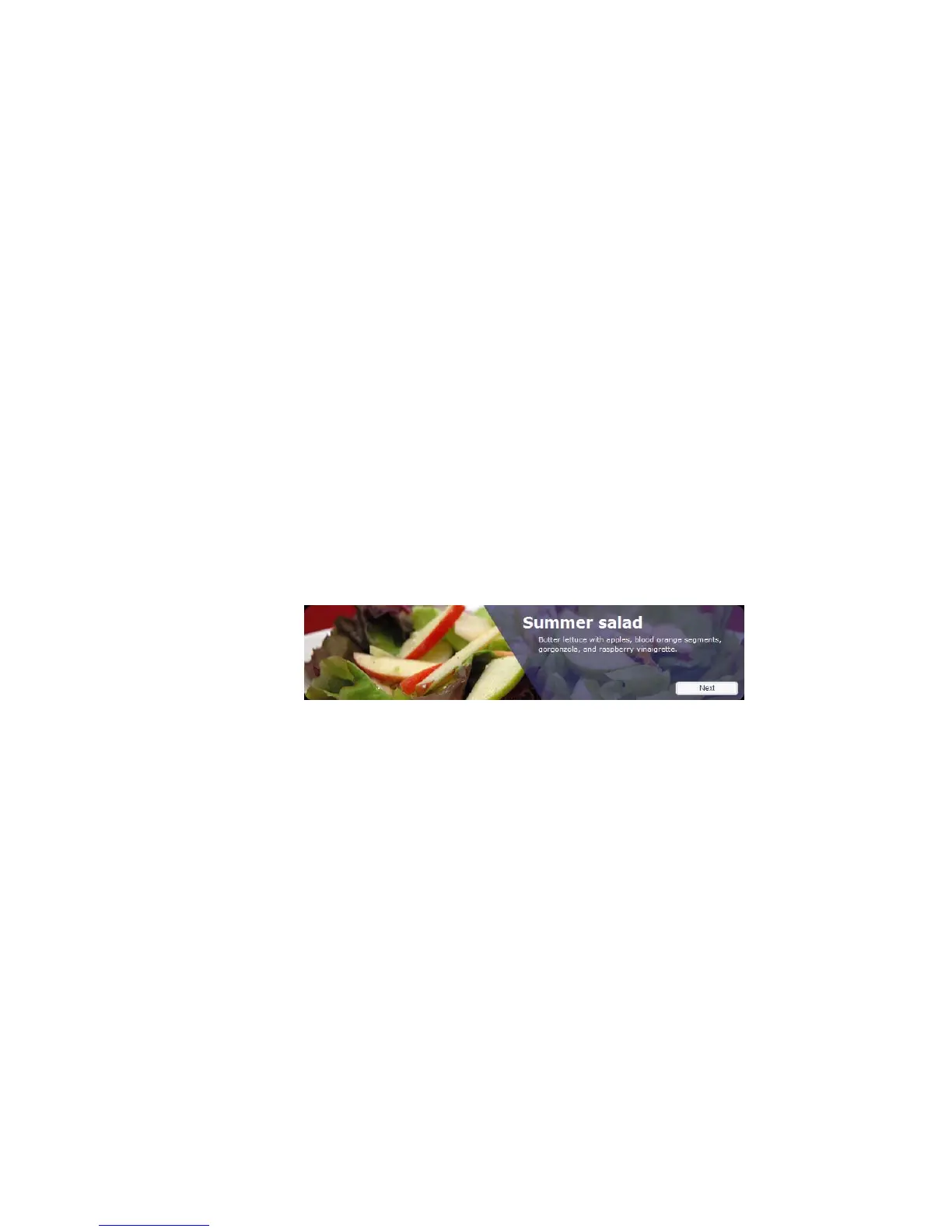
The completed FMA
Examine the completed
application
As you examine the finished version of the application you’ll create, you
will also gain some familiarity with the Flash workspace.
In subsequent sections of this tutorial, you’ll follow the steps to create the
application yourself.
000_Getting_Started.book Page 96 Friday, September 2, 2005 12:22 PM



 To Next Page