114 Tutorial: Building Your First Flash Application
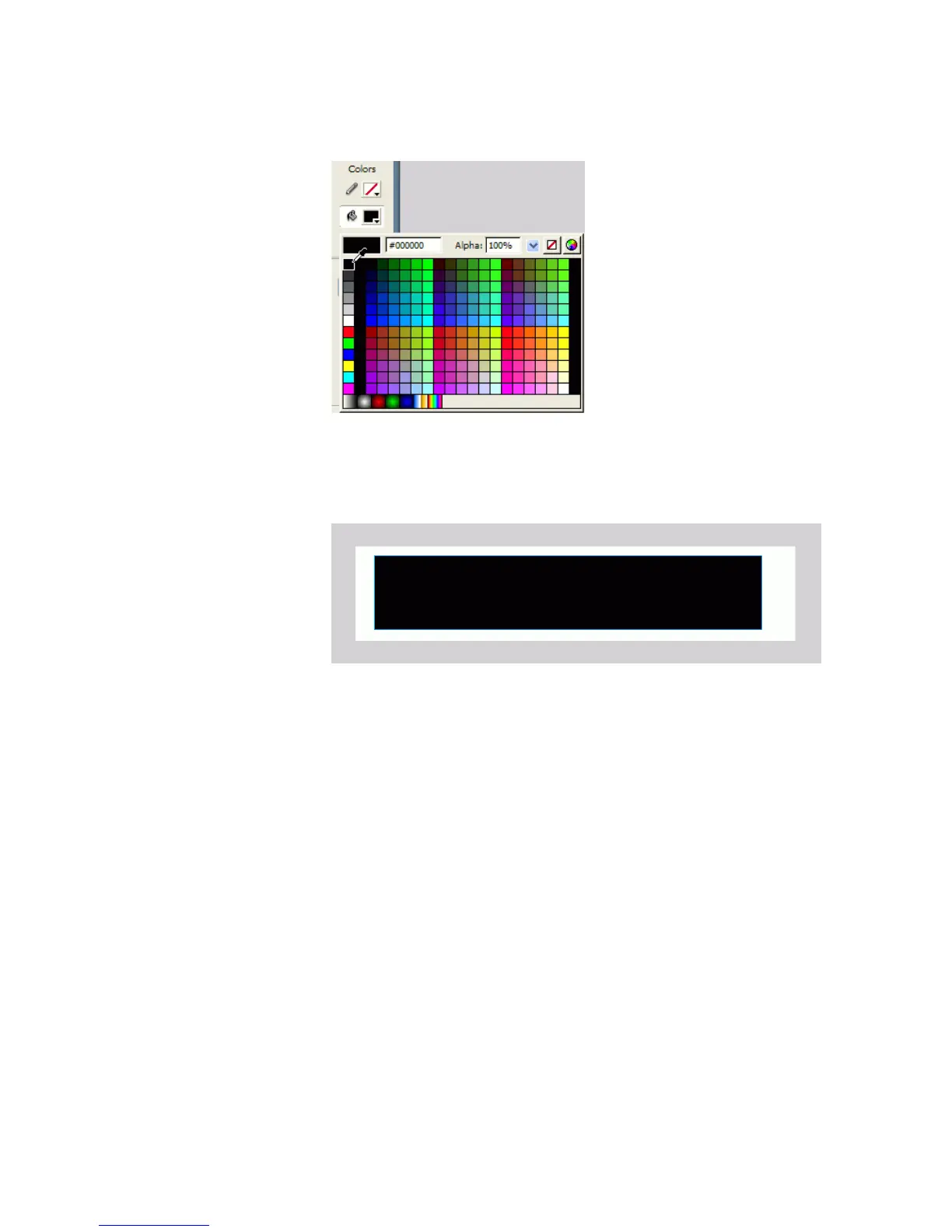
5. Select the color black (#000000) from the Fill Color Picker.
Selecting black from the Fill Color Picker
6. Draw a rectangle on the Stage that is approximately the same shape as
the Stage.
Drawing a black rectangle the shape of the Stage
7. In the Tools panel, select the Selection tool.
8. On the Stage, click the rectangle you just drew to select it.
9. Select Window > Align to open the Align panel.
000_Getting_Started.book Page 114 Friday, September 2, 2005 12:22 PM



 To Next Page