16 Introduction
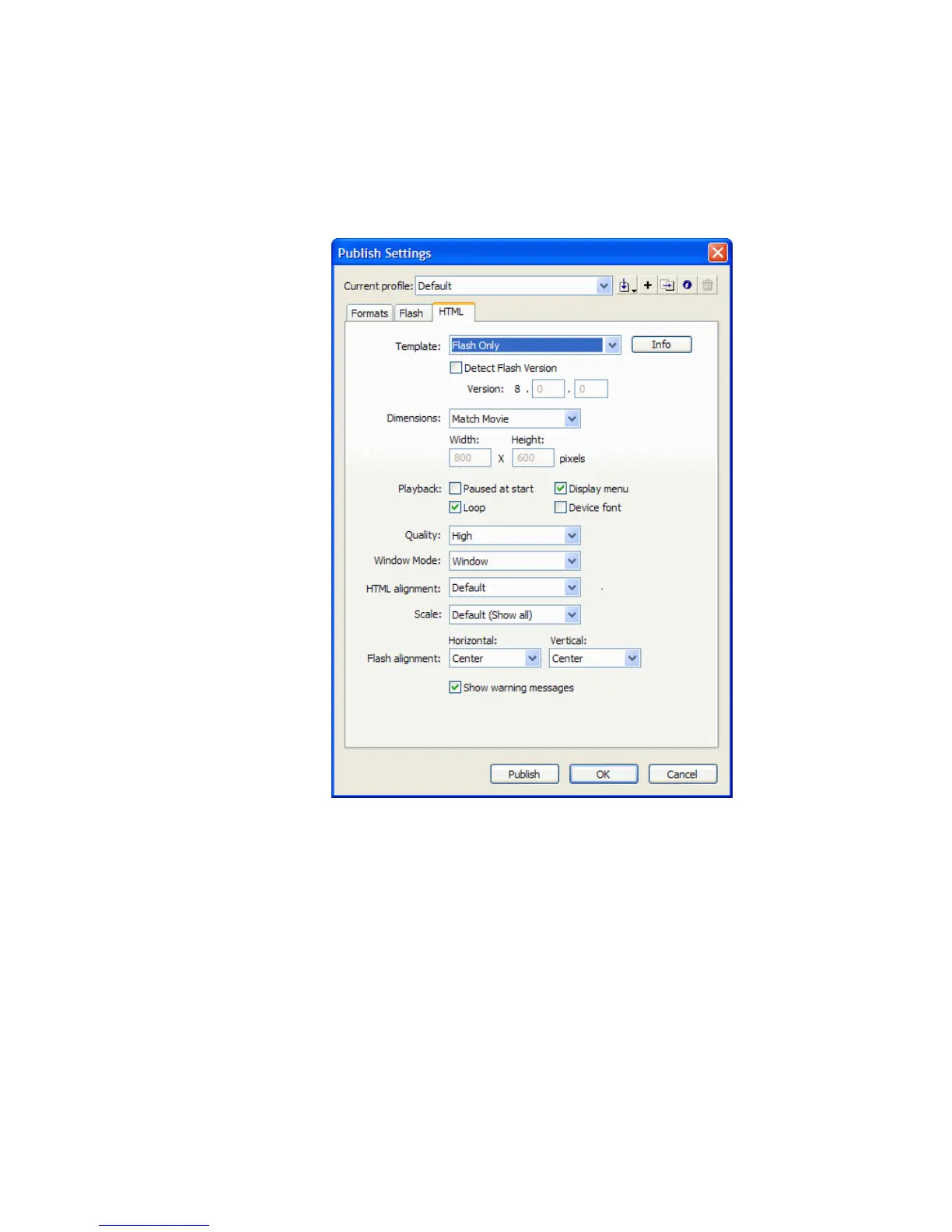
3. In the Publish Settings dialog box, select the HTML tab and verify that
Flash Only is selected in the Template pop-up menu.
This template creates a simple HTML file that contains only your
SWF file when displayed in a browser window.
Choosing Flash Only from the Template menu
4. Click OK.
5. Select File > Publish and open your web browser.
6. Select File > Open in the web browser.
7. Navigate to the folder where you saved your FLA file.
The SimpleFlash.swf and SimpleFlash.html files are there. Flash creates
these files when you click Publish.
000_Getting_Started.book Page 16 Friday, September 2, 2005 12:22 PM



 To Next Page